




Running a restaurant means juggling a lot - reservations, prep, staff rotations, last-minute call-outs, and the occasional fire to put out (literally or not). Good scheduling tools don’t just post shifts; they help you spot problems before they happen, swap people in without drama, and stay on top of labor costs without turning into a spreadsheet zombie. Whether you’re running a café with three baristas or a multi-location setup with rotating kitchen crews, there are apps built to make scheduling less of a time suck. Below, we’ve collected the ones that actually hold up.

Signs and Mirrors: Visual Signage That Speaks Quietly
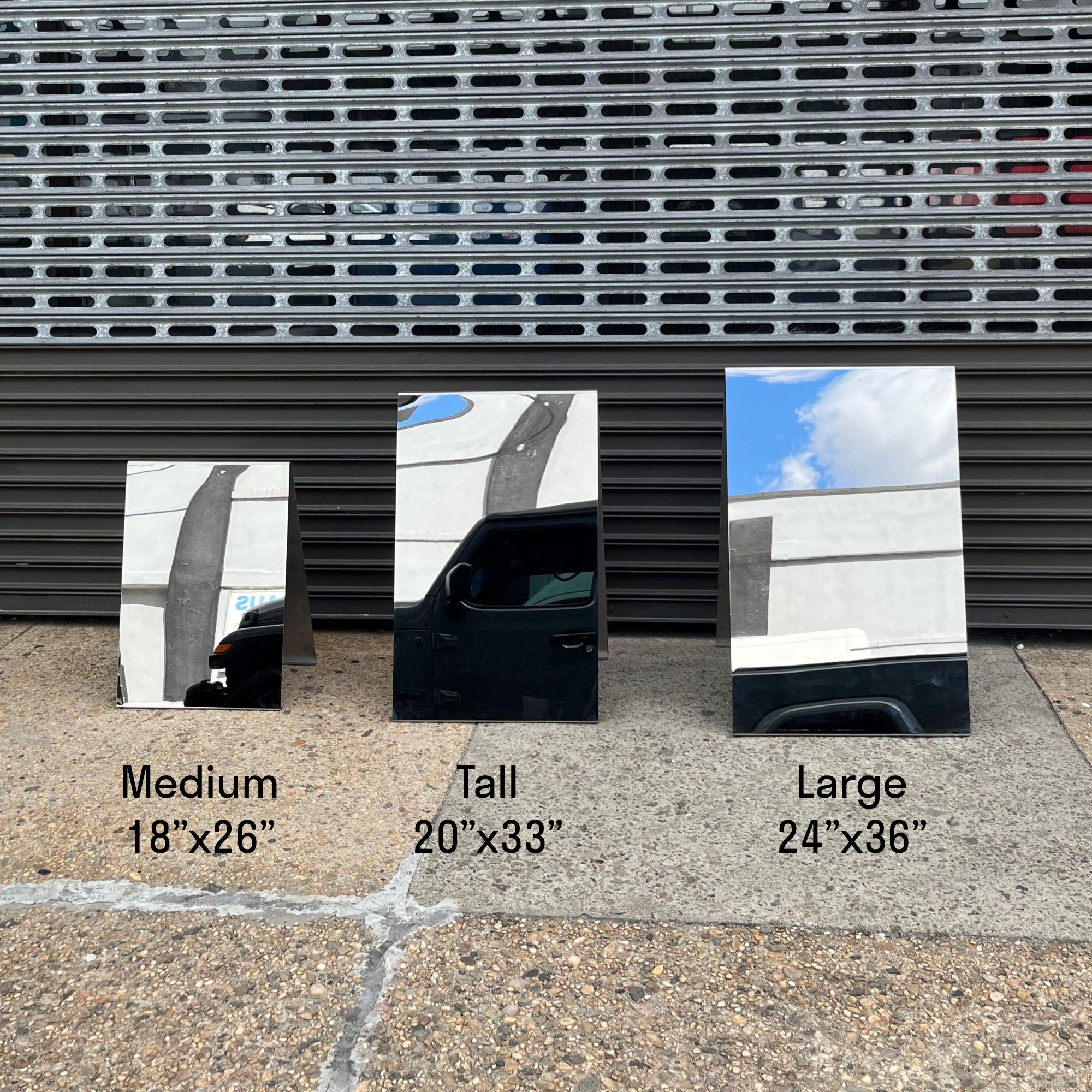
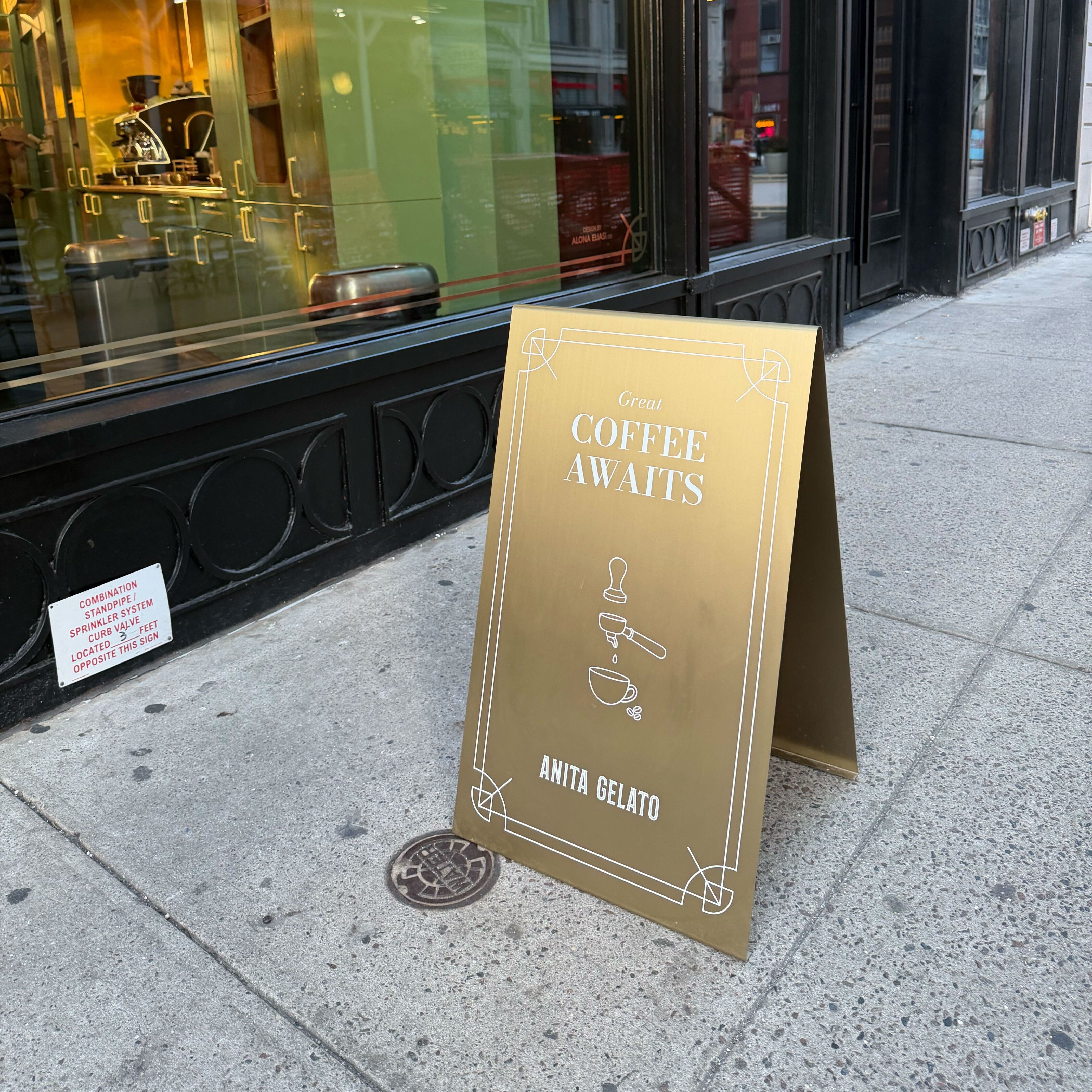
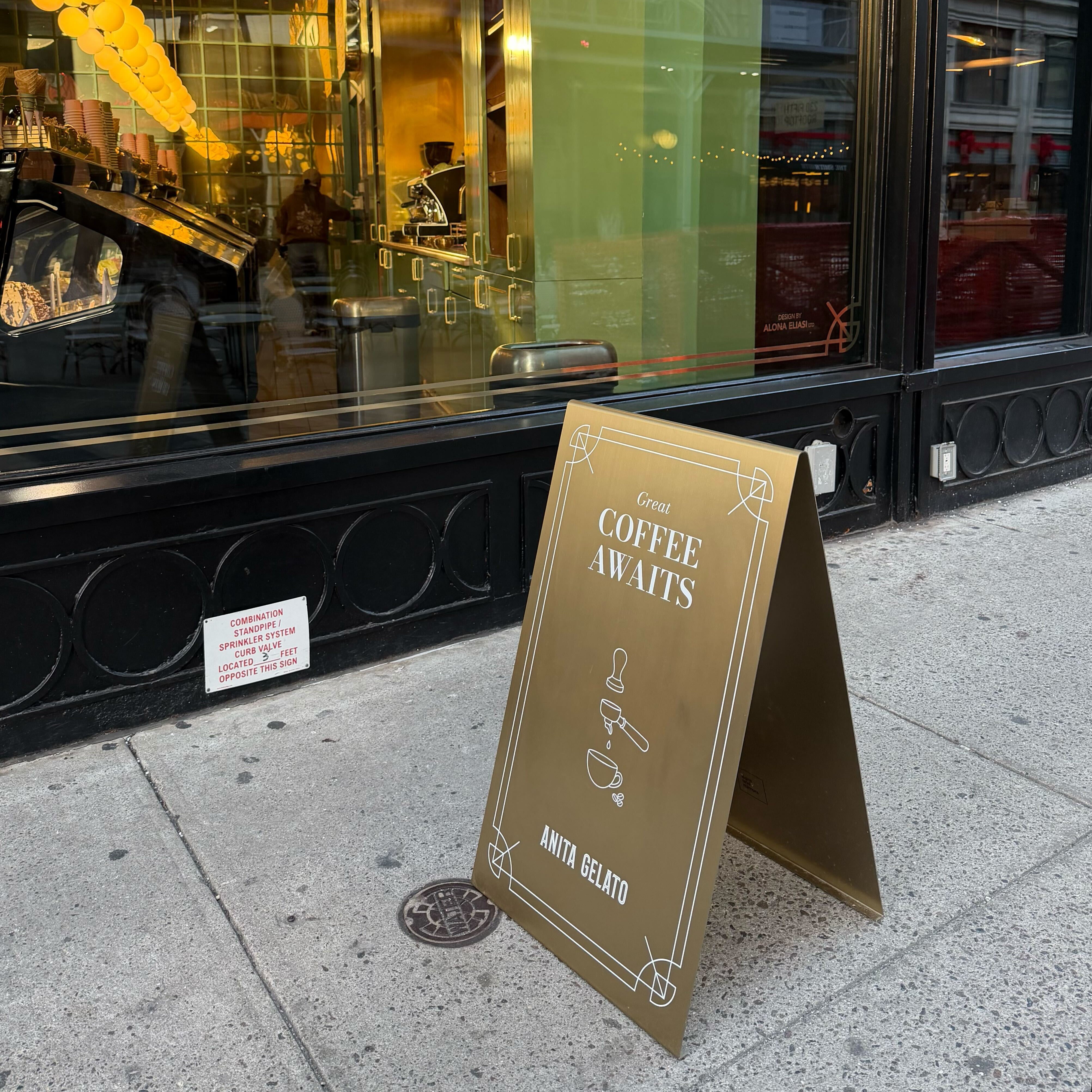
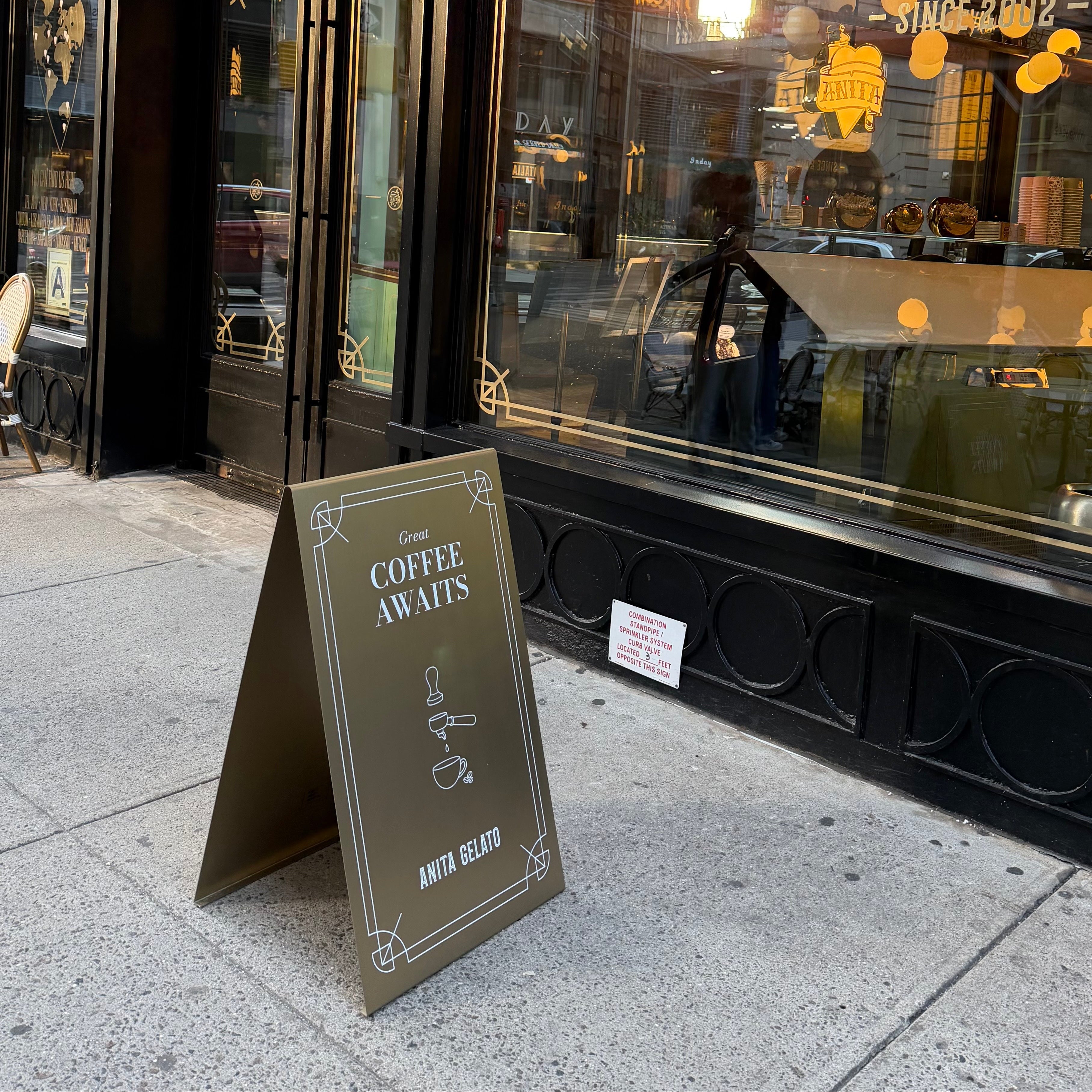
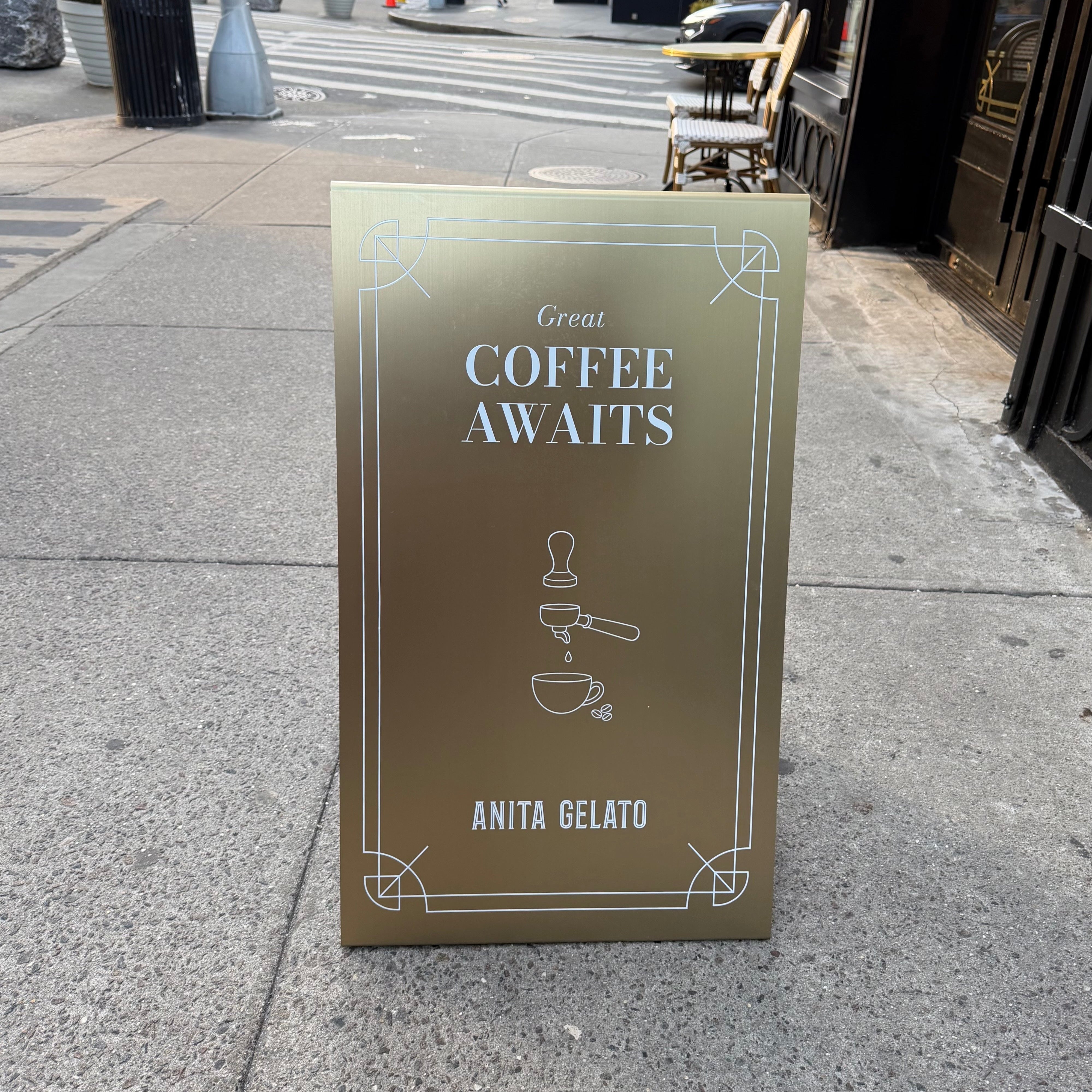
Signs and Mirrors began as a way to solve our own need - finding a minimal, mirrored A-frame sign that felt intentional and well-made. When we couldn’t find one, we built it ourselves. Since then, we’ve expanded into a full line of signs and furniture that now appear outside cafés, studios, restaurants, and storefronts across the U.S.
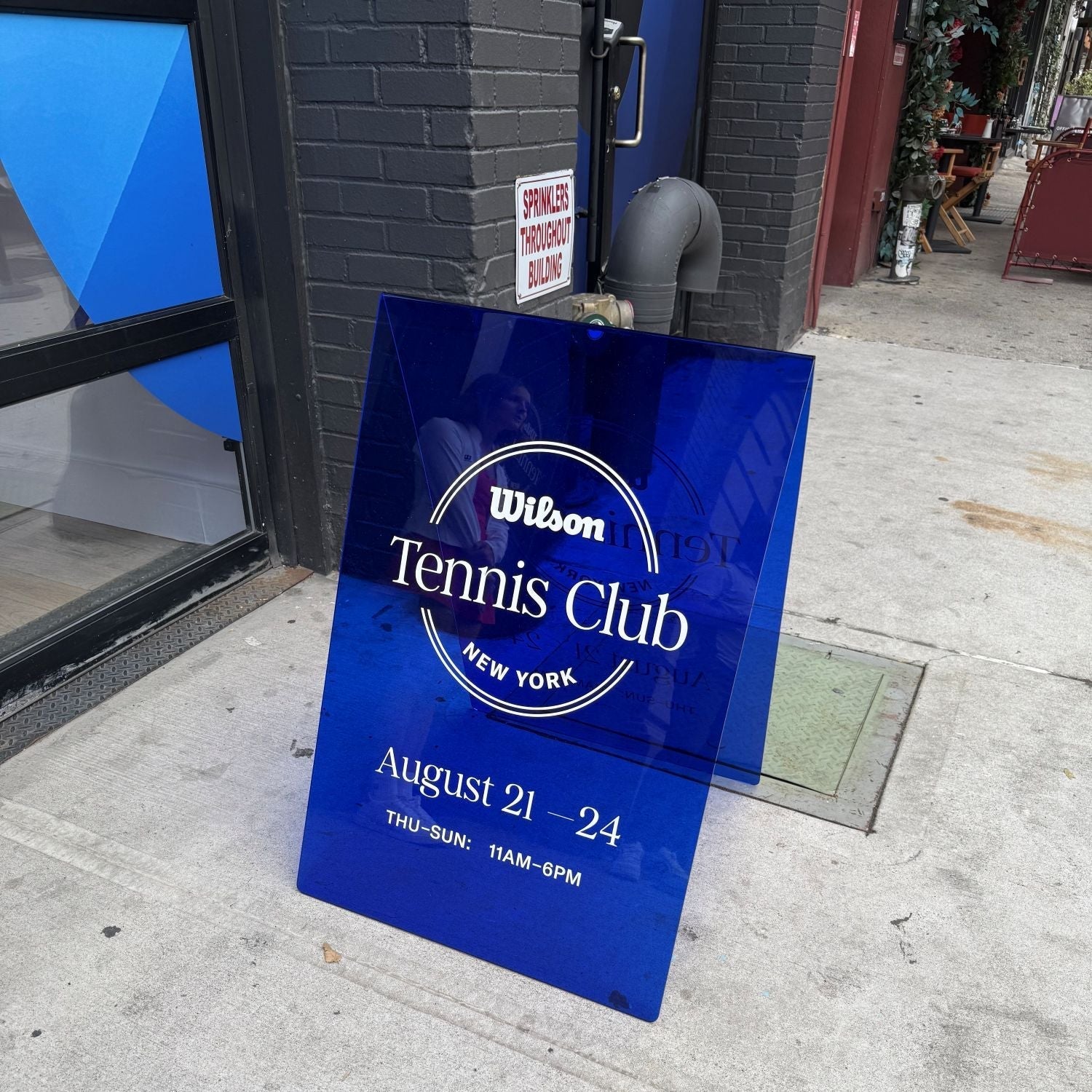
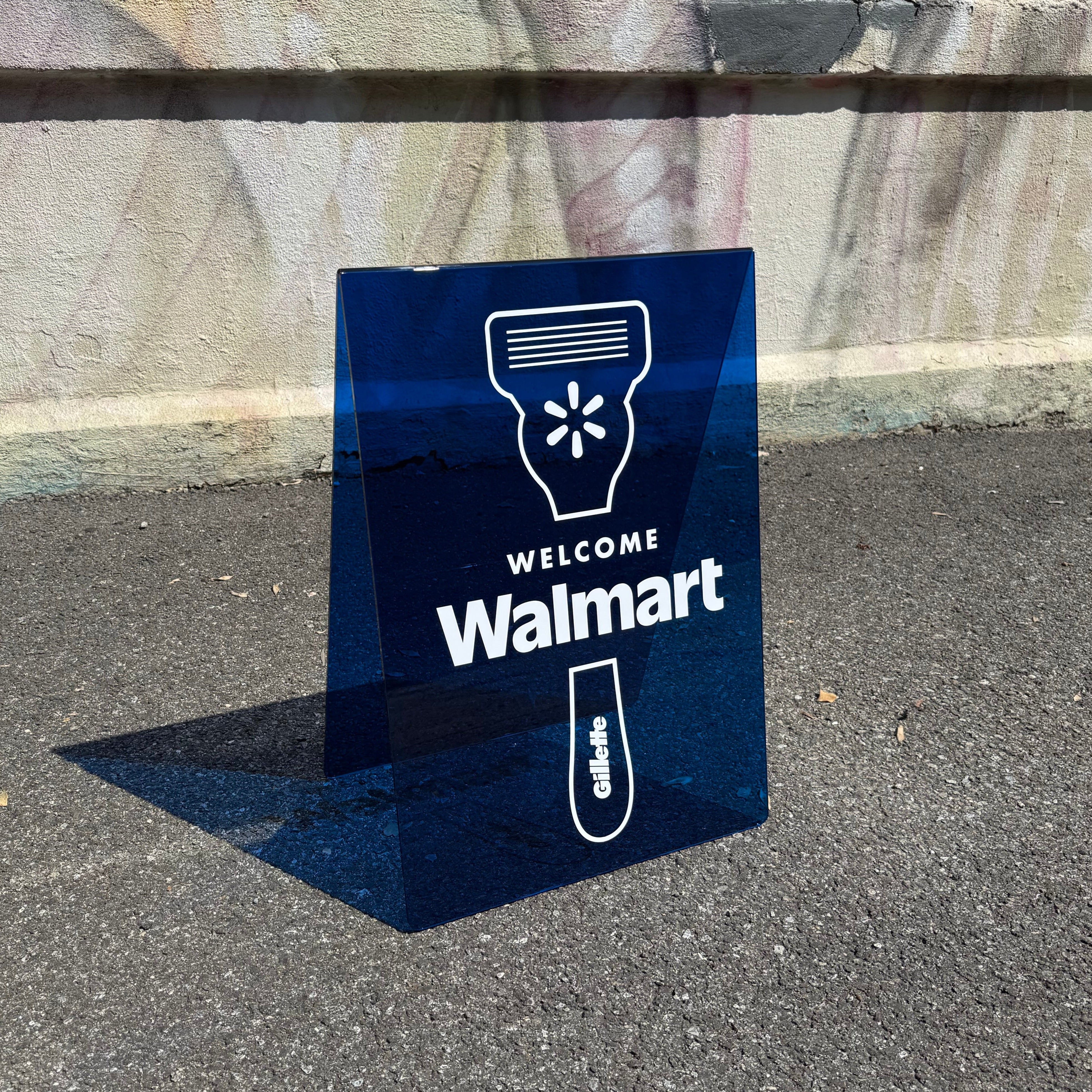
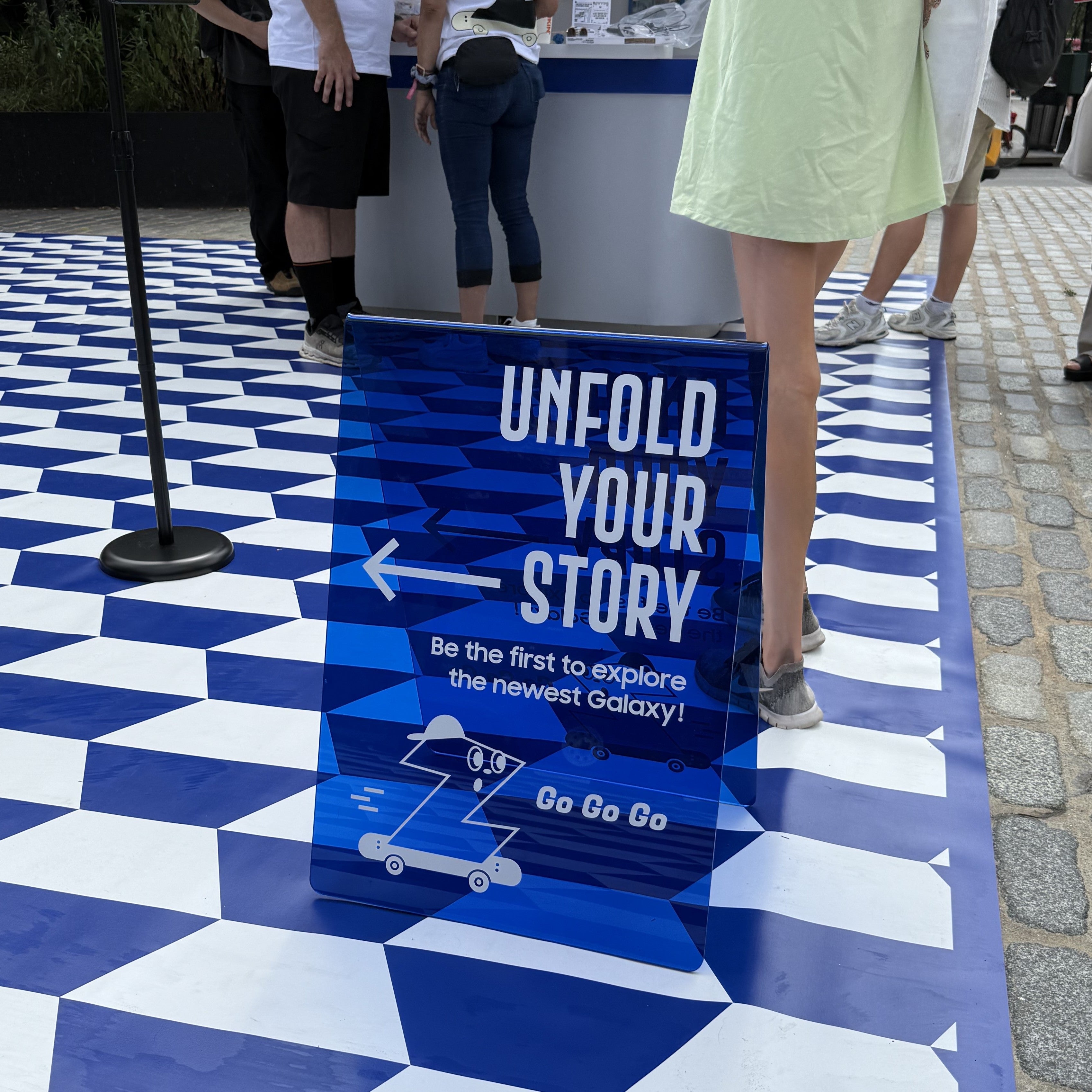
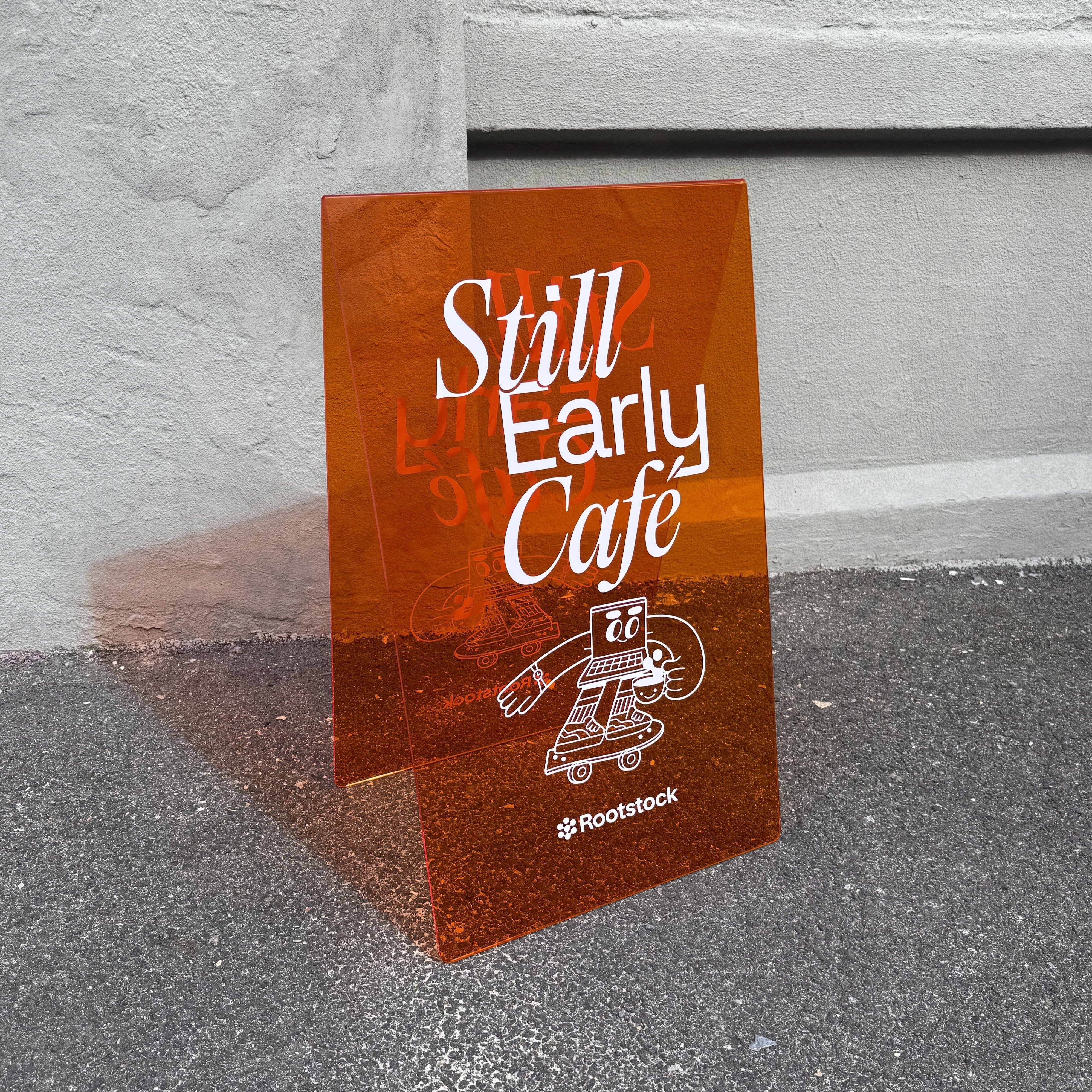
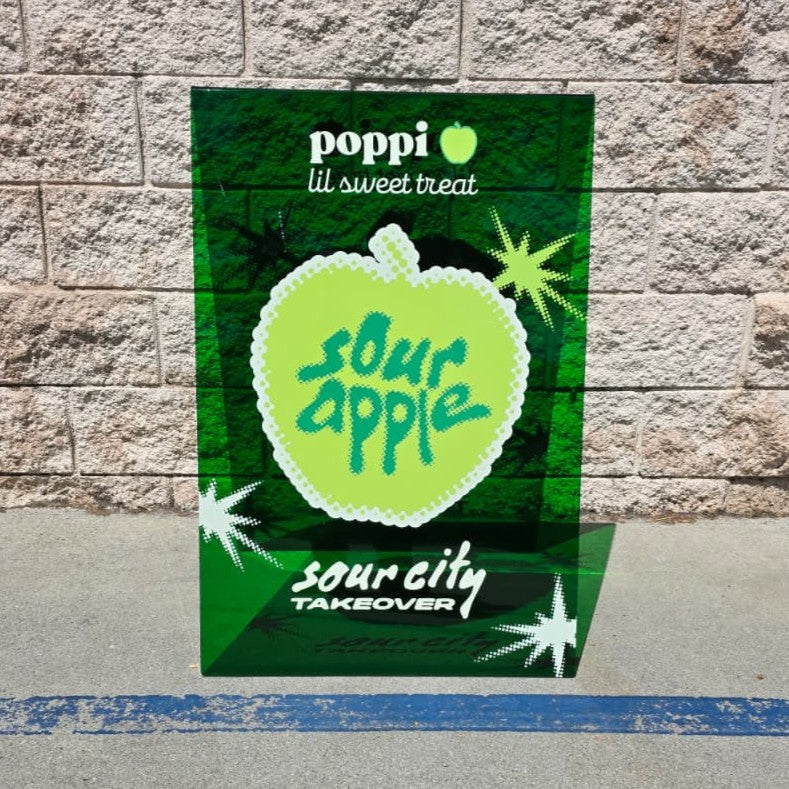
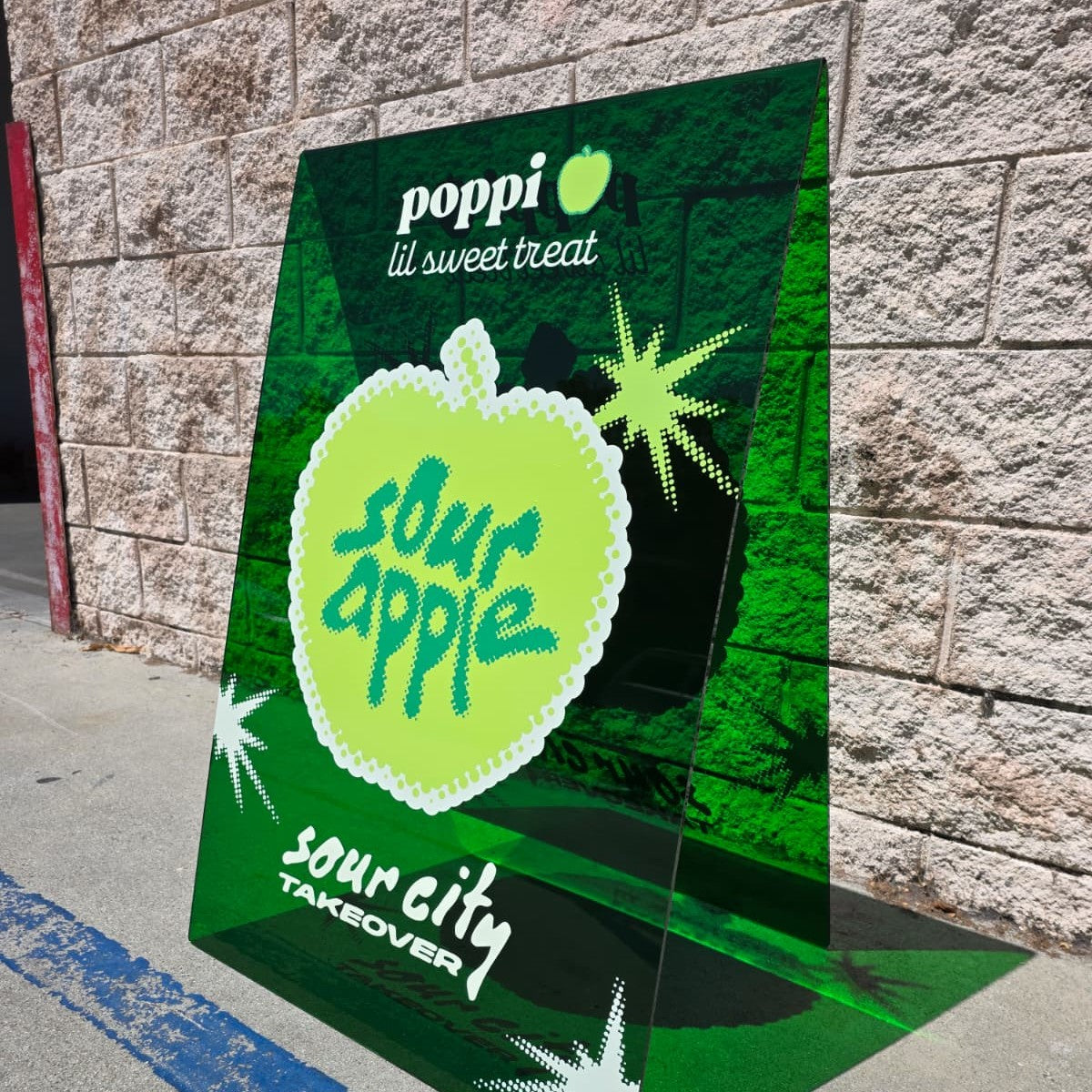
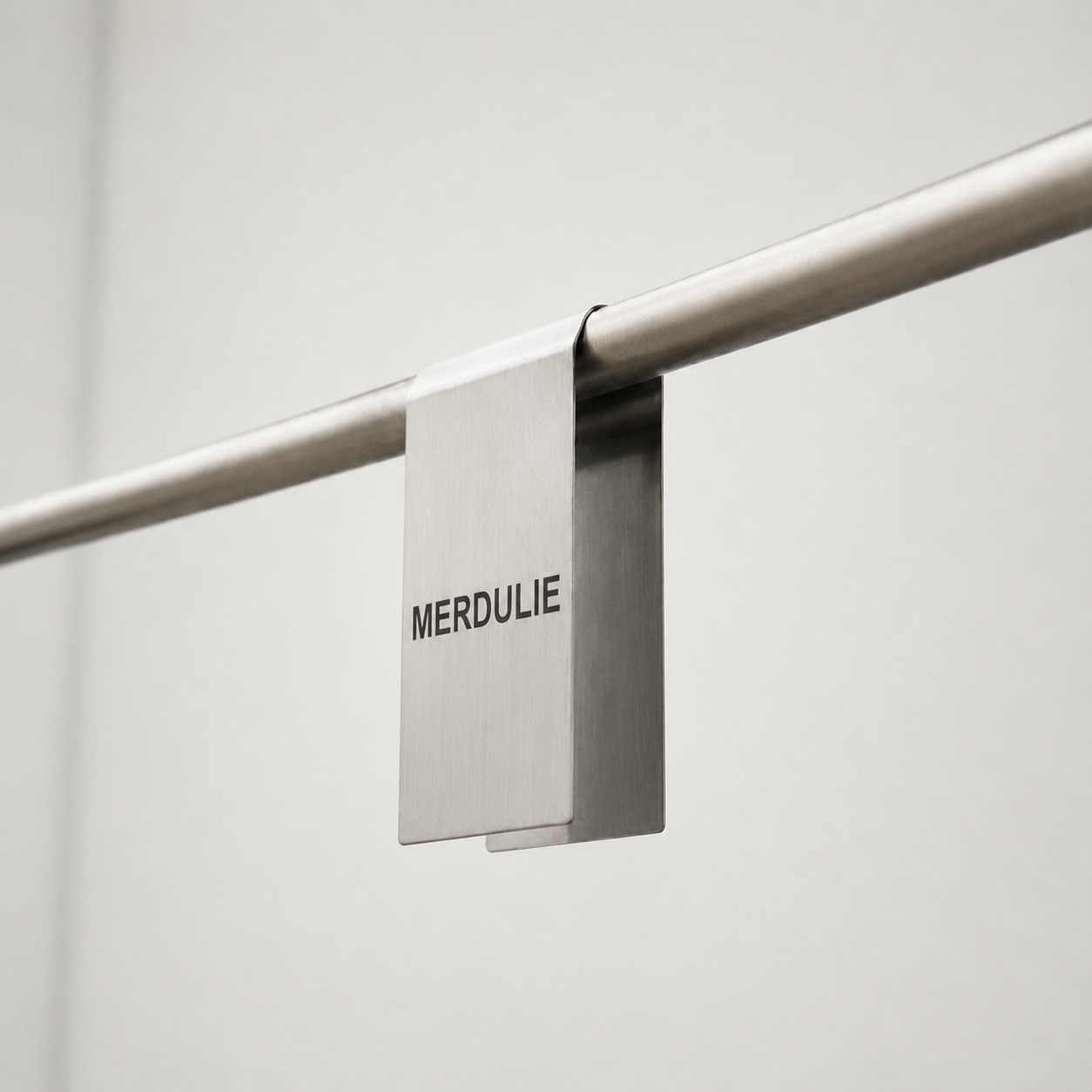
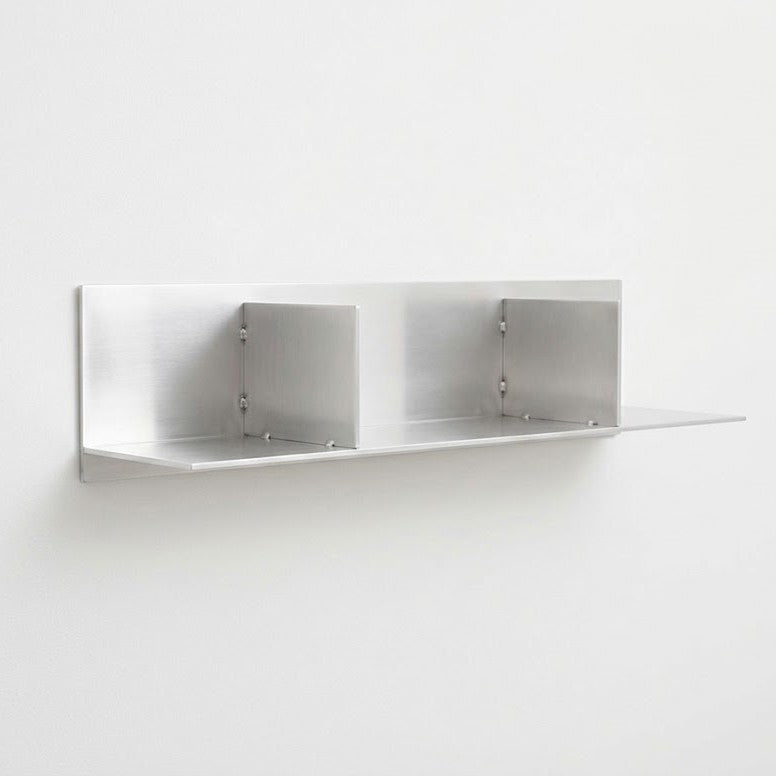
Our collection includes brushed and mirrored stainless steel signs, clear acrylic sidewalk boards, and tabletop formats designed to add presence without noise. Each piece is made to reflect its space - literally or structurally - and helps businesses communicate clearly, without distraction. For restaurants, that means a clean, durable way to greet guests, list specials, or simply hold the visual line outside.
Types of Signs You Can Purchase from Signs and Mirrors
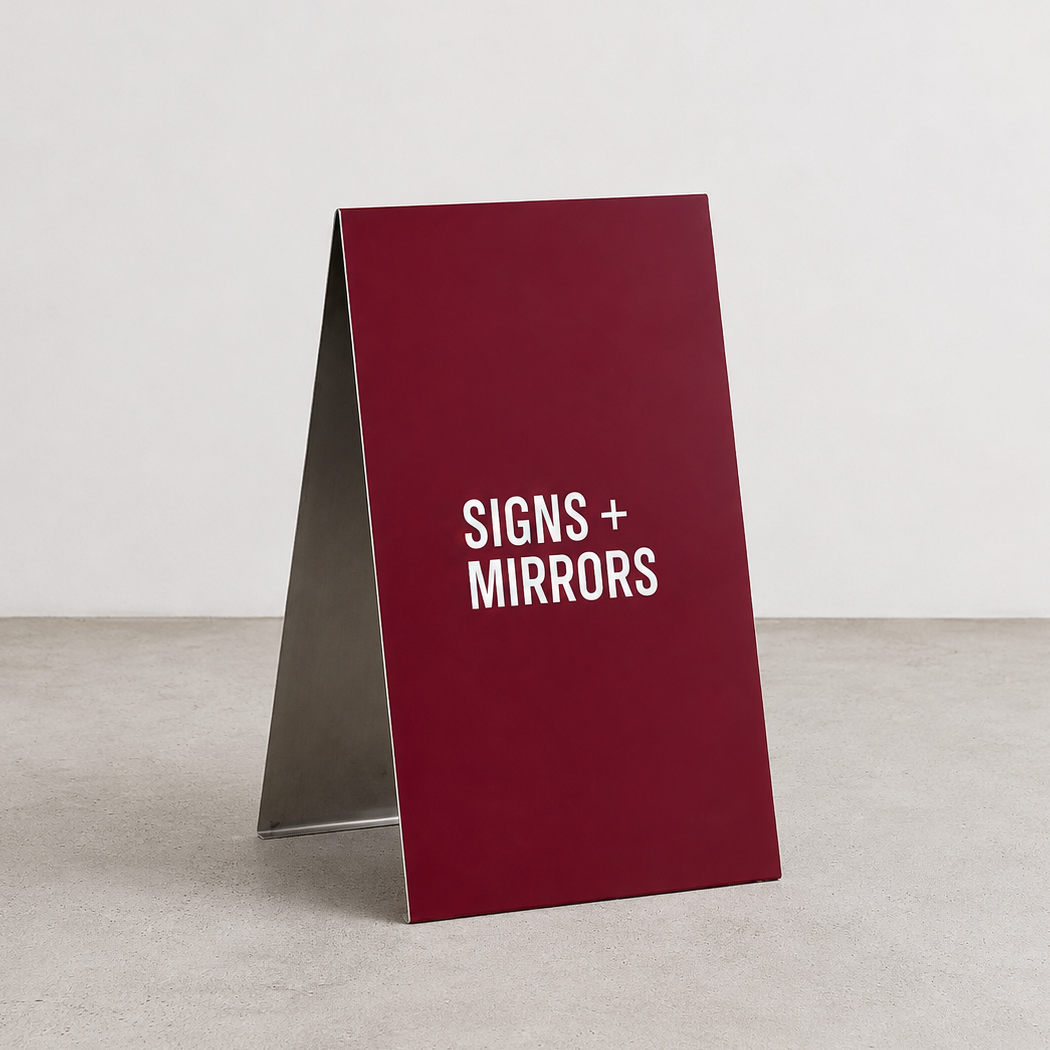
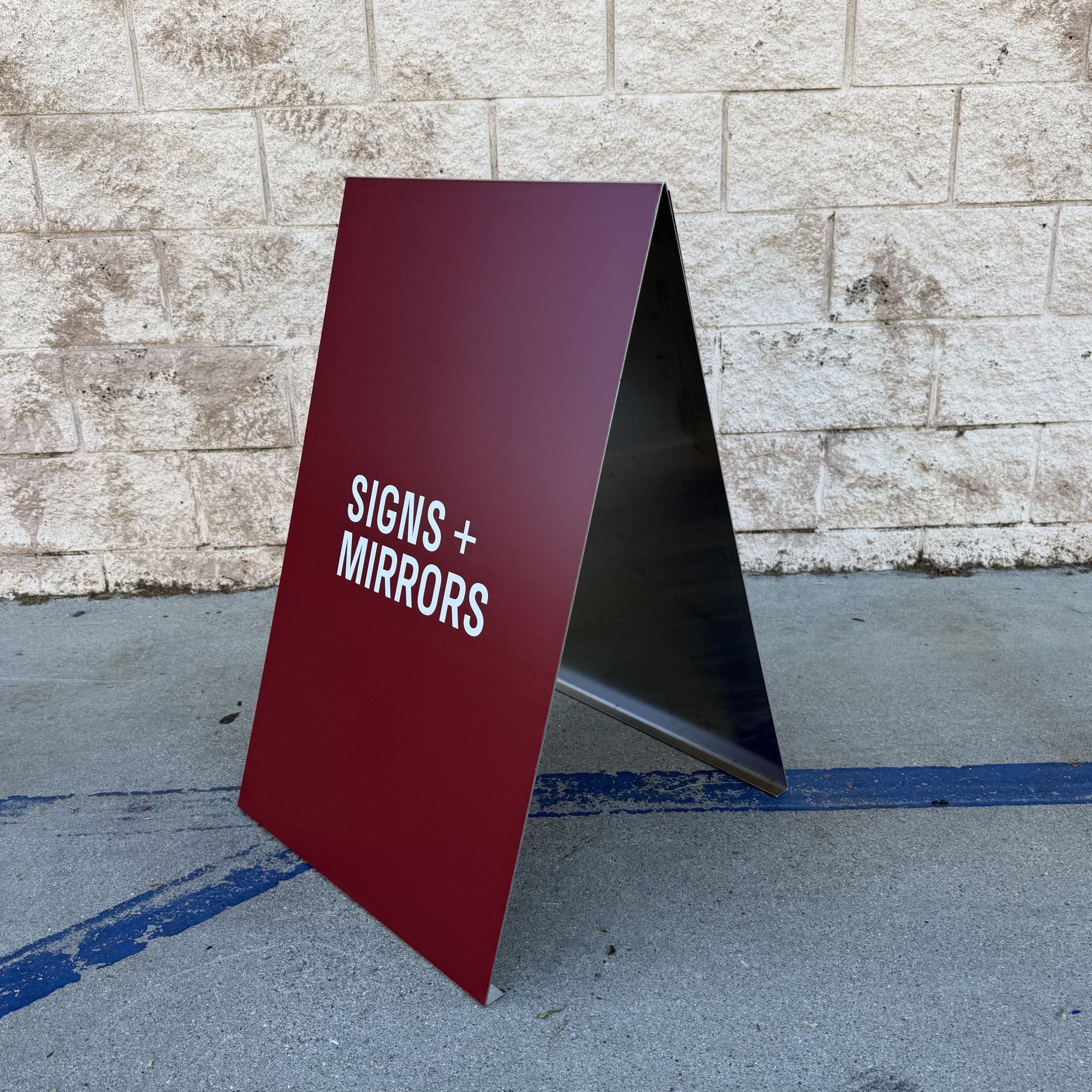
Our collection includes a range of premium A-frame, standing, and insert signs made from stainless steel and acrylic. Each one is designed for commercial use, with a focus on clean materials, lasting build quality, and customizable display surfaces. Below are a few options from our collection.

1. Brushed Stainless Steel A-Frame Sidewalk Sign
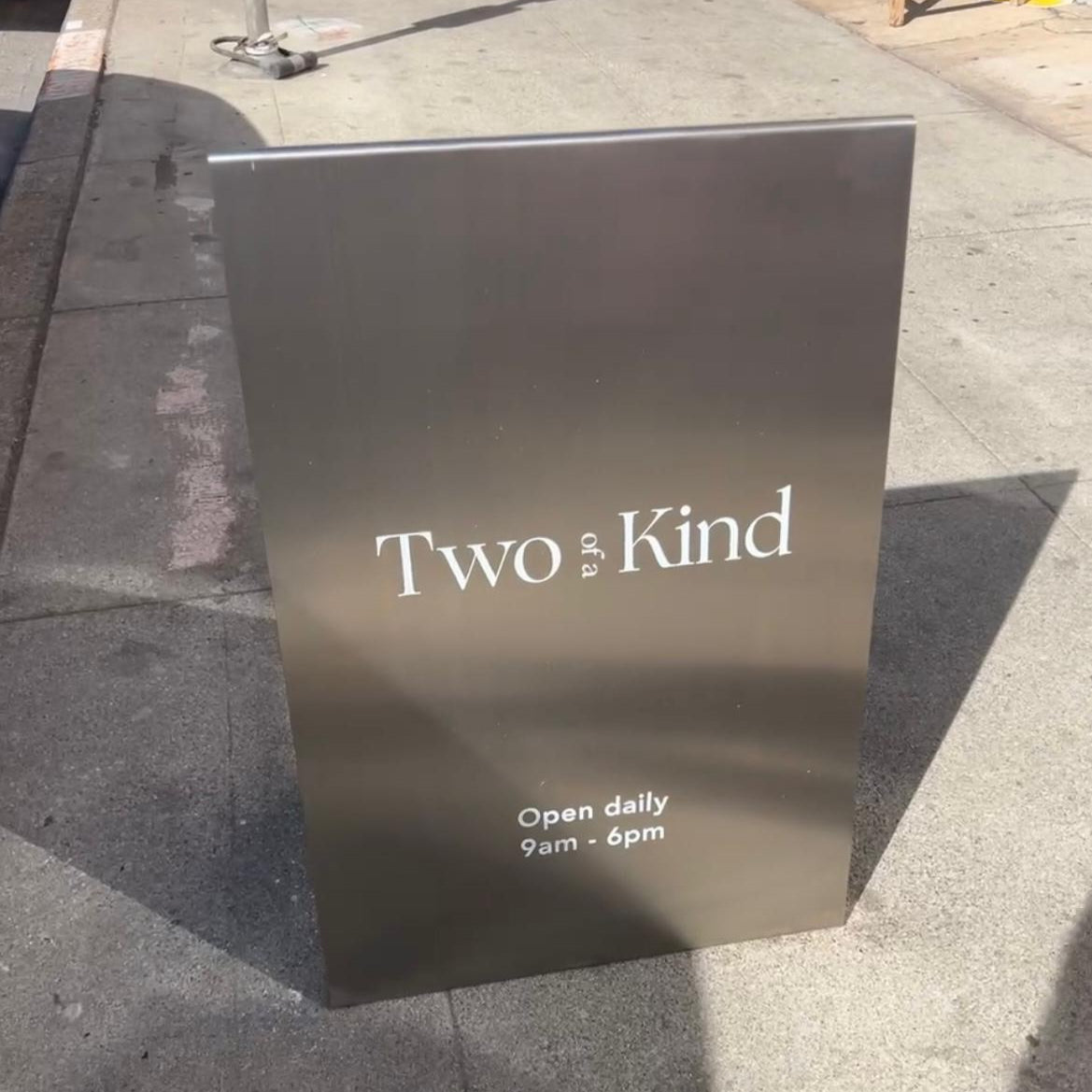
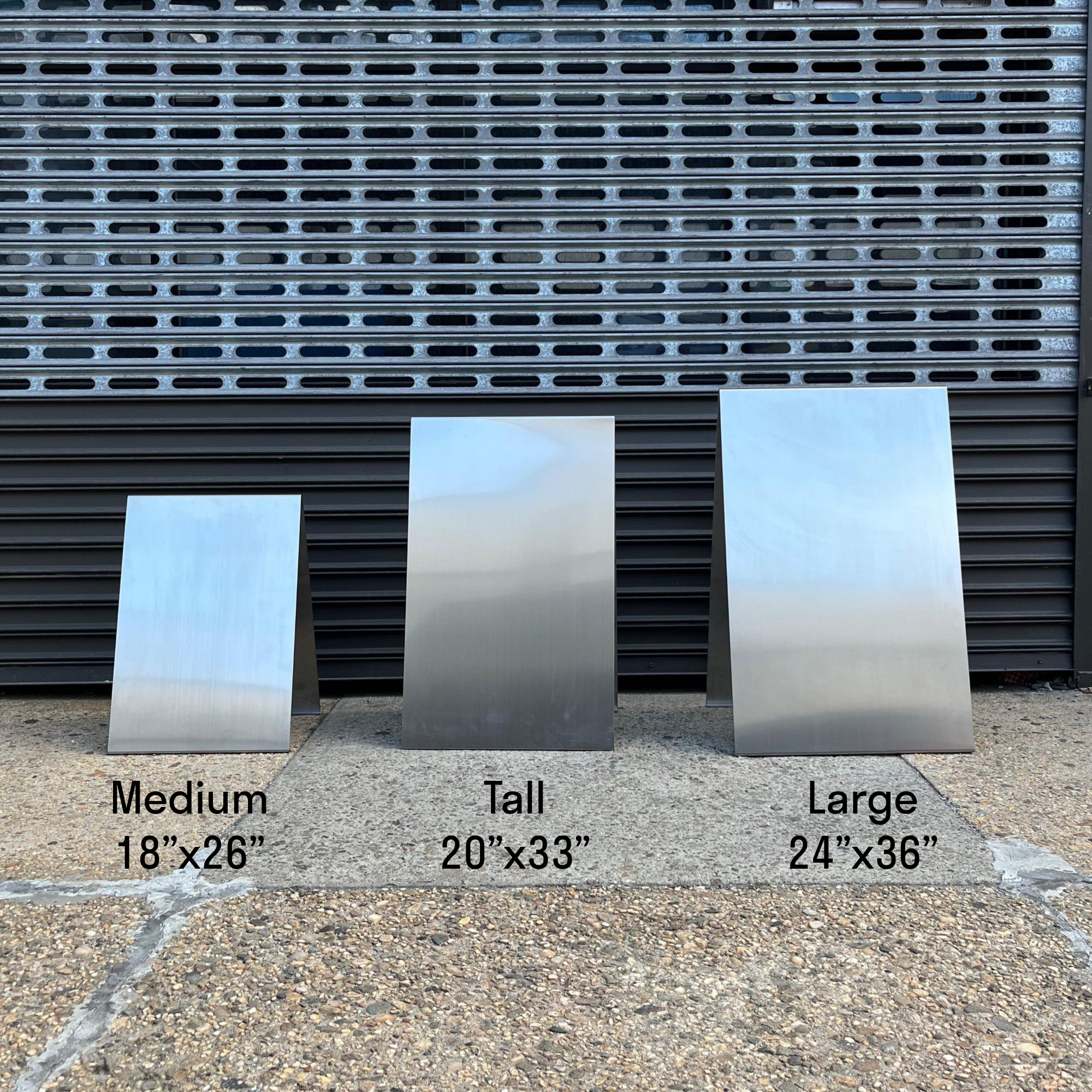
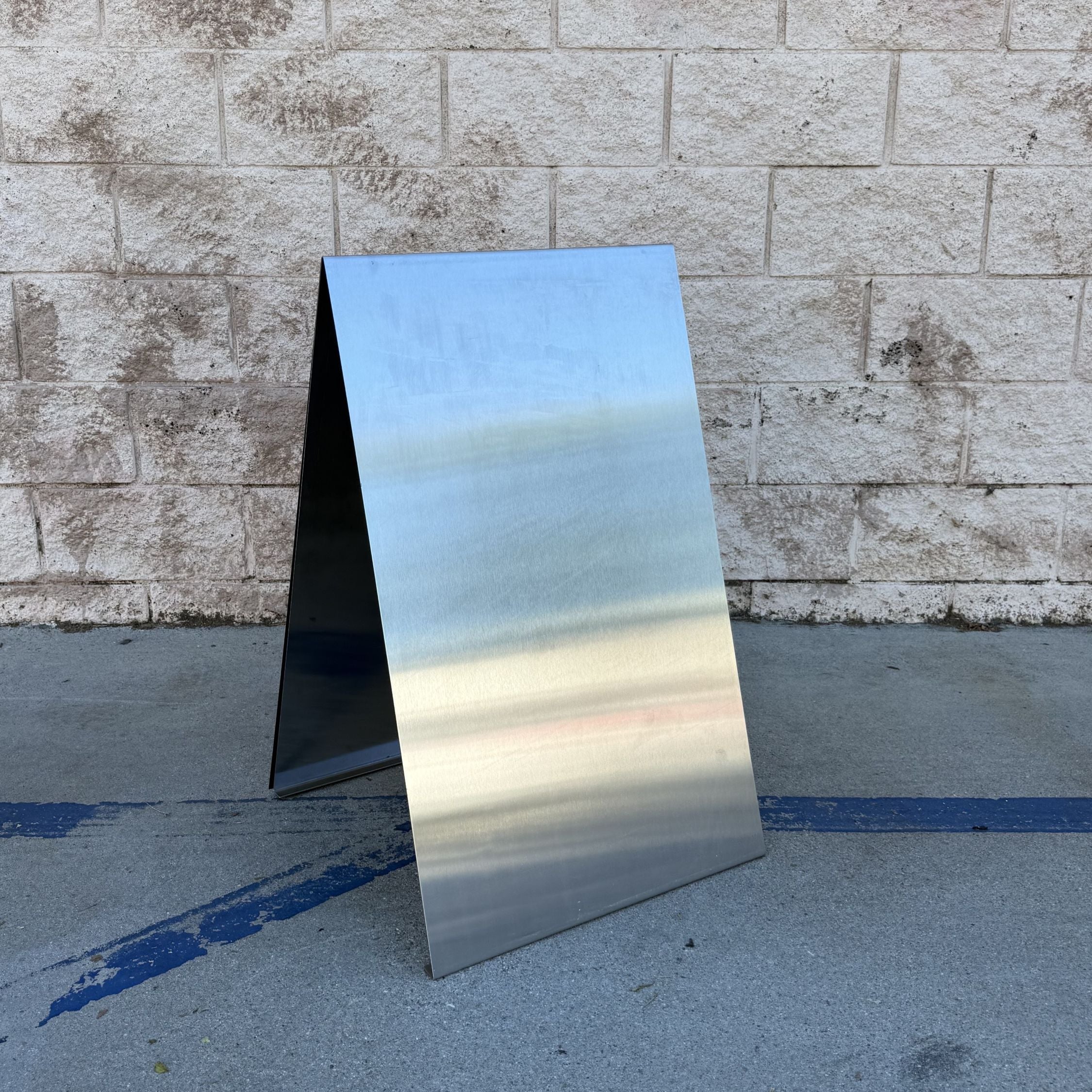
The Brushed Stainless Steel A-Frame Sidewalk Sign is crafted from a single sheet of 304 stainless steel and built for durability. It has a brushed finish on both sides and is suitable for both indoor and outdoor use.
- Unbranded or custom-printed display options available
- Folds flat for easy storage when not in use
- Often used outside restaurants, cafés, and retail shops

2. Custom Insert A-Frame Sandwich Board Sign
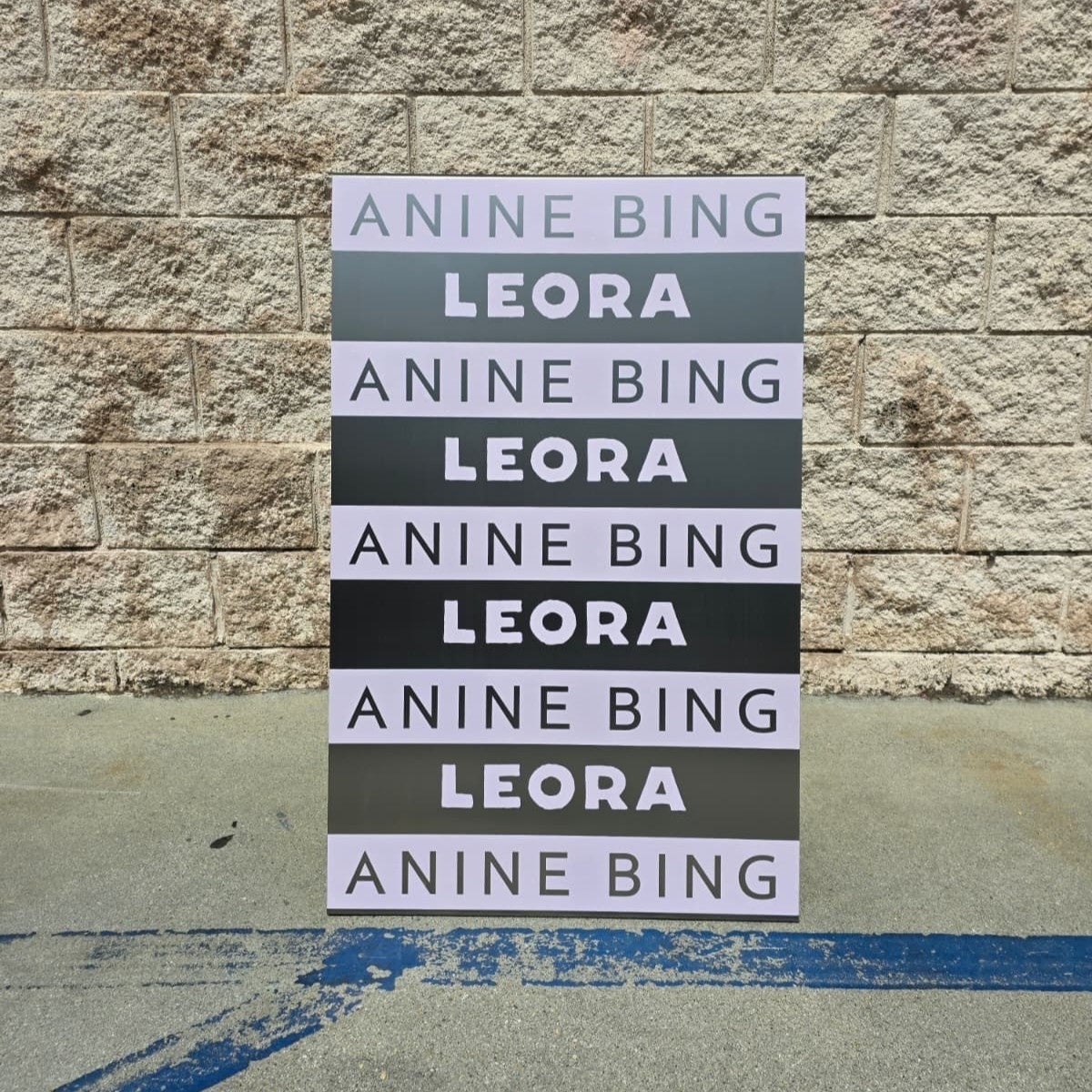
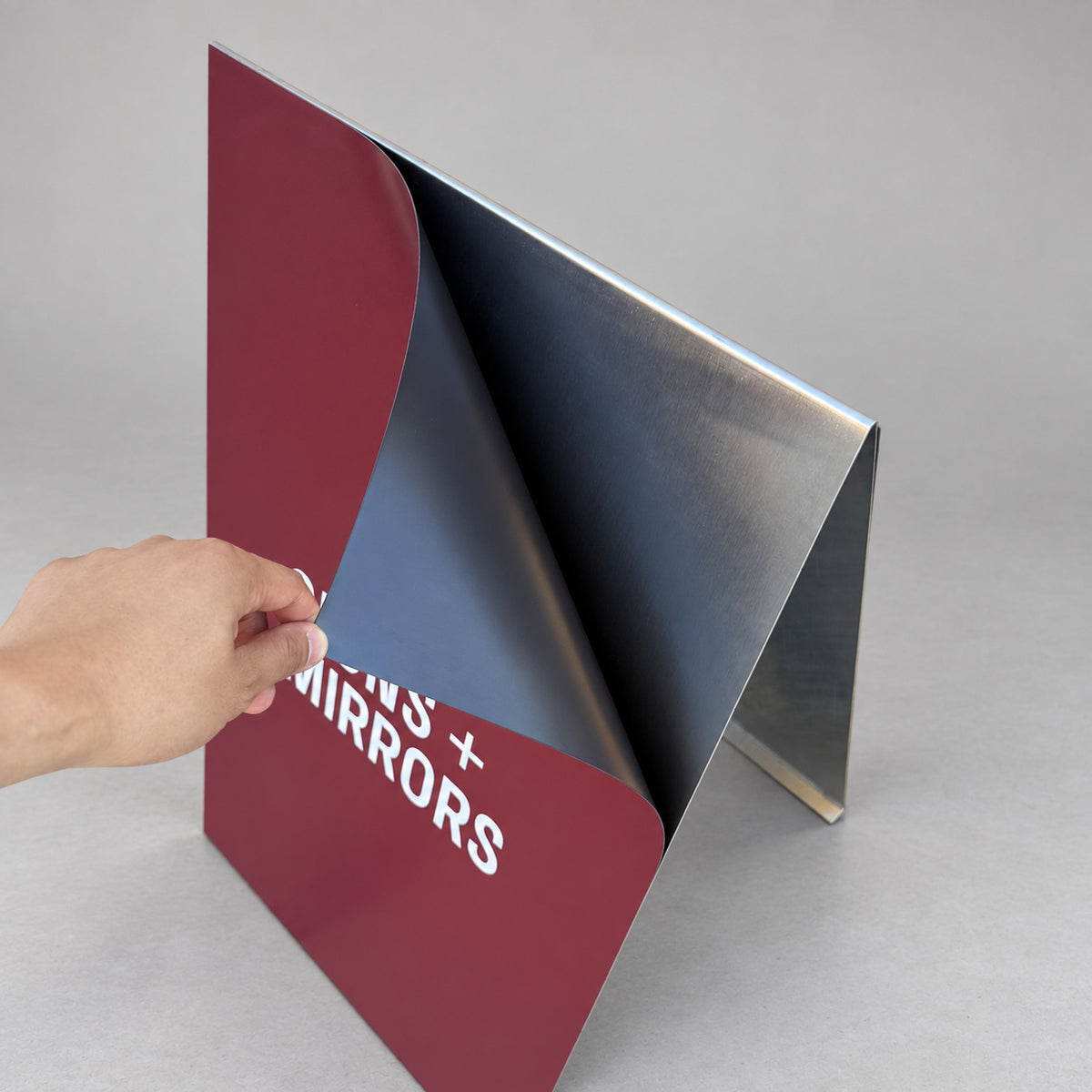
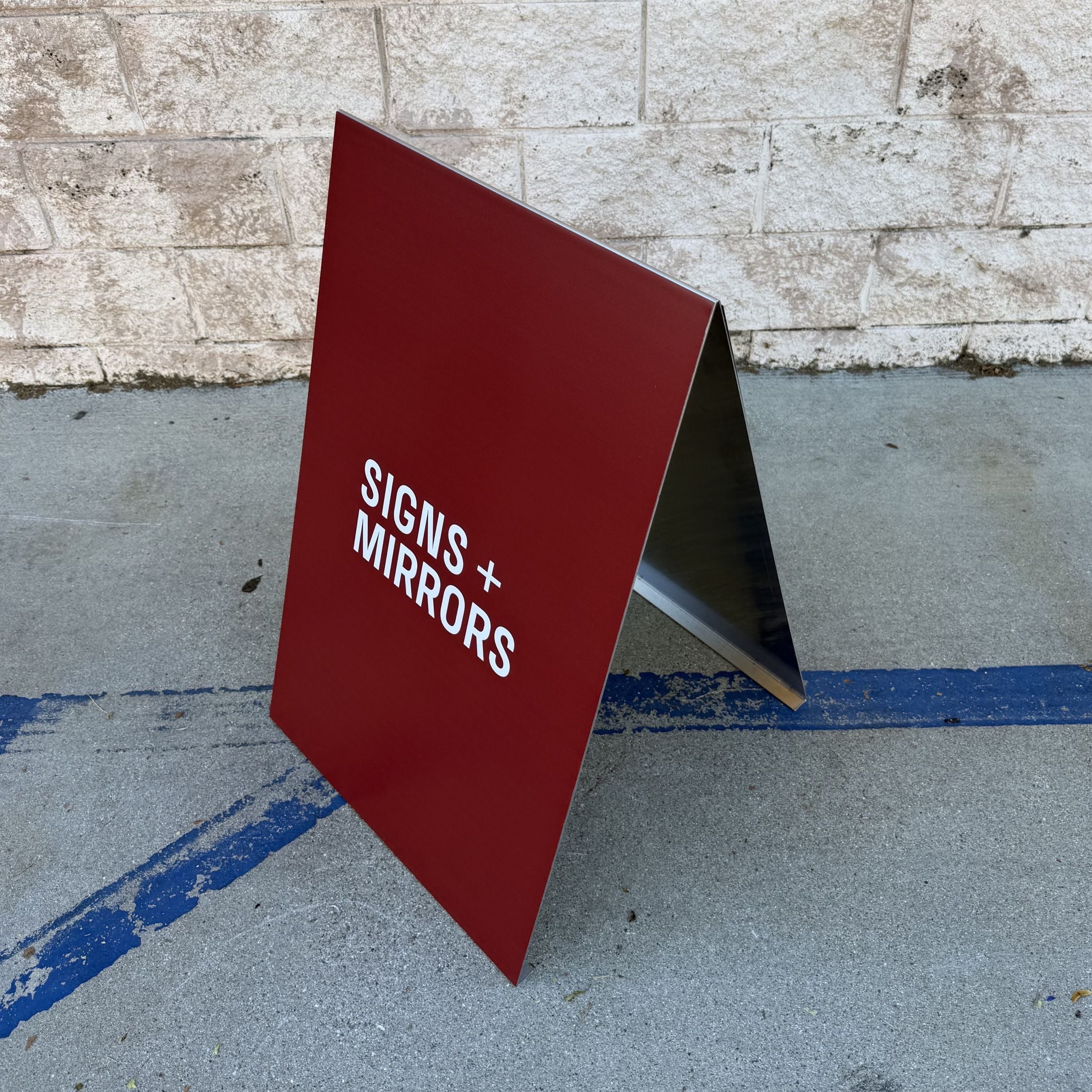
The Custom Insert A-Frame Sandwich Board Sign is built to fit standard printed inserts and allows for quick message updates. It’s made of stainless steel and is easy to store and move.
- Changeable inserts make it ideal for rotating menus or offers
- Available in brushed or mirrored finish
- Compact and stable design with low center of gravity

3. Brushed Stainless Steel Upright Sign
The Brushed Stainless Steel Upright Sign offers a vertical display format in a durable stainless steel frame. It’s designed for both indoor and outdoor use and can be ordered blank or with custom print.
- Stays stable on flat surfaces like sidewalks or lobbies
- Ideal for permanent messaging or branding elements
- Built for visual clarity without extra elements

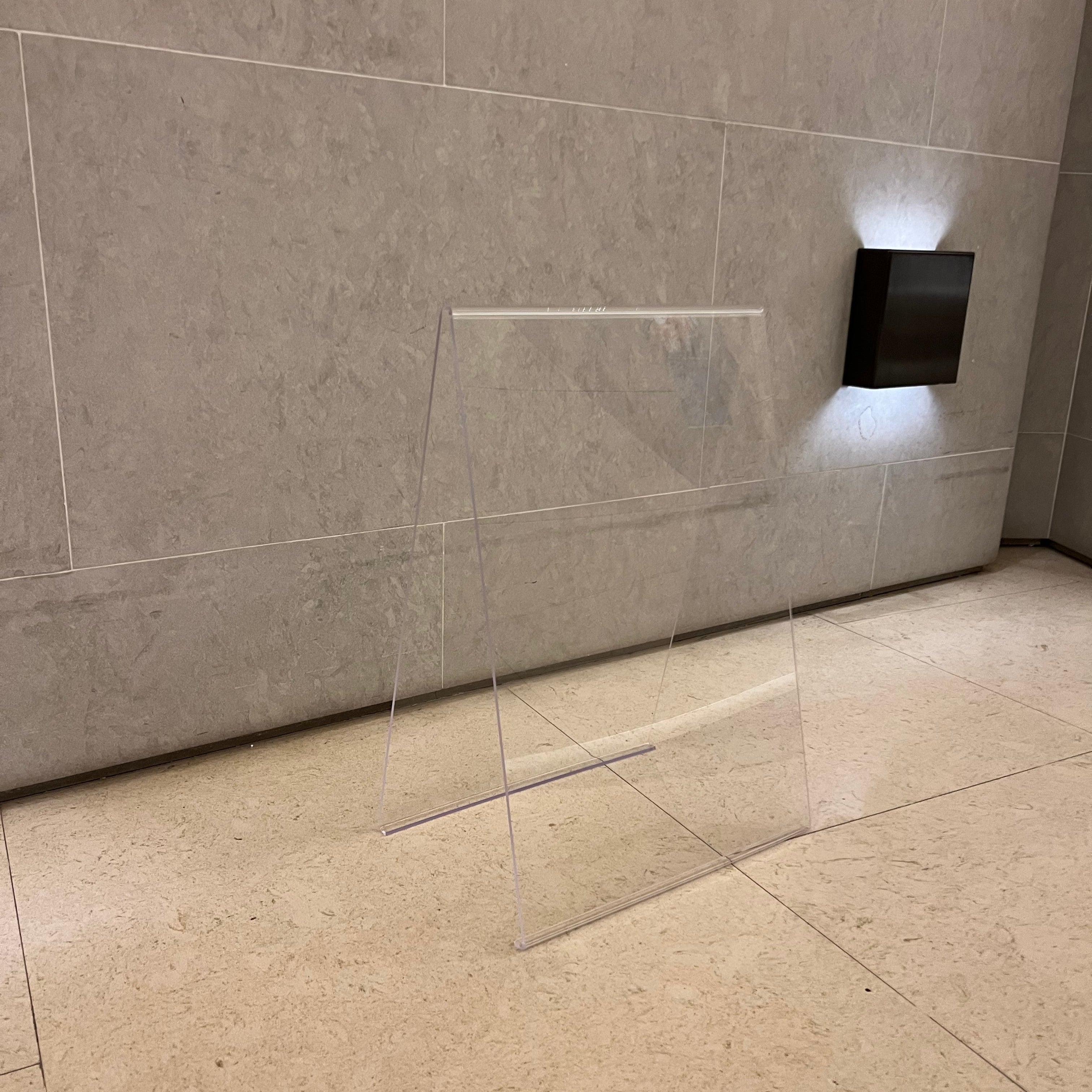
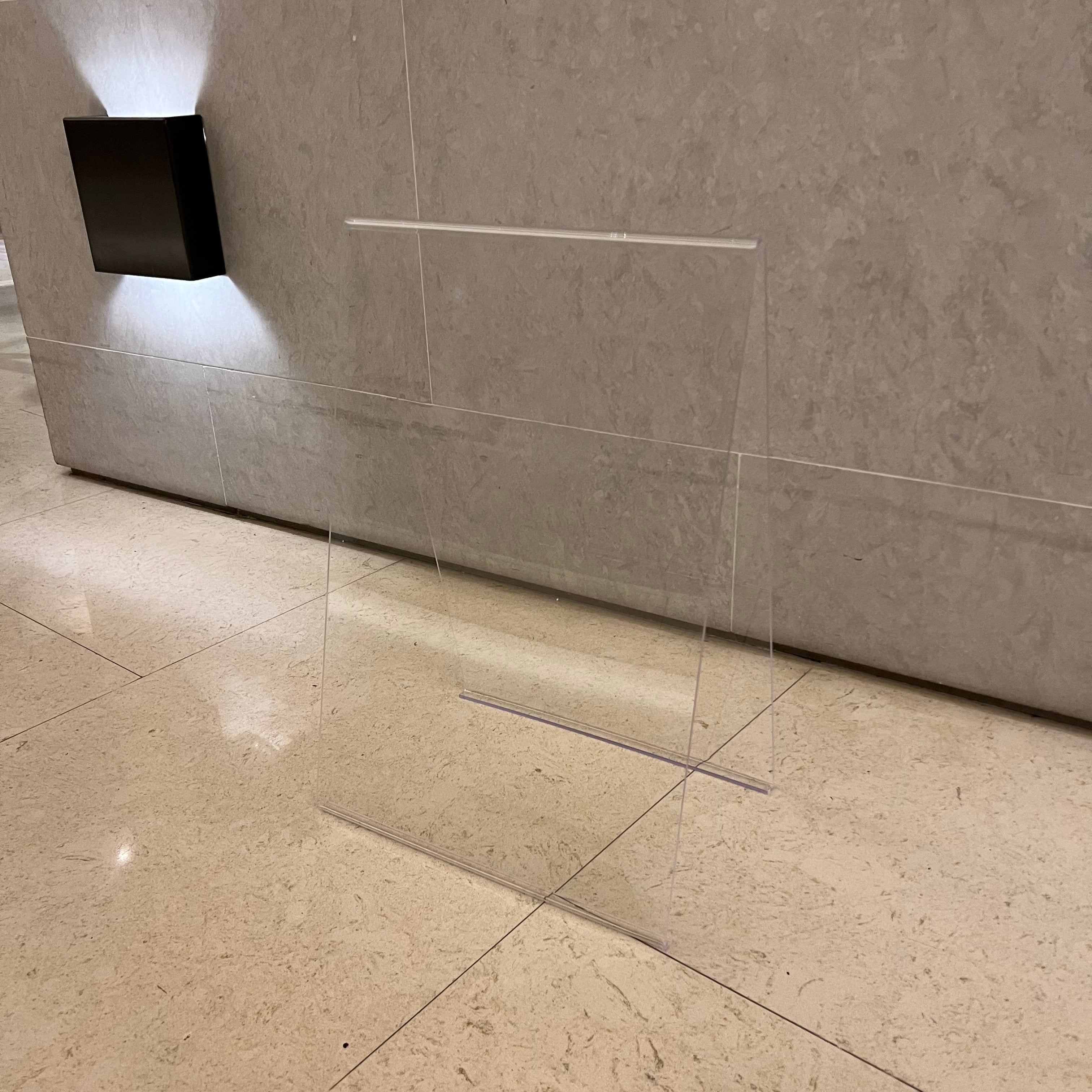
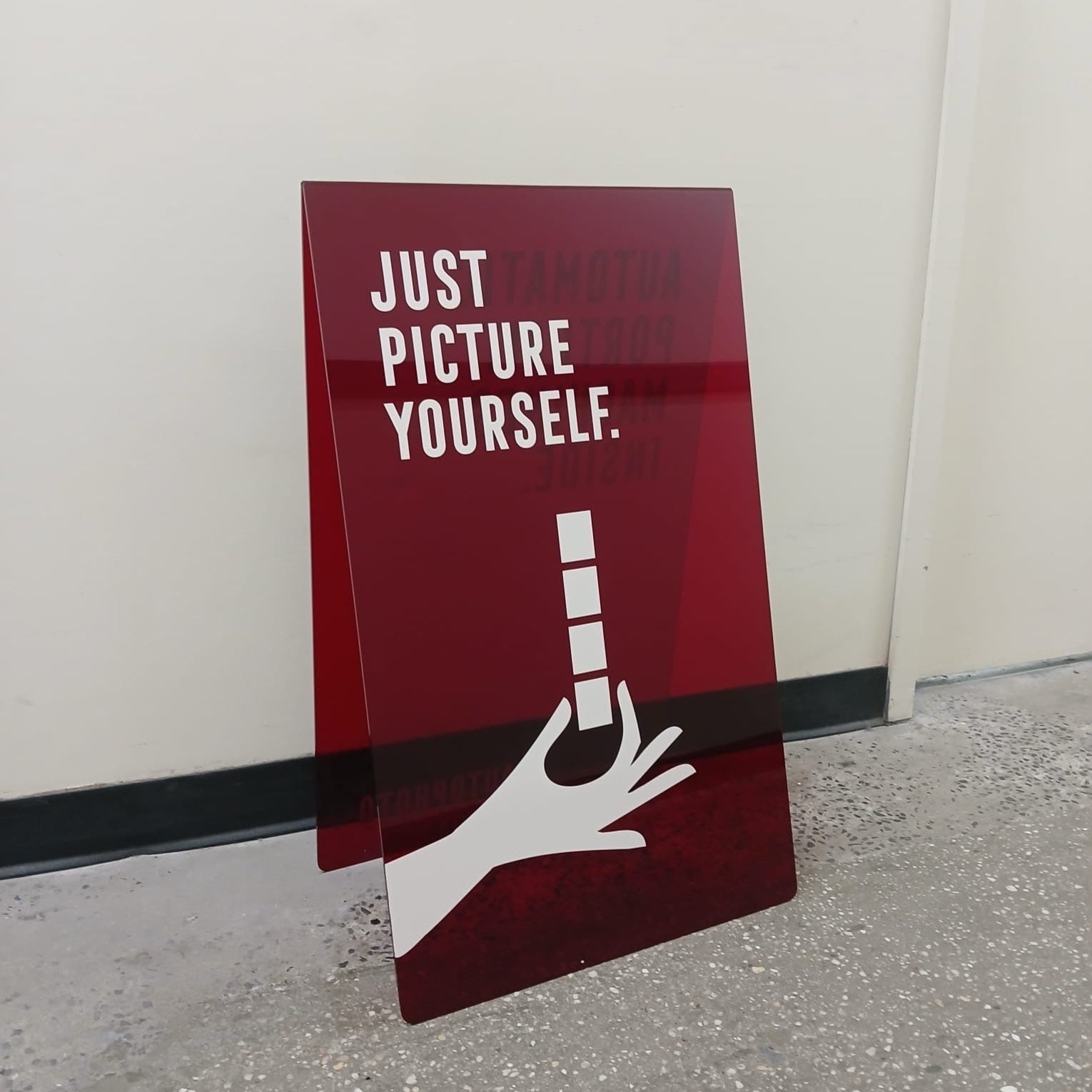
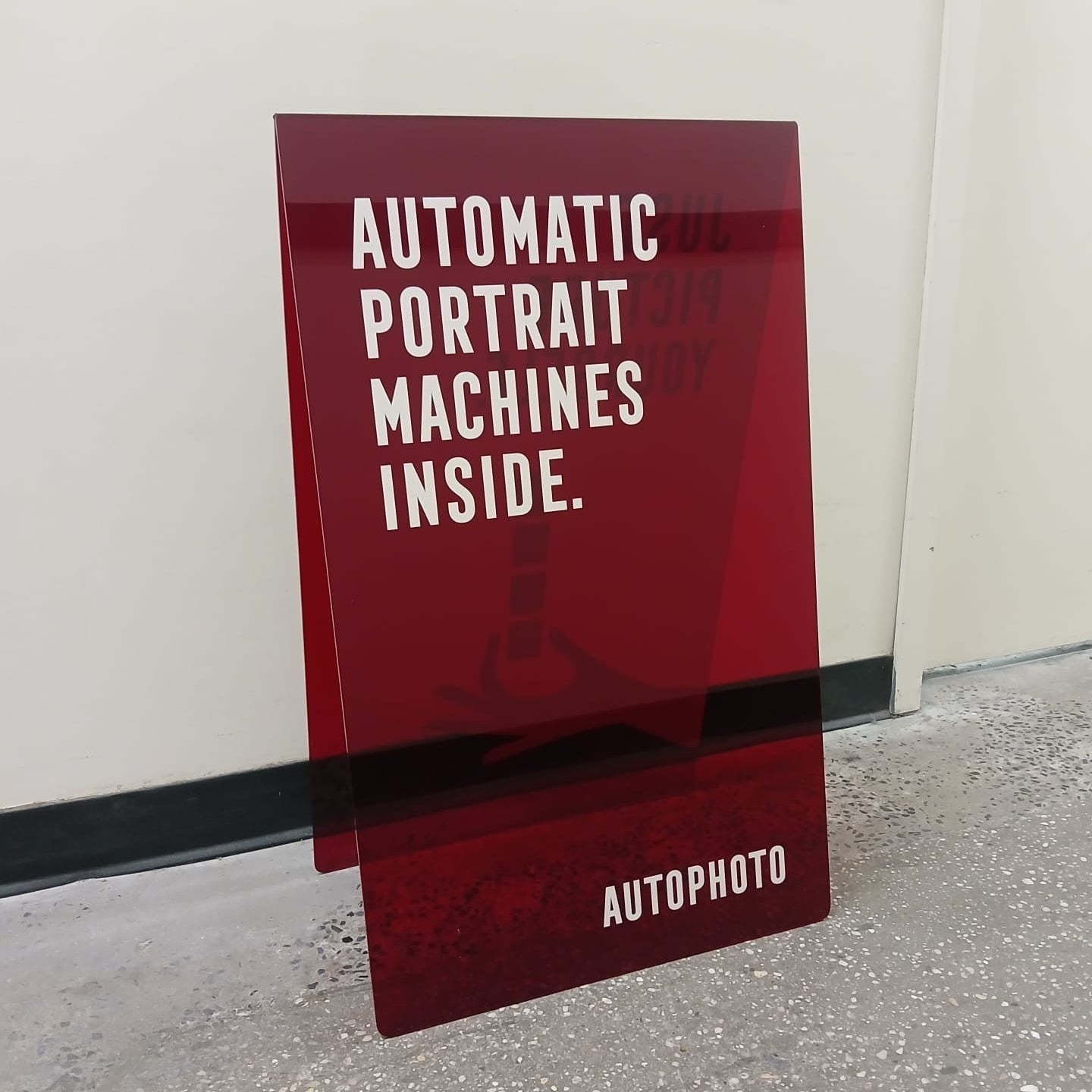
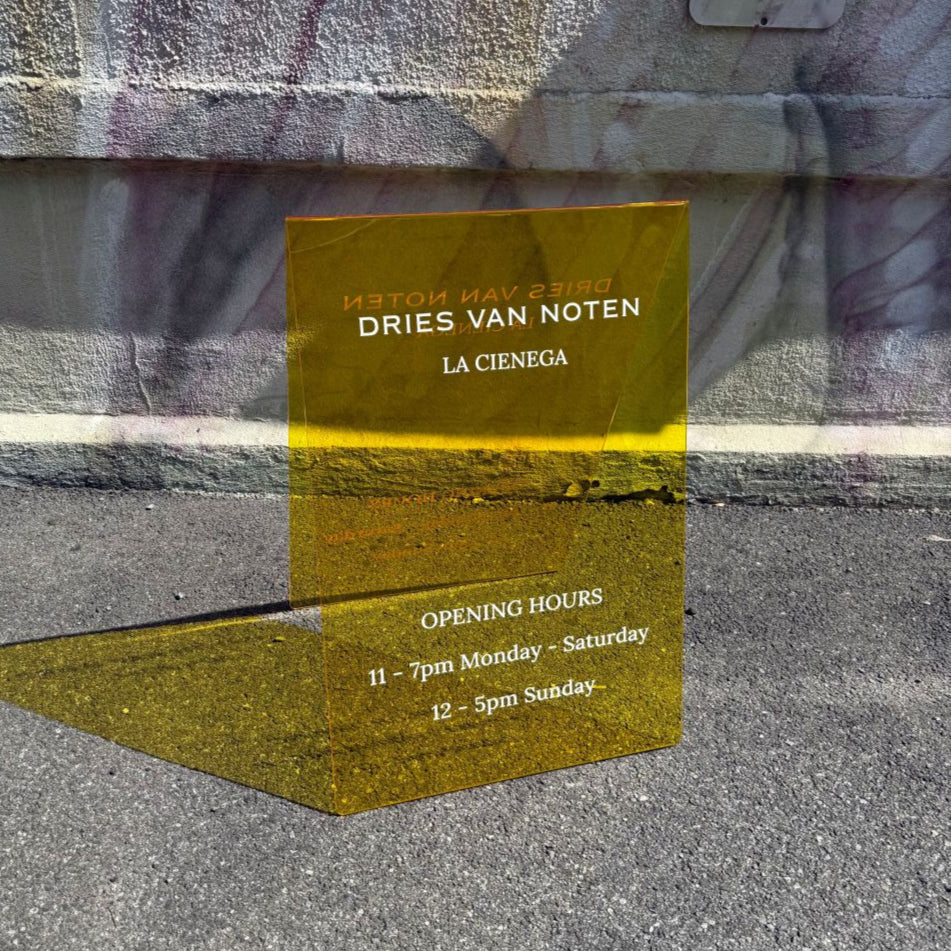
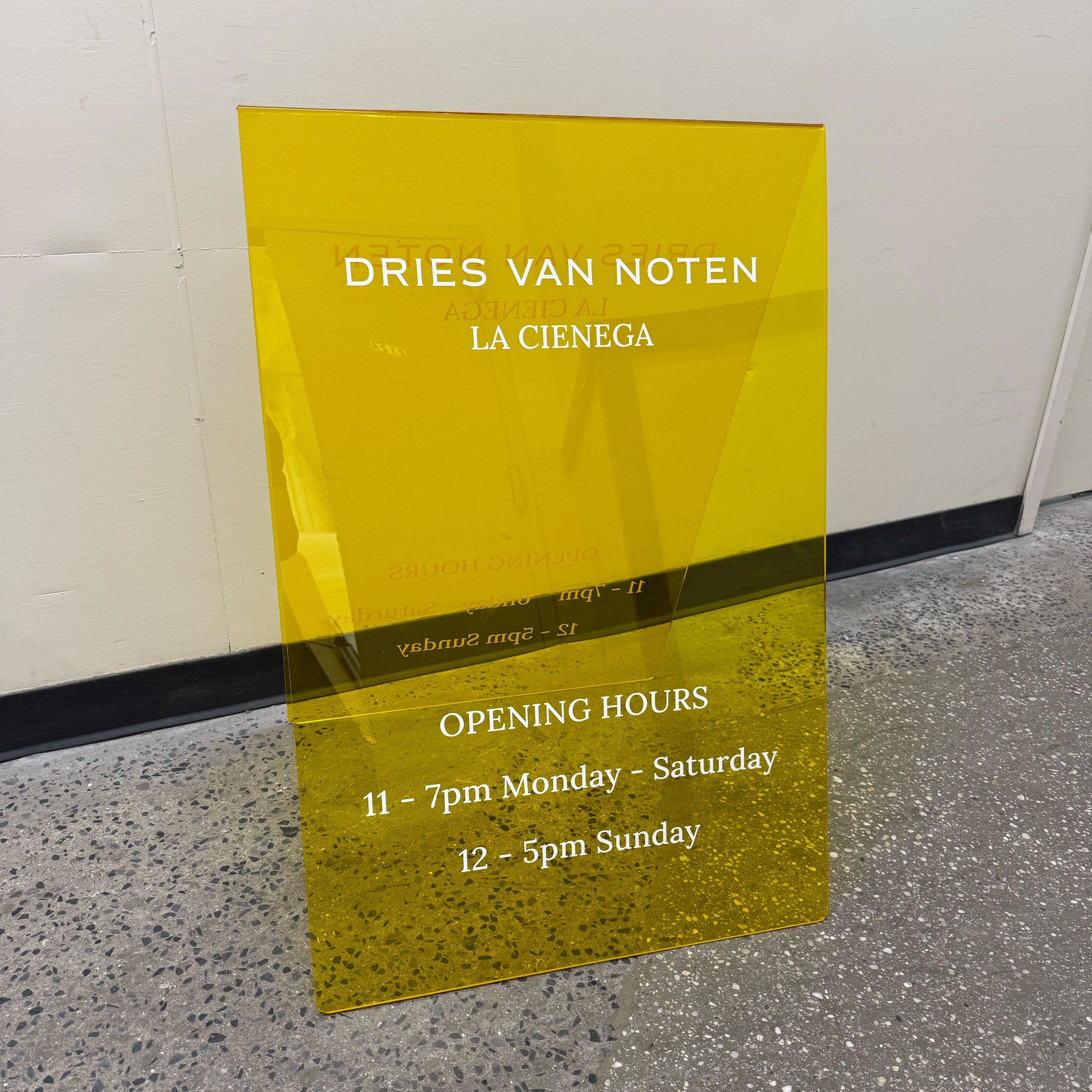
4. Transparent Acrylic A-Frame Sidewalk Sign
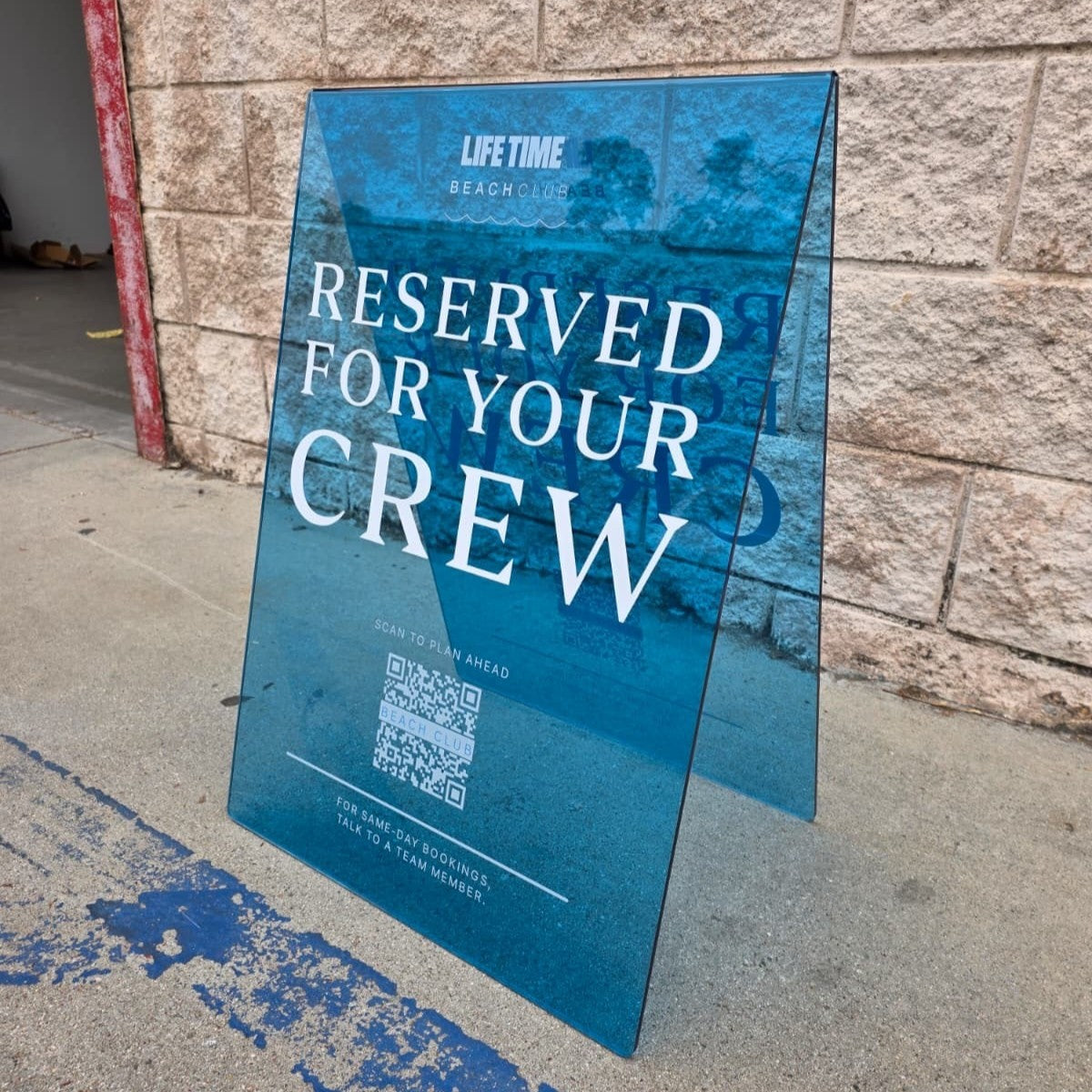
The Transparent Acrylic A-Frame Sidewalk Sign is made from a single sheet of high-quality acrylic and stands out for its glossy, see-through look. It’s best suited for low-wind indoor or sheltered outdoor settings.
- Lightweight, easy to reposition as needed
- Offers a modern, bold presentation surface
- May be used with or without custom print

5. Rounded Cream Stainless Steel Standing Sign
The Rounded Cream Stainless Steel Standing Sign is built from powder-coated stainless steel in a soft, neutral tone. Lightweight yet sturdy, it works well indoors and on calm outdoor days.
- Professional look with minimal distraction
- Custom branding available on both sides
- Easy to carry or reposition as needed
Top Scheduling Apps for Restaurants

1. Sling
Sling combines scheduling, time tracking, and team communication in one platform. Managers can build and adjust schedules quickly, taking into account availability, time-off requests, and labor cost limits. It’s built to reduce friction around last-minute changes and overlapping shifts, helping teams respond to daily operations without juggling multiple tools.
The platform also acts as a shared communication space. Team members can message in groups or one-on-one, track time through a built-in clock, and stay updated on shift trades or changes. While it handles the logistics of shift coverage, it also supports broader needs like labor optimization, PTO management, and payroll exports - all in one place.
Key Highlights:
- Shift scheduling with alerts for overtime or conflicts
- Integrated team chat, available across devices
- Time clock with geofencing and auto clock-out
- Central dashboard for time off, availability, and labor cost visibility
- Designed to work from desktop, iOS, and Android
Who It’s Best For:
- Restaurants juggling hourly staff with rotating shifts
- Multi-location cafés or venues with a small management team
- Operators looking for a low-friction way to manage availability and messaging
- Teams that want scheduling and communication in the same system
Contact Information:
- Website: getsling.com
- App Store: apps.apple.com/us/app/sling-employee-scheduling-app/id922995624
- Google Play: play.google.com/store/apps/details?id=com.gangverk.sling
- E-mail: contact@getsling.com
- Address: 134 N 4th St Brooklyn, NY 11249

2. When I Work
When I Work focuses on keeping teams aligned across schedules, shifts, and messages. It allows managers to build a schedule, share it instantly, and handle changes like swaps or time-off requests from one interface. The layout is clean, and the mobile version is built for quick approvals and fast onboarding, which helps when teams shift or grow.
The app integrates with payroll and offers tools like auto-scheduling, labor forecasting, and location-based clock-ins. Employees can confirm shifts, collaborate on trades, and get notified in real time. From a management perspective, it cuts down on back-and-forth and brings visibility into who’s working when, and where the gaps are.
Key Highlights:
- One-click auto-scheduling and shift confirmation tools
- Mobile-first interface for both staff and managers
- Time clock tied to shift rules and geolocation
- Built-in team messaging with individual and group chat
- Payroll and POS integrations for smoother operations
Who It’s Best For:
- Restaurants that rely on mobile coordination
- Teams that shift often and need flexibility with trades
- Managers looking to cut back on manual follow-ups
- Businesses trying to keep labor costs visible during scheduling
Contact Information:
- Website: wheniwork.com
- App Store: apps.apple.com/us/app/when-i-work-staff-scheduling/id383126470
- Google Play: play.google.com/store/apps/details?id=com.thisclicks.wiw
- Facebook: www.facebook.com/wheniwork
- Twitter: x.com/wheniwork
- LinkedIn: www.linkedin.com/company/wheniwork
- Instagram: www.instagram.com/wheniwork
- Address: 420 North 5th St. Suite 500 Minneapolis, MN 55401 U.S.A

3. ZoomShift
ZoomShift is built for hourly teams that want a clear view of who’s working, what’s covered, and what’s missing. Schedules can be built with drag-and-drop blocks, repeated using templates, or shared by email, push, or text. The system includes time-off tracking, shift swapping, and availability settings, so changes happen with less overhead.
It also handles time tracking and communication. The mobile time clock lets employees log hours without extra hardware, and managers can block early clock-ins or adjust punches on the fly. Team messaging includes read indicators and document sharing, helping groups coordinate without relying on outside apps.
Key Highlights:
- Calendar-based shift planning with copy and template tools
- GPS-tracked mobile time clock with overtime control
- Streamlined PTO and time-off approvals
- Team messaging with file support and read status
- Real-time labor cost visibility tied to schedules
Who It’s Best For:
- Restaurants with hourly staff and repeatable shift patterns
- Managers who want tighter control over labor costs
- Teams coordinating across locations or departments
- Owners replacing Excel or manual schedules with something faster
Contact Information:
- Website: www.zoomshift.com
- App Store: apps.apple.com/us/app/zoomshift-employee-scheduling/id1037154581
- Google Play: play.google.com/store/apps/details?id=com.zoomshift.app
- Facebook: www.facebook.com/ZoomShift
- Twitter: x.com/zoomshift

4. Shiftbase
Shiftbase is built around the idea that scheduling, time tracking, and absence management should live in the same place. For restaurants, it works as a shared system where managers can adjust shifts on the go, publish updates instantly, and keep teams aligned across departments or locations. The mobile app plays a central role, giving staff access to schedules, open shifts, and clock-in tools without needing to be on-site.
Beyond scheduling, Shiftbase handles hours registration and leave tracking in a way that stays close to daily operations. Employees can clock in through the app, submit leave requests, and check balances, while managers get a clear view of overtime, absences, and who is working where. It feels structured without being rigid, which fits restaurants that deal with frequent changes.
Key Highlights:
- Mobile-first access to schedules, shifts, and updates
- Built-in time tracking with location controls
- Open shift sharing and shift adjustments in real time
- Leave and absence requests handled inside the same app
- Works across multiple locations and departments
Who It’s Best For:
- Restaurants with rotating staff and changing schedules
- Teams that rely on mobile access rather than desktops
- Managers handling scheduling across more than one location
- Operations that want scheduling and hours tracking combined
Contact Information:
- Website: www.shiftbase.com
- App Store: apps.apple.com/us/app/shiftbase/id1460800224
- Google Play: play.google.com/store/apps/details?id=com.differentlab.shiftbase
- E-mail: info@shiftbase.com
- Facebook: www.facebook.com/ShiftbaseCom
- LinkedIn: www.linkedin.com/company/shiftbase-com
- Address: Westpoint, 4 Redheughs Rigg, Edinburgh EH12 9DQ, United Kingdom
- Phone: +44 131 608 0278

5. 7shifts
7shifts is designed specifically around how restaurant teams operate day to day. Scheduling sits at the center, but it connects closely with time clocking, task management, and team communication. Shifts are built with awareness of availability and labor rules, helping managers plan coverage without constant manual checks.
The platform also supports tip handling, payroll flow, and compliance tools, which makes it feel more like an operations hub than a simple scheduler. For staff, it becomes a single place to see shifts, swap when needed, and stay in sync with the rest of the team. For managers, it reduces the need to move between separate systems.
Key Highlights:
- Scheduling built around restaurant workflows
- Time clocking connected directly to payroll
- Shift swapping and team messaging in one space
- Tools for tip handling and task tracking
- Compliance-focused scheduling and reporting
Who It’s Best For:
- Full-service and quick-service restaurants
- Teams with tip distribution and shift-based roles
- Managers looking to keep scheduling and payroll connected
- Restaurants with growing or multi-manager teams
Contact Information:
- Website: www.7shifts.com
- App Store: apps.apple.com/us/app/7shifts-employee-scheduling/id731444612
- Google Play: play.google.com/store/apps/details?id=com.sevenshifts.android
- Facebook: www.facebook.com/7shiftsinc
- Twitter: x.com/7shifts
- LinkedIn: www.linkedin.com/company/7shifts
- Instagram: www.instagram.com/7shifts

6.Homebase
Homebase approaches scheduling as part of a larger workflow that includes time tracking, payroll, and basic HR tasks. For restaurants, this means shifts, clock-ins, and pay all flow through the same system. Schedules are built around availability and roles, then carried through to timesheets without needing extra steps.
The app also acts as a shared space for communication and updates. Staff can see schedules on their phones, clock in, and stay aware of changes, while managers keep payroll and scheduling aligned. It leans toward simplicity and consolidation rather than deep customization, which can be useful in fast-moving environments.
Key Highlights:
- Scheduling connected directly to time tracking and payroll
- Mobile access for staff and managers
- Built-in team communication and updates
- Timesheets generated from clock-ins
- One system covering scheduling, pay, and basic HR tasks
Who It’s Best For:
- Small to mid-sized restaurants with hourly staff
- Teams paying weekly or running frequent payroll
- Owners wanting fewer tools to manage daily operations
- Restaurants moving away from paper or spreadsheet schedules
Contact Information:
- Website: www.joinhomebase.com
- App Store: apps.apple.com/us/app/homebase-team-management/id871544379
- Google Play: play.google.com/store/apps/details?id=com.joinhomebase.homebase.homebase
- Facebook: www.facebook.com/HomebaseHQ
- Twitter: x.com/joinhomebase
- LinkedIn: www.linkedin.com/company/homebase-app
- Instagram: www.instagram.com/homebase
- Phone: 415-951-3831

7. Connecteam
Connecteam is built to cover the full cycle of scheduling - from shift creation to daily coordination and payroll handoff. The scheduling tools are structured around templates, auto-assignment logic, and availability filters that make it easier to organize teams without starting from scratch. Once shifts are set, the system handles distribution and reminders through the mobile app, with real-time visibility into confirmations, rejections, or pending replacements.
For restaurants that juggle task lists, location-based shifts, or need to switch employees across roles, the app offers flexibility without getting cluttered. Staff can view their shifts, claim open ones, or flag unavailability directly from their phones. Managers get a centralized spot to make quick changes, track actual hours against planned shifts, and export timesheets to payroll systems like Gusto or QuickBooks.
Key Highlights:
- Auto-scheduling with role and availability filters
- Shift templates, recurring schedules, and drag-and-drop editing
- In-app shift confirmations and replacements
- Time tracking linked to scheduled shifts
- Exports for payroll and invoicing
Who It’s Best For:
- Restaurants managing large hourly teams or cross-location staff
- Operators who want scheduling, tasks, and time tracking in one place
- Teams that need real-time updates and confirmations on shift status
- Businesses looking to standardize shift structure across departments
Contact Information:
- Website: connecteam.com
- App Store: apps.apple.com/us/app/connecteam-team-management-app/id1121613912
- Google Play: play.google.com/store/apps/details?id=com.connecteamco.Connecteam.app
- E-mail: support@connecteam.com
- Facebook: www.facebook.com/ConnecteamSoftware
- LinkedIn: www.linkedin.com/company/connecteam
- Instagram: www.instagram.com/connecteamapp
- Address: 119 West 24th St. 4th floor New York, NY 10011

8. Deputy
Deputy focuses on helping restaurants match staffing to demand while maintaining compliance. The scheduling tools include shift planning, forecasting, and smart alerts to flag things like overtime or coverage issues. It works well for multi-location setups where shifts need to be built quickly and adjusted based on business volume or labor constraints.
From the team’s side, it’s clear where they’re scheduled, who they’re working with, and what changes need approval. Shift swaps, time-off requests, and messages run through the app, which reduces the need for back-and-forth across platforms. The system also ties into payroll and compliance reporting, so nothing gets left out between planning and payout.
Key Highlights:
- Smart scheduling with forecasting and compliance checks
- Centralized shift swaps, time-off tracking, and approvals
- Mobile clock-ins and late arrival tracking
- Multi-location scheduling support
- Integration with payroll and compliance systems
Who It’s Best For:
- Restaurants operating across multiple sites
- Managers balancing labor rules and real-time needs
- Teams with rotating or part-time staff
- Businesses wanting shift planning, time tracking, and legal coverage in one place
Contact Information:
- Website: www.deputy.com
- App Store: apps.apple.com/us/app/deputy-shift-schedule-maker/id477070330
- Google Play: play.google.com/store/apps/details?id=com.deputy.android
- Facebook: www.facebook.com/deputyapp
- Twitter: x.com/deputyapp
- LinkedIn: www.linkedin.com/company/deputyapp
- Instagram: www.instagram.com/deputyapp
- Address: 548 Market St PMB 77267, San Francisco, CA
- Phone: 1- 855-633-7889

9. Factorial
Factorial handles HR processes with a focus on automation and admin relief, and its scheduling tools follow the same pattern. Managers can build rotating schedules with AI assistance, track time off, and share updates through the same dashboard. Employees access everything from the app - hours, approvals, documents - and shift edits can be made quickly when needed.
The system is built to support both structured planning and flexibility. Overtime rules, preferred hours, and availability settings are applied automatically. Shift swaps and requests follow a set flow, and approvals stay visible in the system. For restaurants balancing scheduling with broader HR needs like hiring or payroll, this kind of setup can help keep things tight.
Key Highlights:
- Smart scheduling with templates and automation
- Built-in shift approval flow and rule enforcement
- Mobile app with full employee self-service access
- Syncs schedules with HR and payroll processes
- Document storage and role-specific access options
Who It’s Best For:
- Restaurants that handle HR, payroll, and scheduling together
- Teams with mixed roles or varying shift structures
- Operators looking to automate approvals and rule checks
- Managers who need both oversight and flexibility
Contact Information:
- Website: factorialhr.com
- App Store: apps.apple.com/us/app/factorial/id1479184236
- Google Play: play.google.com/store/apps/details?id=com.factorialhr.factorialapp
- Facebook: www.facebook.com/100064908455810
- Twitter: x.com/factorialapp
- LinkedIn: www.linkedin.com/company/factorialhr
- Instagram: www.instagram.com/factorial

10. Schedulefly
Schedulefly keeps things simple. It focuses on core scheduling and internal communication without layering on too many extras. Managers create shifts, post schedules, and approve time-off requests through a single system. Employees check their shifts from anywhere, swap coverage, and receive text alerts when something changes. It’s clean and not overloaded - useful for places that want a low-friction tool that just works.
It doesn’t try to be all things at once. Instead, it handles scheduling, messaging, and team updates in a lightweight way that fits small restaurants and groups that value directness. For teams used to paper calendars or scattered group texts, it brings structure without making things feel overbuilt.
Key Highlights:
- Straightforward shift scheduling with mobile access
- Time-off requests and shift swaps managed in one place
- Group and individual team communication
- No extra modules or bundled features to manage
- Built specifically for hospitality operations
Who It’s Best For:
- Independent restaurants and small chains
- Teams that prefer a simple interface over complex features
- Owners moving off paper or manual tools
- Groups looking for lightweight scheduling with built-in messaging
Contact Information:
- Website: www.schedulefly.com
- App Store: apps.apple.com/us/app/schedulefly/id6473560346
- Google Play: play.google.com/store/apps/details?id=com.schedulefly.app
- Address: 121 S. Broome St # 14, Suite B, Waxhaw, NC 28173
- Phone: 1-800-610-6734

11. Coast
Coast combines scheduling and task lists into a single app. Managers can build and publish schedules quickly, and staff are notified right away. If shifts change or get swapped, updates go straight to the person involved - no chasing or group messages needed. Employees always have the latest version of the schedule on their phones, which reduces missed shifts and confusion.
What sets it apart is the task tracking baked into each shift. Managers can attach checklists to shifts, helping teams stay focused on what needs to be done. It’s designed for teams that don’t work at desks and need everything in one place - shifts, tasks, notes, and approvals.
Key Highlights:
- Mobile scheduling with real-time shift change alerts
- Shift swaps with built-in manager approval
- Task checklists tied to individual shifts
- Notifications for schedule updates and task status
- Simple, centralized schedule access for the whole team
Who It’s Best For:
- Small restaurants looking to reduce miscommunication
- Teams that assign tasks alongside shifts
- Owners managing a single team across rotating roles
- Staff who rely on mobile access to stay updated
Contact Information:
- Website: coastapp.com
- App Store: apps.apple.com/us/app/coast-work-orders-scheduling/id1257883693
- Google Play: play.google.com/store/apps/details?id=com.fomo.android.app
- Facebook: www.facebook.com/coastapphq
- Twitter: x.com/CoastAppHQ
- LinkedIn: www.linkedin.com/company/coast-app
- Instagram: www.instagram.com/coastapphq

12. Buddy Punch
Buddy Punch is centered around scheduling, time tracking, and timesheet accuracy. It offers drag-and-drop scheduling, with shift notifications, punch-in rules, and GPS tracking. Employees can log hours from their phones, and managers can control where and when clock-ins happen. There’s also a built-in calendar to handle time-off requests, which helps reduce overlap or missed approvals.
Schedules flow into automated timesheets, making it easier to review hours and run payroll without extra tools. The app can also limit early clock-ins, flag overtime, and send push reminders. It's not trying to manage team culture or engagement - just keep things moving and help managers stay on top of who’s working, where, and when.
Key Highlights:
- Drag-and-drop shift scheduling with mobile access
- GPS and device control for clock-ins
- Timesheet approvals and payroll exports
- Built-in time-off request system
- Push notifications for shift changes and punch reminders
Who It’s Best For:
- Restaurants tracking time as closely as scheduling
- Teams working across locations or remote setups
- Managers who want real-time visibility on hours and locations
- Businesses replacing paper timesheets or manual hours tracking
Contact Information:
- Website: buddypunch.com
- App Store: apps.apple.com/us/app/buddy-punch/id1100685927
- Google Play: play.google.com/store/apps/details?id=com.BuddyPunch.Mobile
- E-mail: support@buddypunch.com
- Facebook: www.facebook.com/buddypunchapp
- Twitter: x.com/buddypunch
- LinkedIn: www.linkedin.com/company/buddy-punch
- Instagram: www.instagram.com/buddypunch
- Address: 1835 E. Edgewood Dr. Suite 105 - 441 Appleton, WI 54913

13. Justworks Time Tracking
Justworks Time Tracking is centered around accurate shift logging, not complex scheduling layers. For restaurants, it works best as a timekeeping extension - staff clock in via mobile, web, or Slack, and managers review shifts, apply rules, and export hours to payroll. Everything is synced automatically, so once a shift is approved, it stays consistent across systems.
It also includes safeguards around labor compliance. Alerts for overtime, rest breaks, and shift limits are built into the system. Geofencing adds a level of location control, and reporting helps managers get a clean view of labor trends or discrepancies. It’s designed to support teams that already have a schedule but need a better way to track time against it.
Key Highlights:
- Mobile, web, and Slack-based clock-in
- Geofencing and automated break compliance
- Overtime alerts and custom rule settings
- Integrated with Justworks payroll and reporting
- Clean interface for reviewing and approving hours
Who It’s Best For:
- Restaurants already using Justworks for HR or payroll
- Teams that need to track hours, not assign them
- Managers looking to reduce time entry errors
- Businesses that prioritize compliance tracking
Contact Information:
- Website: www.justworks.com
- App Store: apps.apple.com/us/app/justworks/id1485245462
- Google Play: play.google.com/store/apps/details?id=com.clockwork_mobile
- E-mail: support@justworks.com
- Facebook: www.facebook.com/JustworksHR
- Twitter: x.com/justworks
- LinkedIn: www.linkedin.com/company/justworks-
- Instagram: www.instagram.com/justworks
- Phone: (866)-526-2386

14. SocialSchedules
SocialSchedules brings together scheduling, time tracking, and labor compliance in one interface. Managers can build shift templates, review availability, and publish updates quickly. Employees receive notifications, request swaps, and clock in through the same mobile app. The structure is straightforward, but it covers a lot of ground.
There’s also attention to workforce oversight. The system tracks certifications, training, and shift confirmations, and flags issues that might lead to labor law violations. Messaging is built in, with read receipts and group chat. It’s designed for multi-location setups but works just as well for smaller operations needing a single source of scheduling truth.
Key Highlights:
- Scheduling, clock-in, and compliance tracking in one system
- Shift swaps, time-off, and certification tracking
- Messaging with seen-status and team-wide visibility
- POS and payroll integrations
- Built-in alerts for break and overtime compliance
Who It’s Best For:
- Restaurants managing across multiple sites
- Teams that need compliance tools without extra setup
- Operators who track training or certifications
- Managers who want scheduling and communication in one place
Contact Information:
- Website: www.socialschedules.com
- App Store: apps.apple.com/us/app/socialschedules/id1059921540
- Google Play: play.google.com/store/apps/details?id=com.opensimsim
- Facebook: www.facebook.com/socialschedulesplatform
- Twitter: x.com/OpenSimSim
- LinkedIn: www.linkedin.com/company/opensimsim
- Instagram: www.instagram.com/tryopensimsim

15. Planday
Planday is built for shift-based teams that need control over schedules, time tracking, and team communication. Managers can create smart rotas, view availability, and track time off in one interface. Employees handle shift swaps, message teammates, and clock in from their phones. Everything runs through the app, which keeps the process contained.
The platform also supports rule-setting - working hours, overtime policies, leave types - and flags anything that falls outside set limits. Payroll-ready time data is collected automatically, and reports help keep an eye on coverage, gaps, or labor costs. It’s a structured system, but the mobile setup makes it easy to use without feeling rigid.
Key Highlights:
- Smart scheduling with reusable templates and mobile edits
- Mobile time clock and leave tracking
- Built-in rules for compliance and policy control
- Shift messaging, swap approvals, and announcements
- Reporting tied to coverage, overtime, and payroll
Who It’s Best For:
- Mid-sized to large restaurant teams with rotating shifts
- Managers who want to automate policy checks
- Businesses with a need for mobile-first scheduling and messaging
- Operators looking to connect scheduling with broader HR tools
Contact Information:
- Website: www.planday.com
- App Store: apps.apple.com/us/app/planday-employee-scheduling/id518598166
- Google Play: play.google.com/store/apps/details?id=com.planday.ninetofiveapp
- E-mail: support@planday.com
- Facebook: www.facebook.com/planday
- LinkedIn: www.linkedin.com/company/planday
- Instagram: www.instagram.com/planday
- Address: 3rd Floor, 7 Devonshire Square, London, EC2M 4YH

16. Breakroom
Breakroom combines shift scheduling with communication tools, so restaurant teams can handle updates and announcements in one place. Schedules are built and shared in the app, and each team member can view upcoming shifts directly from their phone. Managers can also assign permissions, delete inappropriate content, and keep the workspace clean and focused.
The app is designed to minimize chaos. Shift swaps happen through the app with manager approval, and notifications go out in real time. It’s not overloaded with extras, but the basics - visibility, accountability, and clarity - are handled well. Setup is quick, and the system works for both single and multi-location teams that want everything in one thread.
Key Highlights:
- Mobile-friendly scheduling and shift visibility
- Built-in communication with admin controls
- Real-time shift swap requests and notifications
- Designed for deskless, shift-based teams
- Permissions to manage team content and access
Who It’s Best For:
- Restaurants with multiple locations or high staff turnover
- Managers looking for built-in communication controls
- Teams who need to reduce shift mixups
- Operators who want a fast setup without complex features
Contact Information:
- Website: www.breakroomapp.com
- App Store: apps.apple.com/us/app/breakroom-chat-scheduling/id6462083193
- Google Play: play.google.com/store/apps/details?id=com.breakroom
- E-mail: hello@breakroomapp.com
- Address: 8 The Green #16232, Dover, DE 19901
- Phone: +1 (302) 404-1420

17. Jolt
Jolt’s scheduling tool is part of a broader operational suite that includes task checklists, food safety tracking, and digital training. For restaurants, this means staff can view their shifts, clock in, and access daily responsibilities from the same device. The drag-and-drop scheduler makes adjustments easy, and changes are synced across the system.
Where Jolt stands out is in structure. It’s built around accountability, with timestamped logs and a clear audit trail for each shift. Communication features are included, so updates and instructions don’t get buried in separate channels. Teams that rely on repeatable routines - openers, closers, safety checks - tend to find value in the integrated approach.
Key Highlights:
- Drag-and-drop shift builder with real-time syncing
- Integrated task lists, temperature logs, and label systems
- Time clock and scheduling managed in the same interface
- Digital communication tools for updates and alerts
- Designed with compliance and audit history in mind
Who It’s Best For:
- Restaurants with strict safety or inspection standards
- Operators managing large or multi-role teams
- Teams that already use task checklists or digital logs
- Locations that need centralized tracking and review
Contact Information:
- Website: www.jolt.com
- App Store: apps.apple.com/us/app/jolt/id1440535681
- Google Play: play.google.com/store/apps/details?id=com.joltup.universal
- E-mail: support@jolt.com
- Facebook: www.facebook.com/joltsoftware
- Twitter: x.com/JoltSoftware
- LinkedIn: www.linkedin.com/company/joltsoftware
- Instagram: www.instagram.com/joltsoftware
- Address: 2901 Ashton Blvd. Suite #300, Lehi, UT 84048
- Phone: 877-396-4112
Conclusion
There’s no single “best” app for every restaurant - and that’s the point. What works for a 40-seat bistro with a tight team won’t necessarily fit a rotating crew across three locations. Some tools handle structure better. Others focus on flexibility. A few just keep things quiet and out of the way.
What matters is how each system fits into the way you already work. Whether you’re managing late closers, seasonal shifts, or strict compliance rules, the right scheduling app should reduce noise - not add another layer. Most of the tools here do that in different ways. It’s just a question of which one matches your pace. Try what makes sense. Keep what holds up. Let the rest go.