





Running a restaurant already means juggling a dozen moving parts. Throw in marketing - social posts, emails, loyalty programs, online reviews - and it quickly gets messy. The good news is most of it can be handled with the right tools. Not hypothetical tools that sound good in theory, but the ones actual restaurants are using right now to keep guests coming in, coming back, and spreading the word.
Some focus on scheduling and automation. Others help build better customer lists or make social updates less painful. A few just make the numbers make sense. What matters is picking tools that match your pace - not the other way around.

Bringing Atmosphere to the Front: Signs and Mirrors
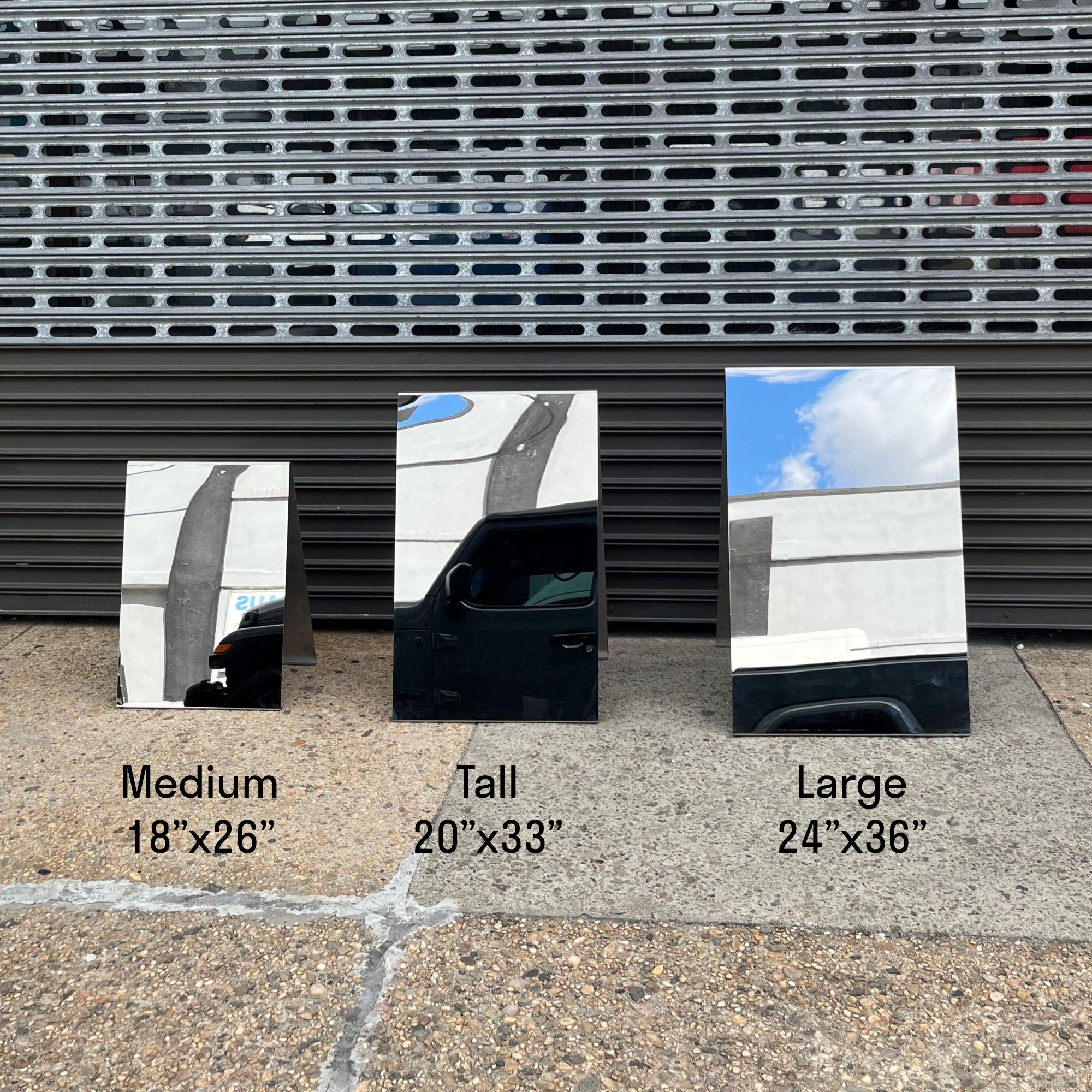
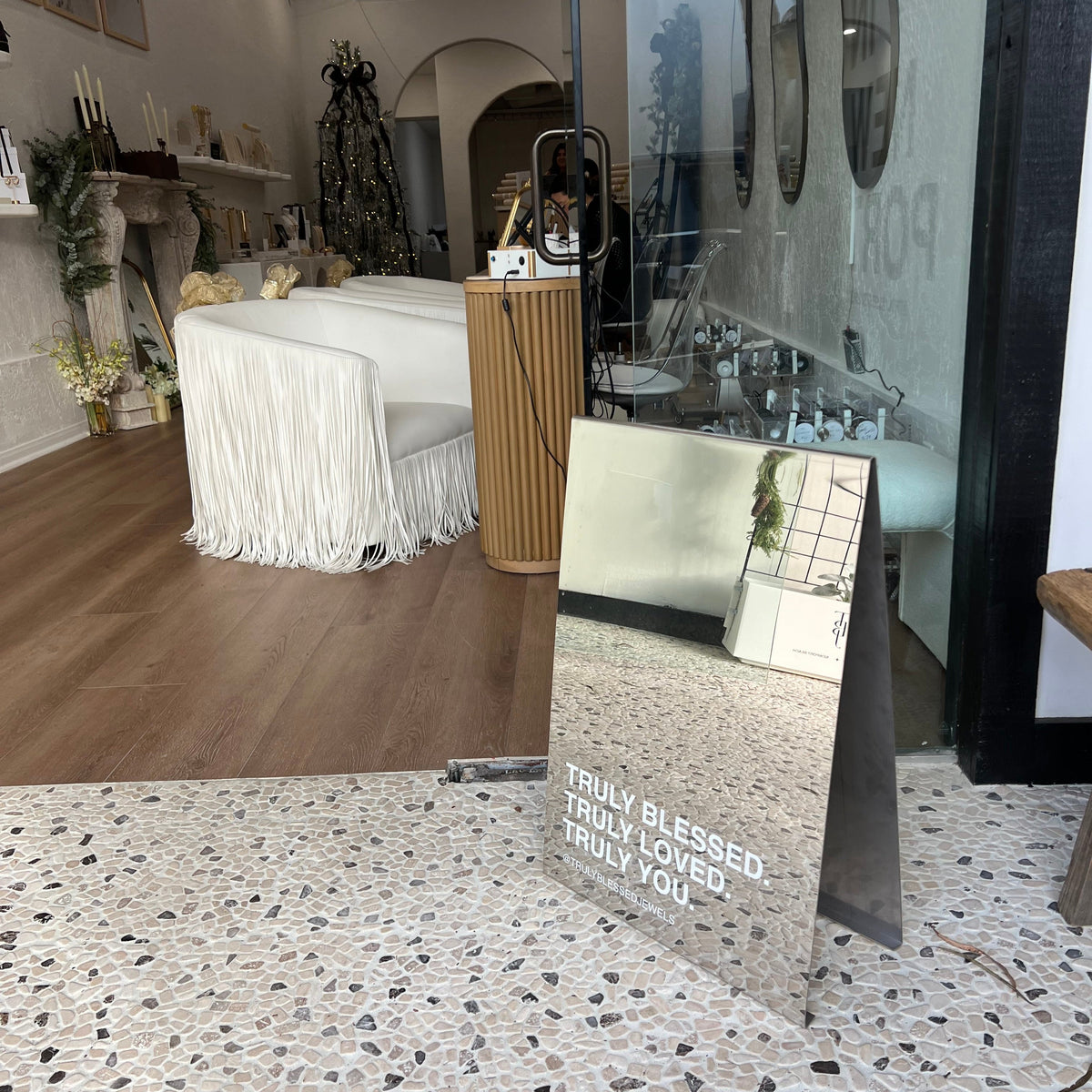
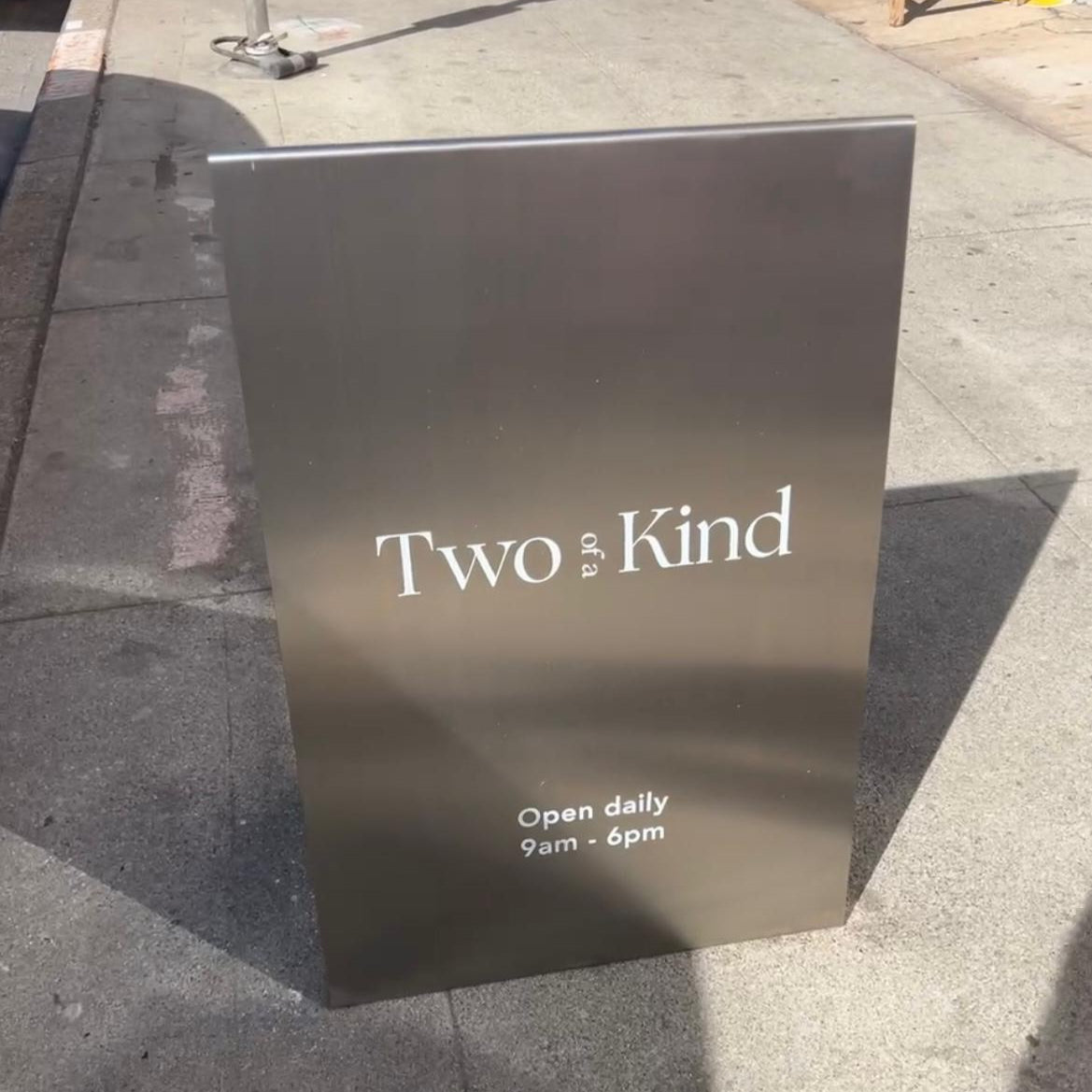
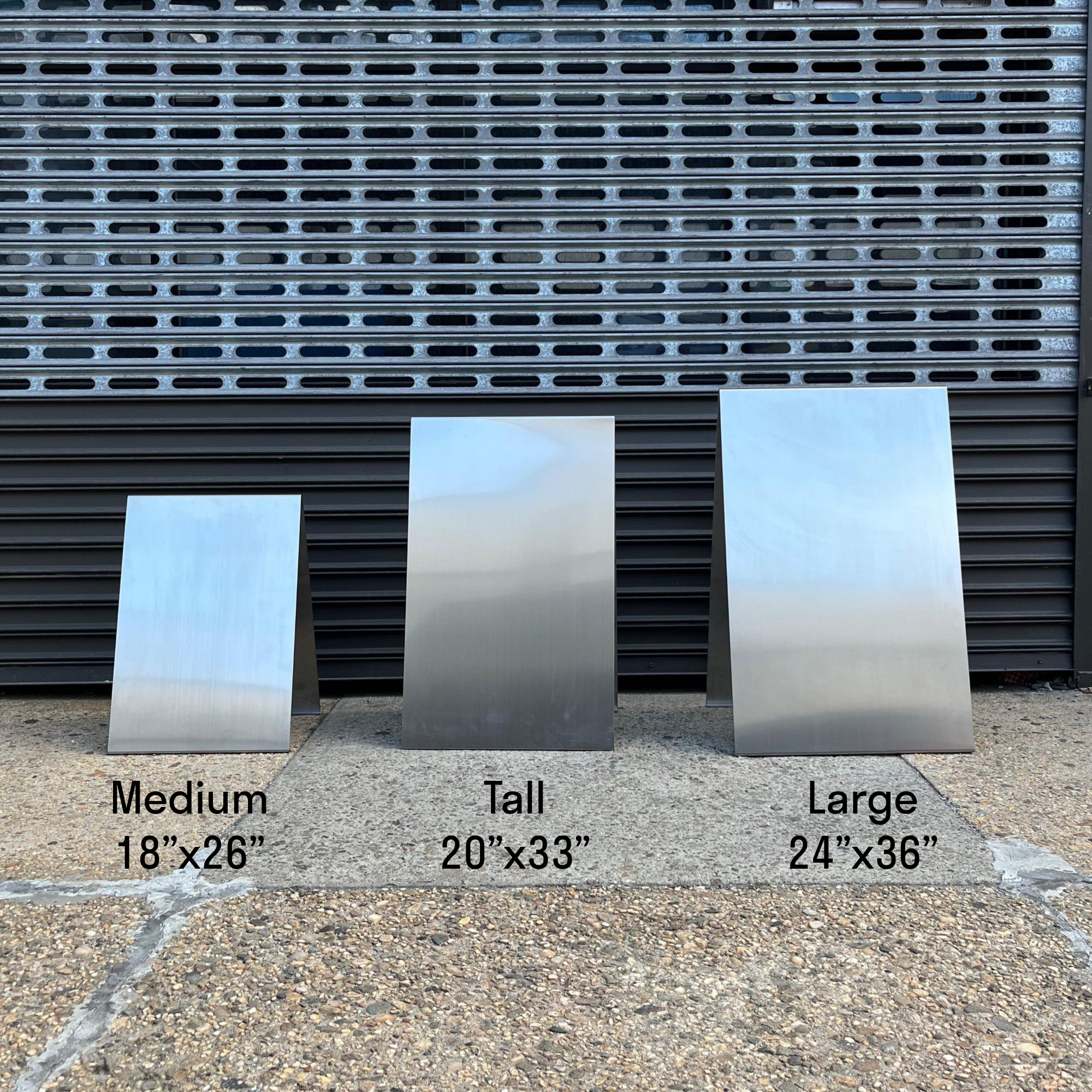
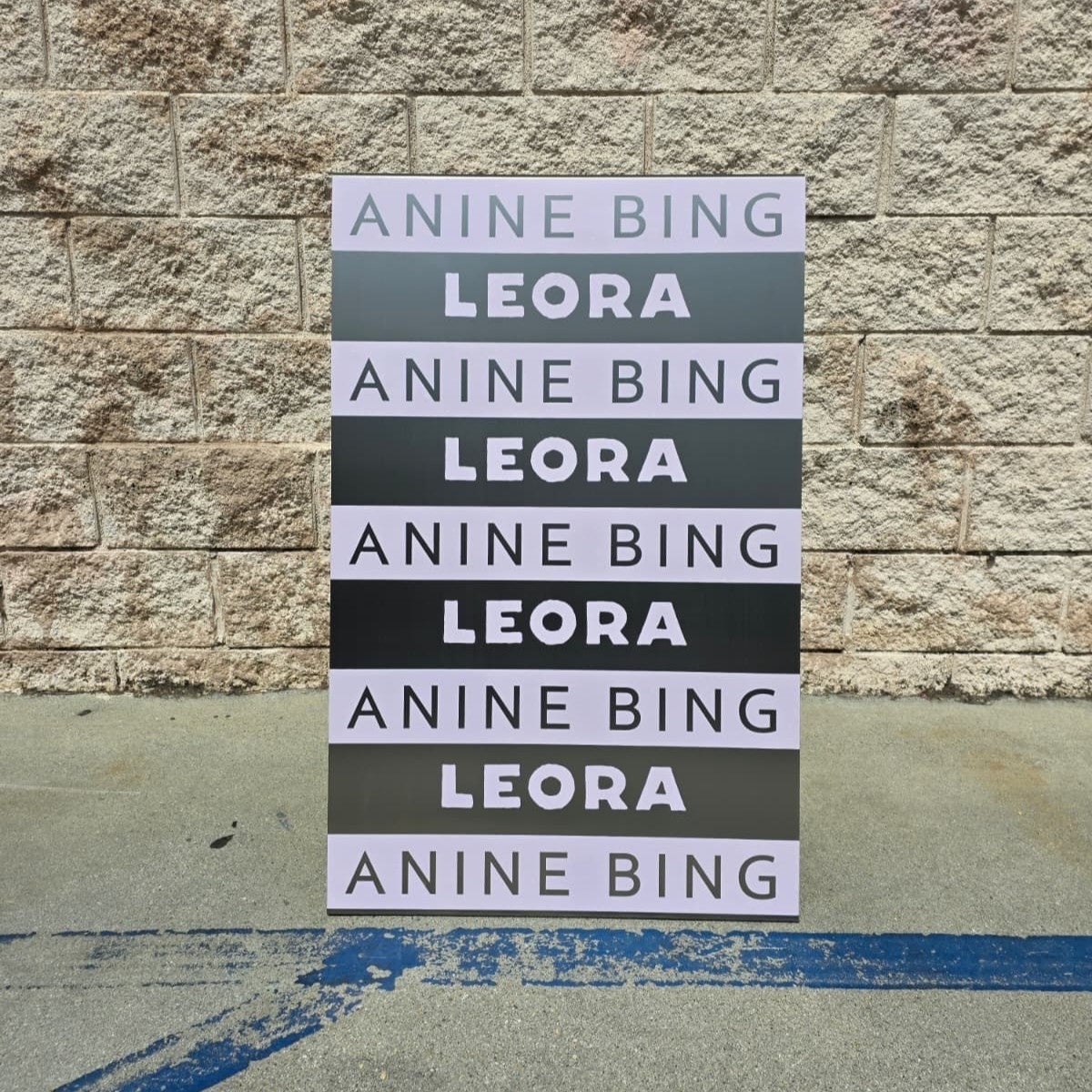
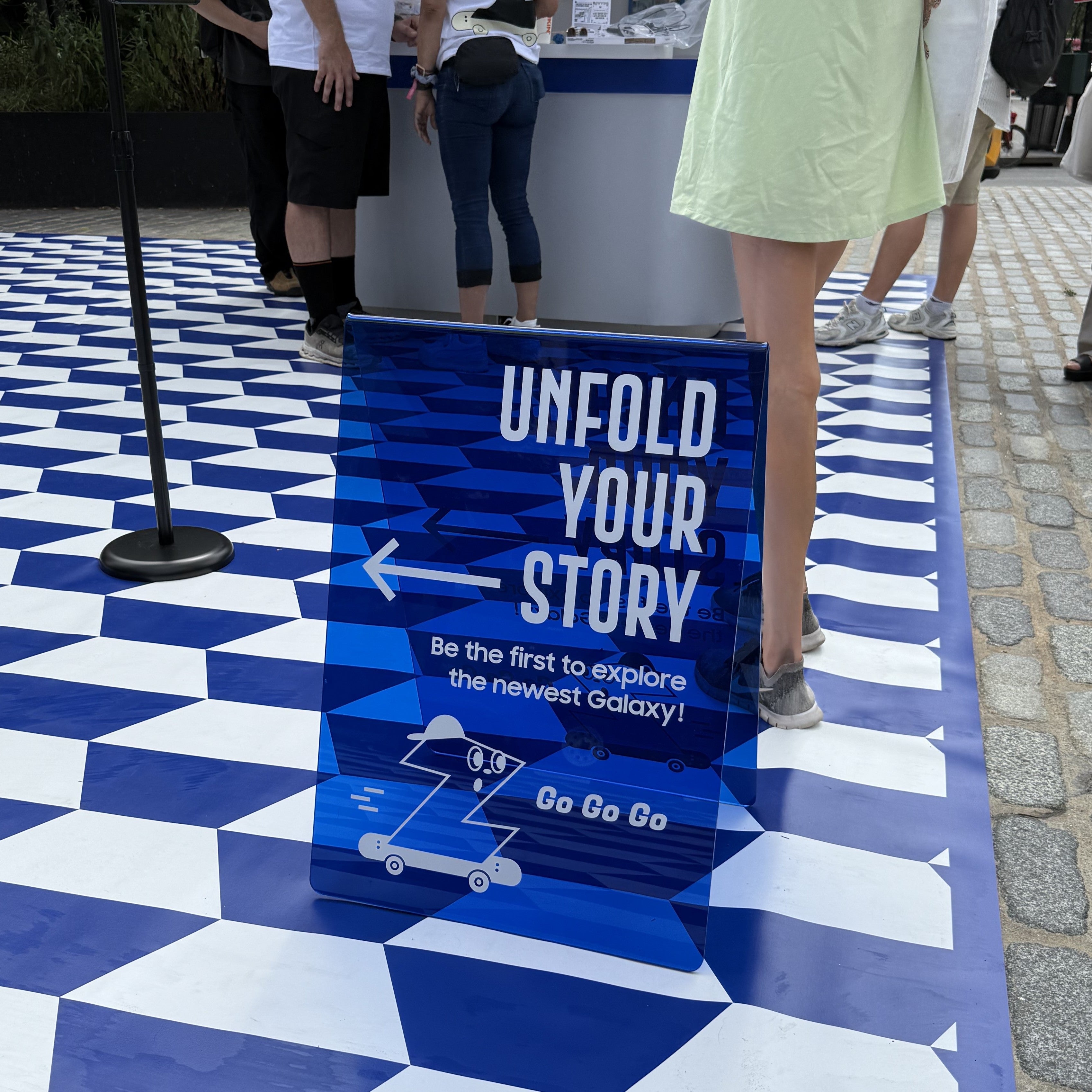
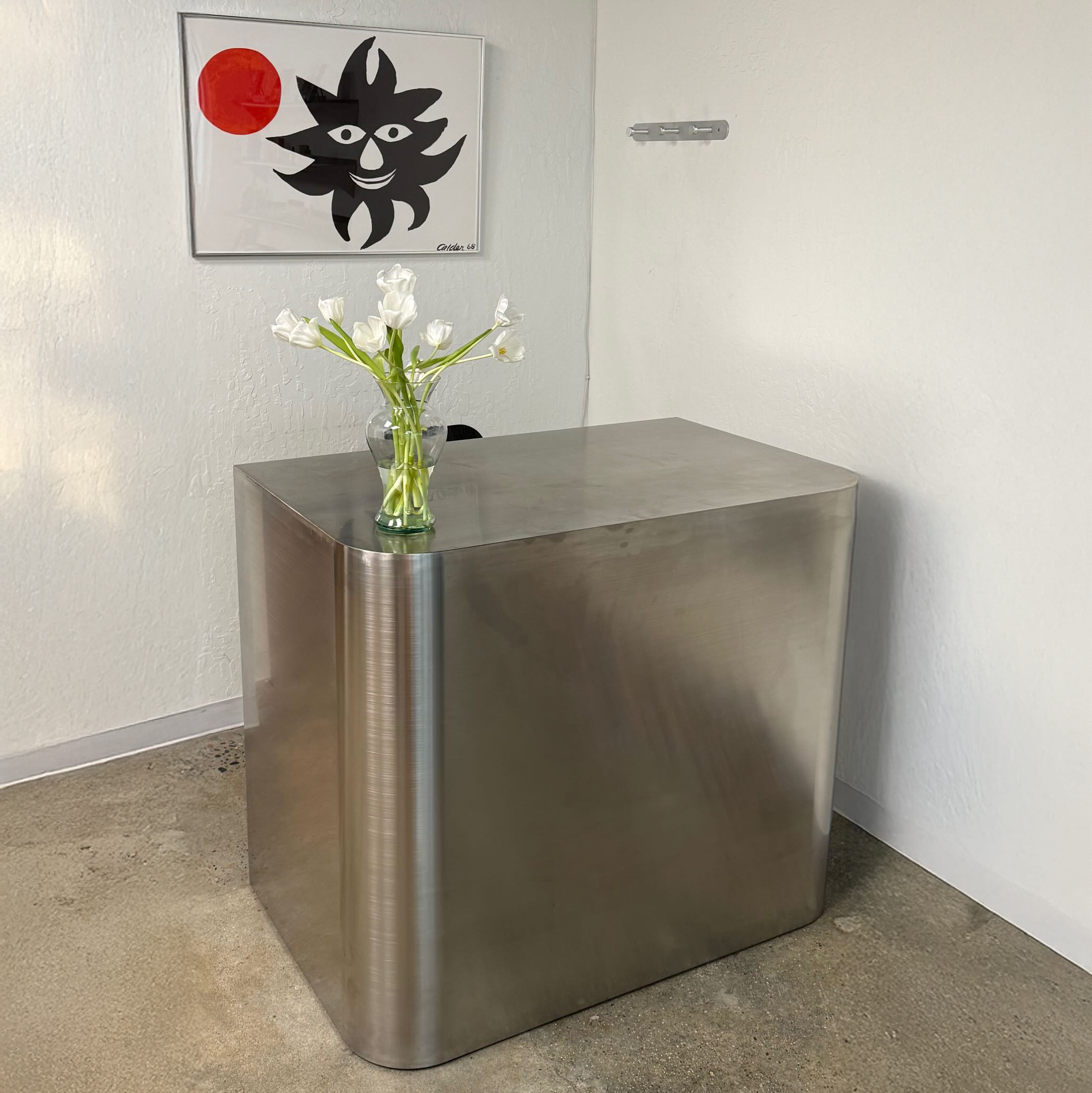
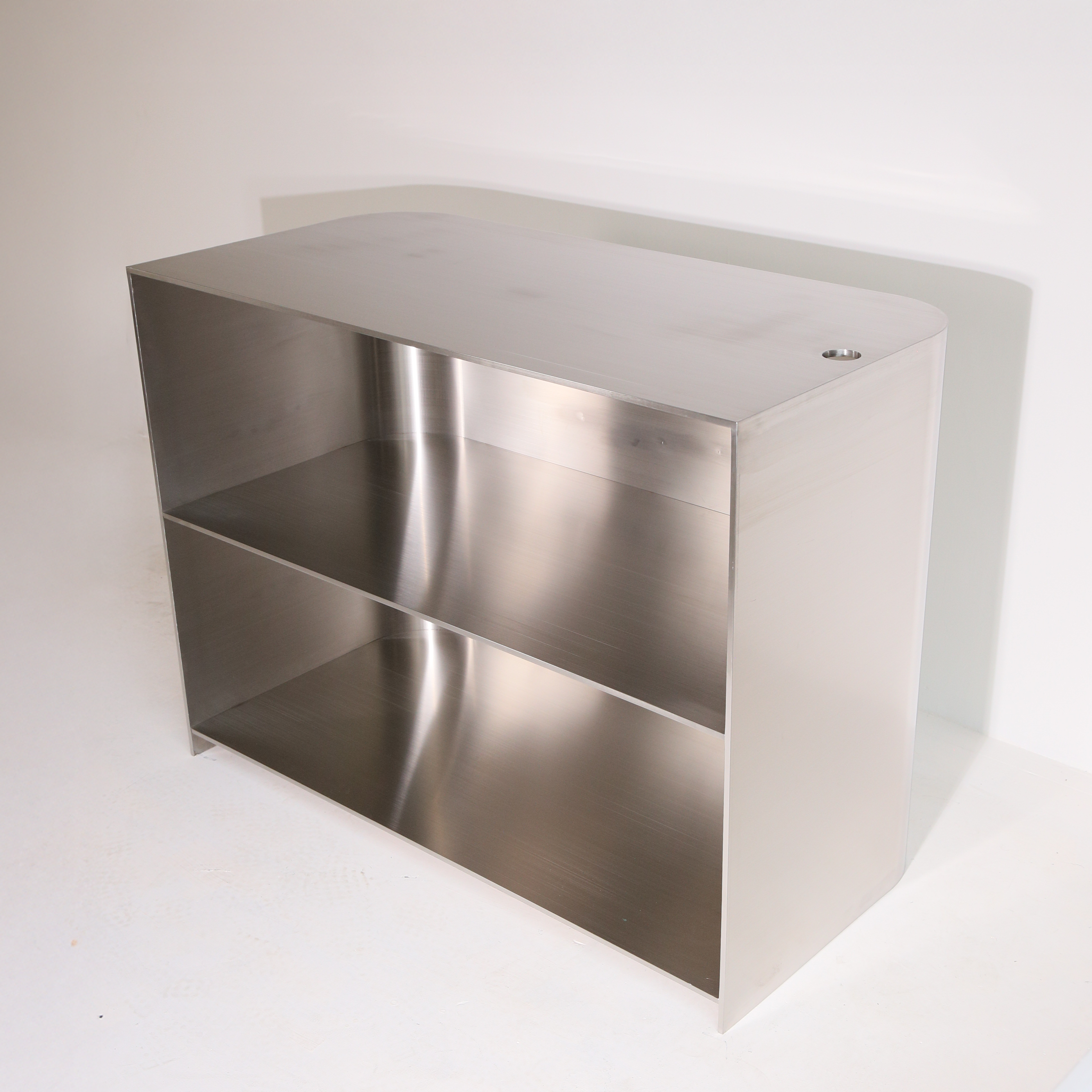
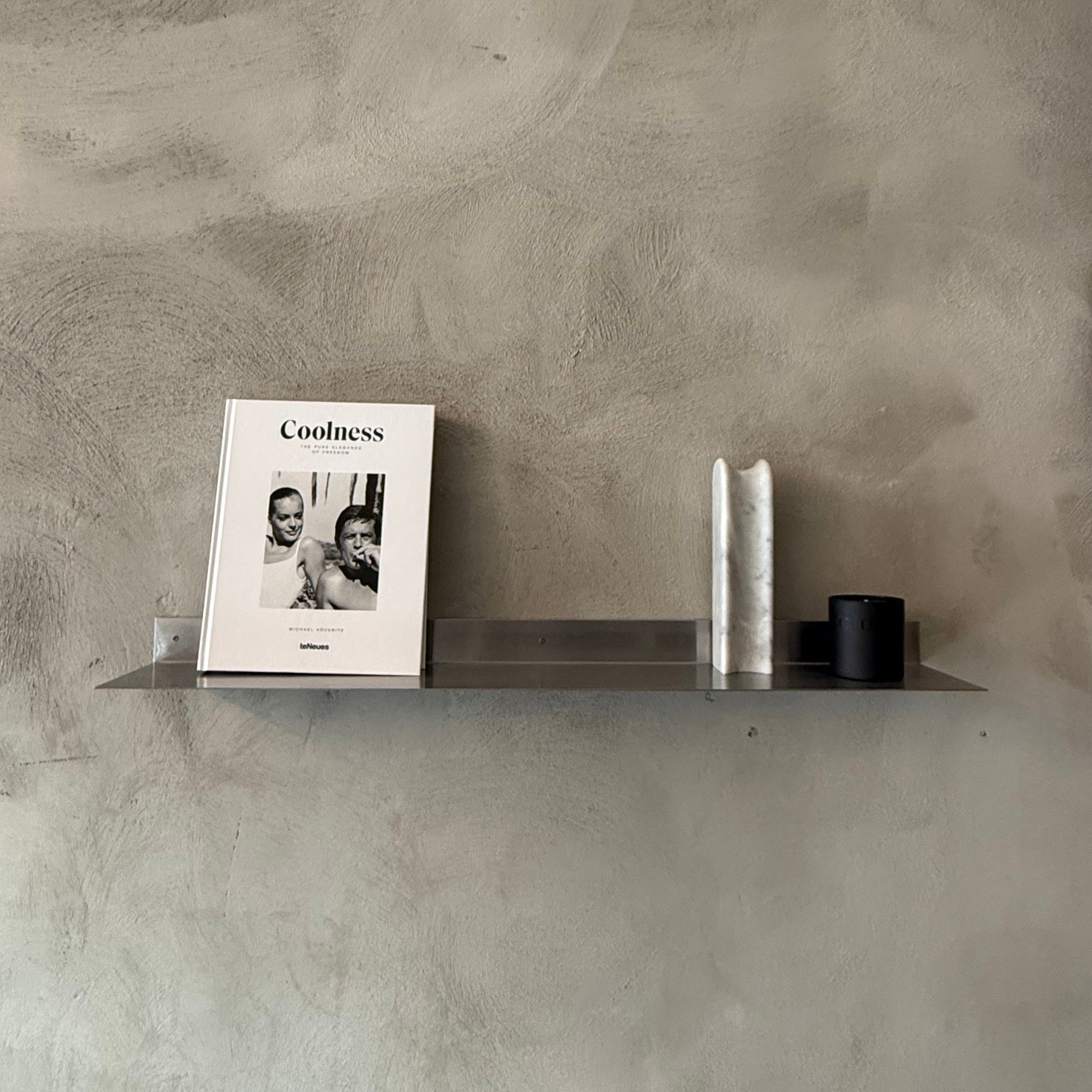
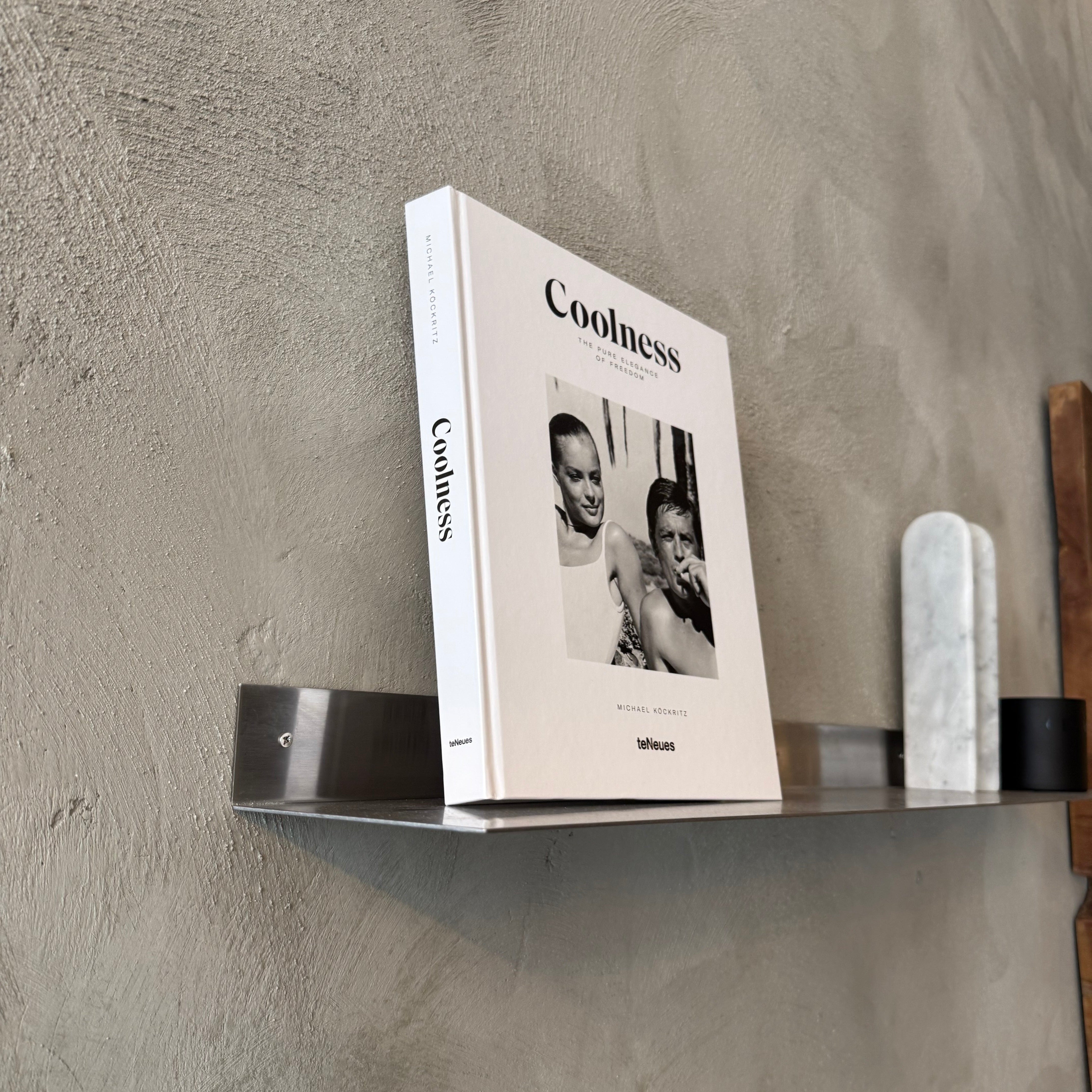
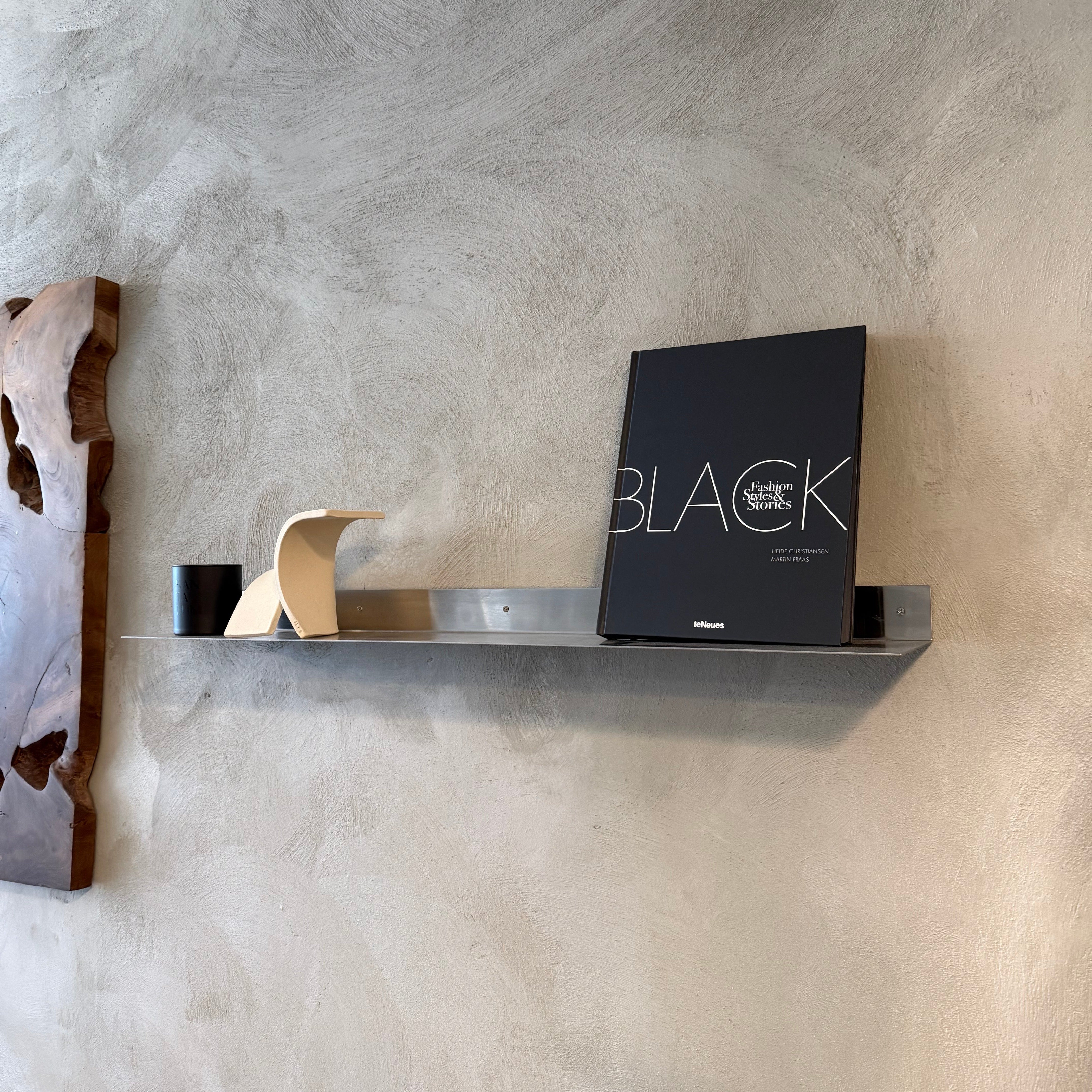
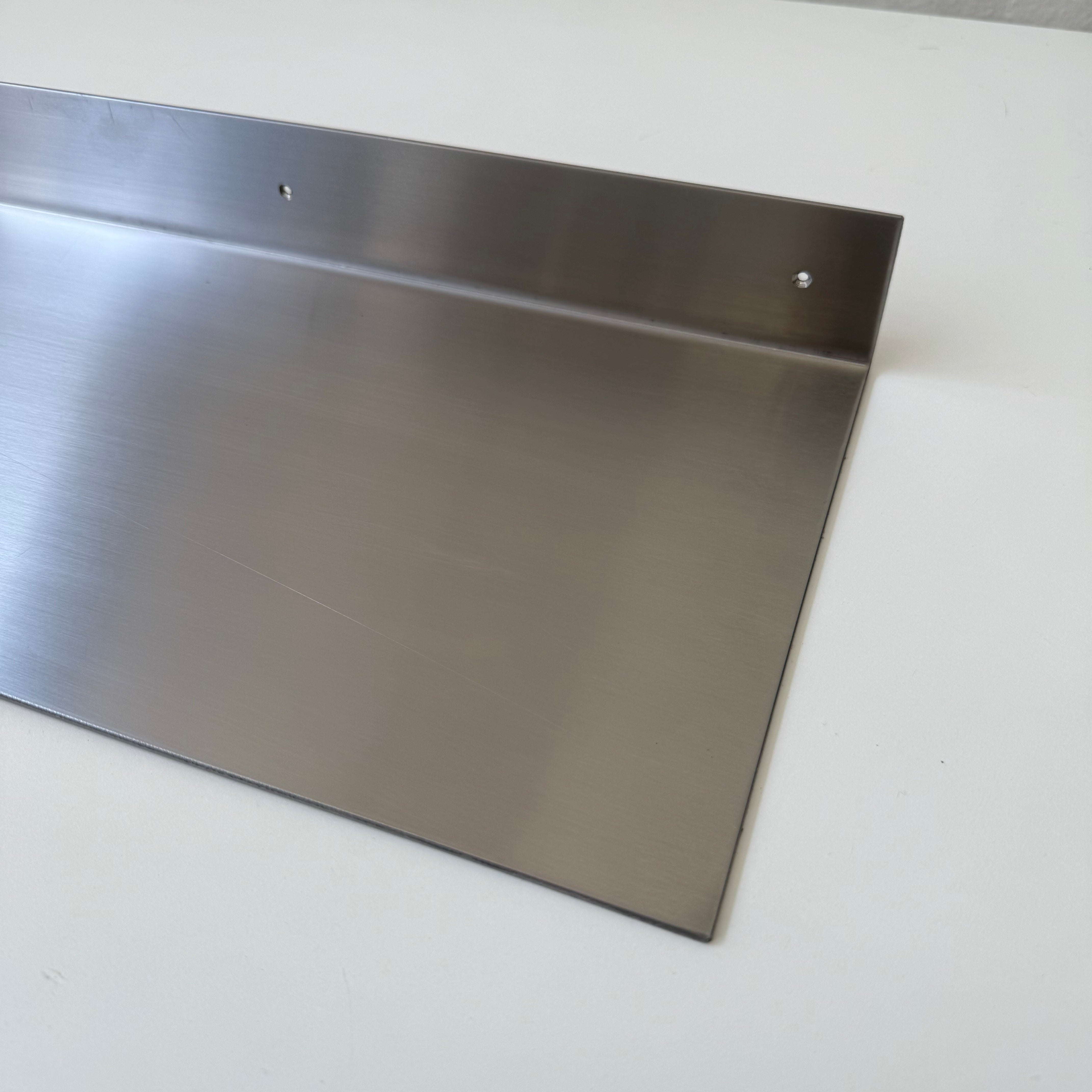
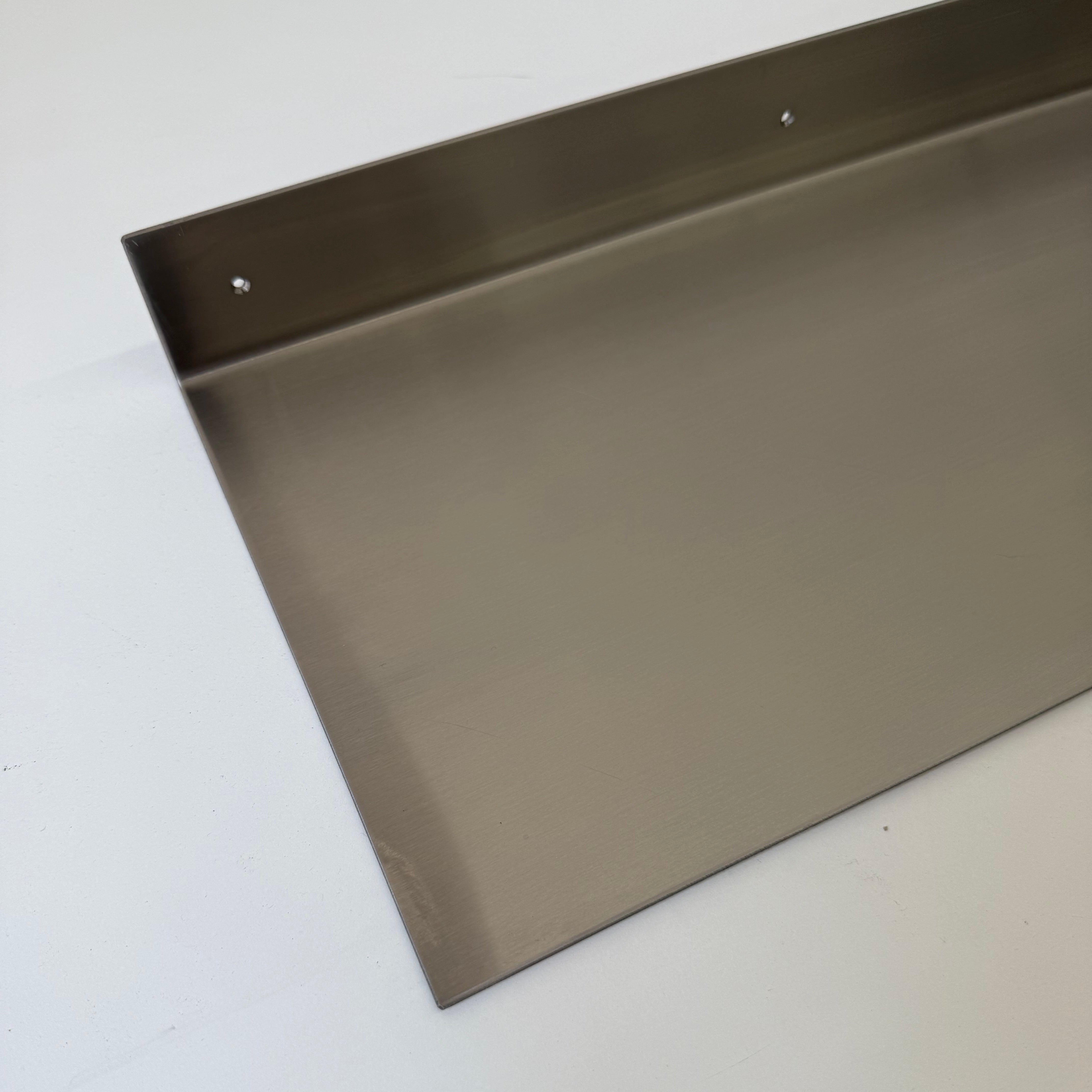
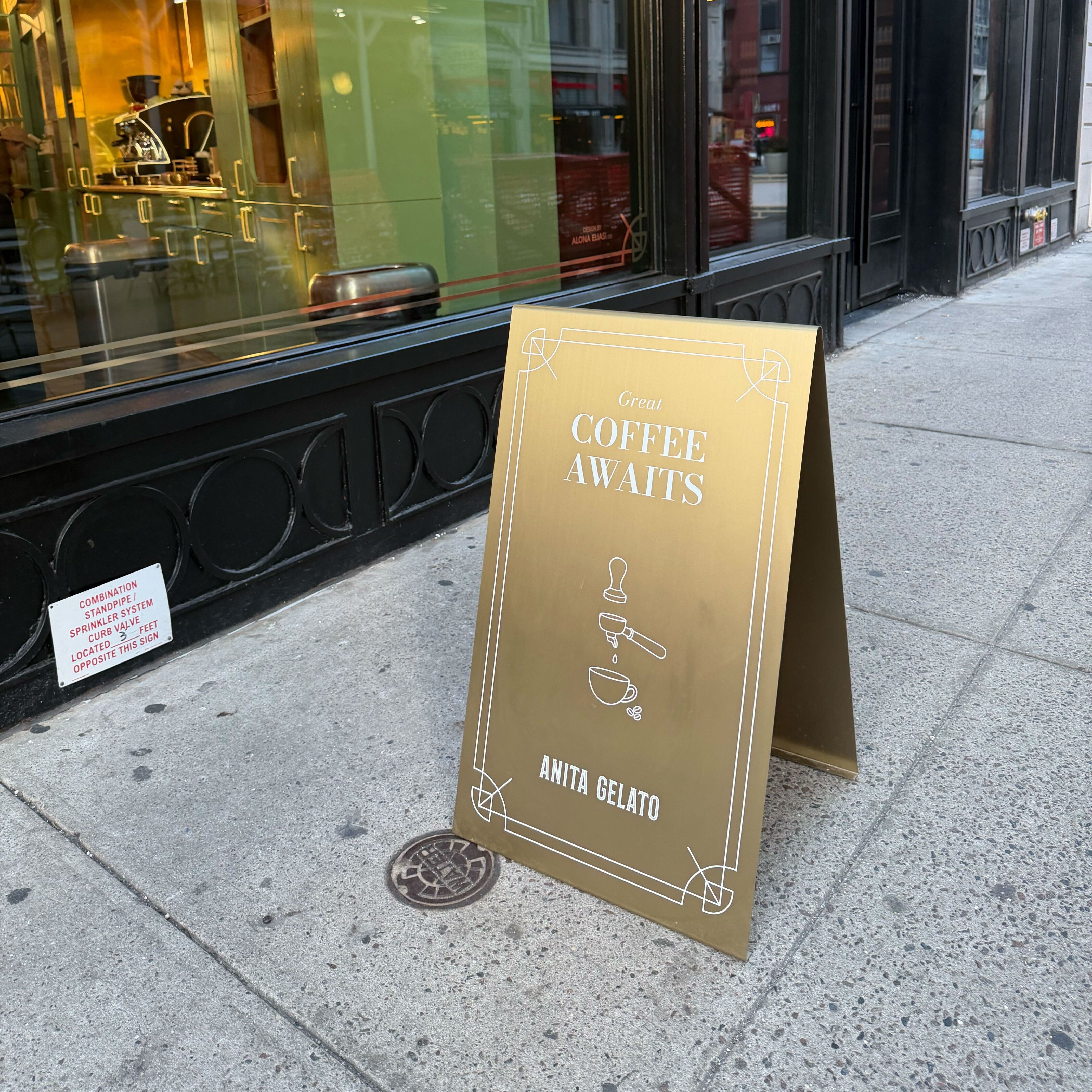
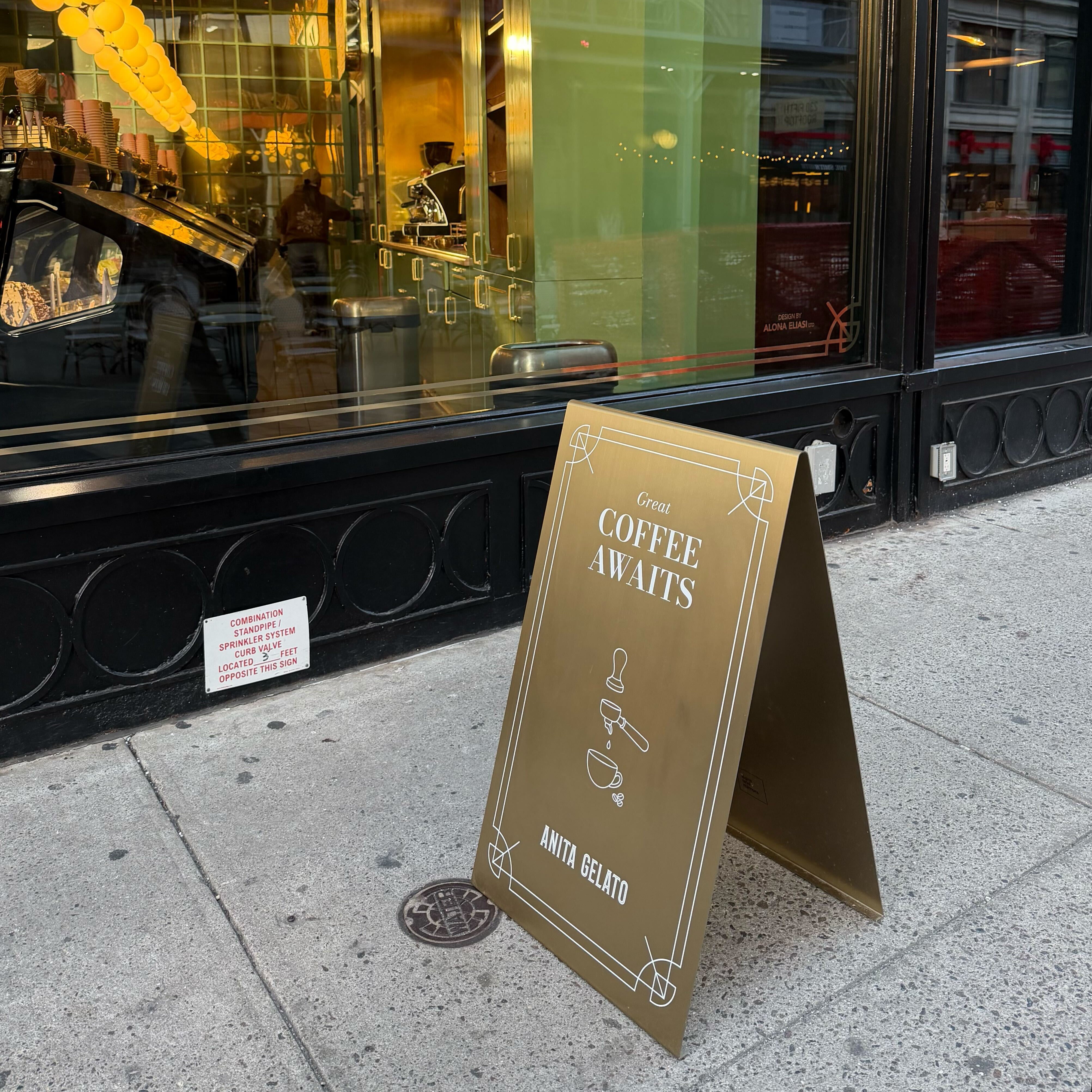
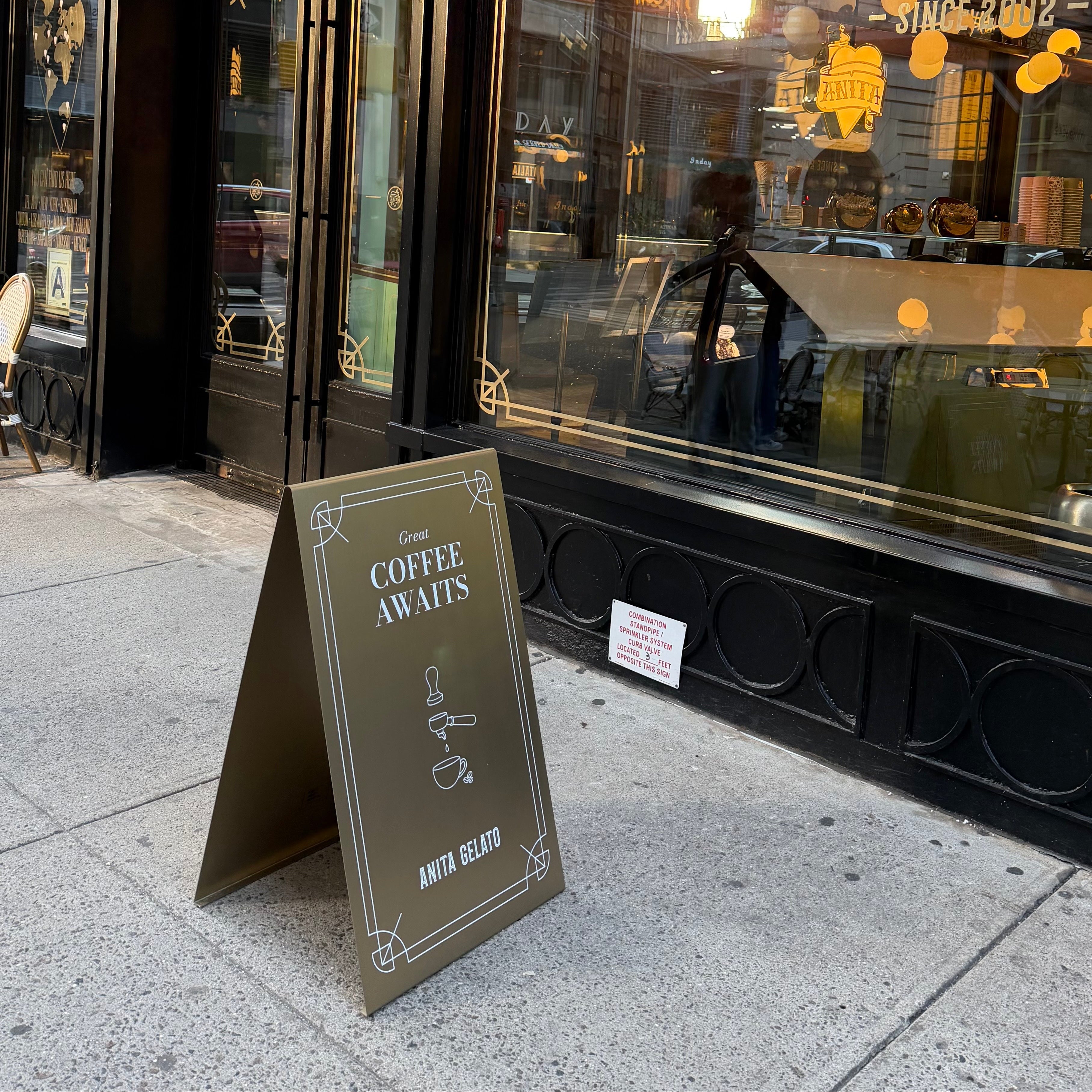
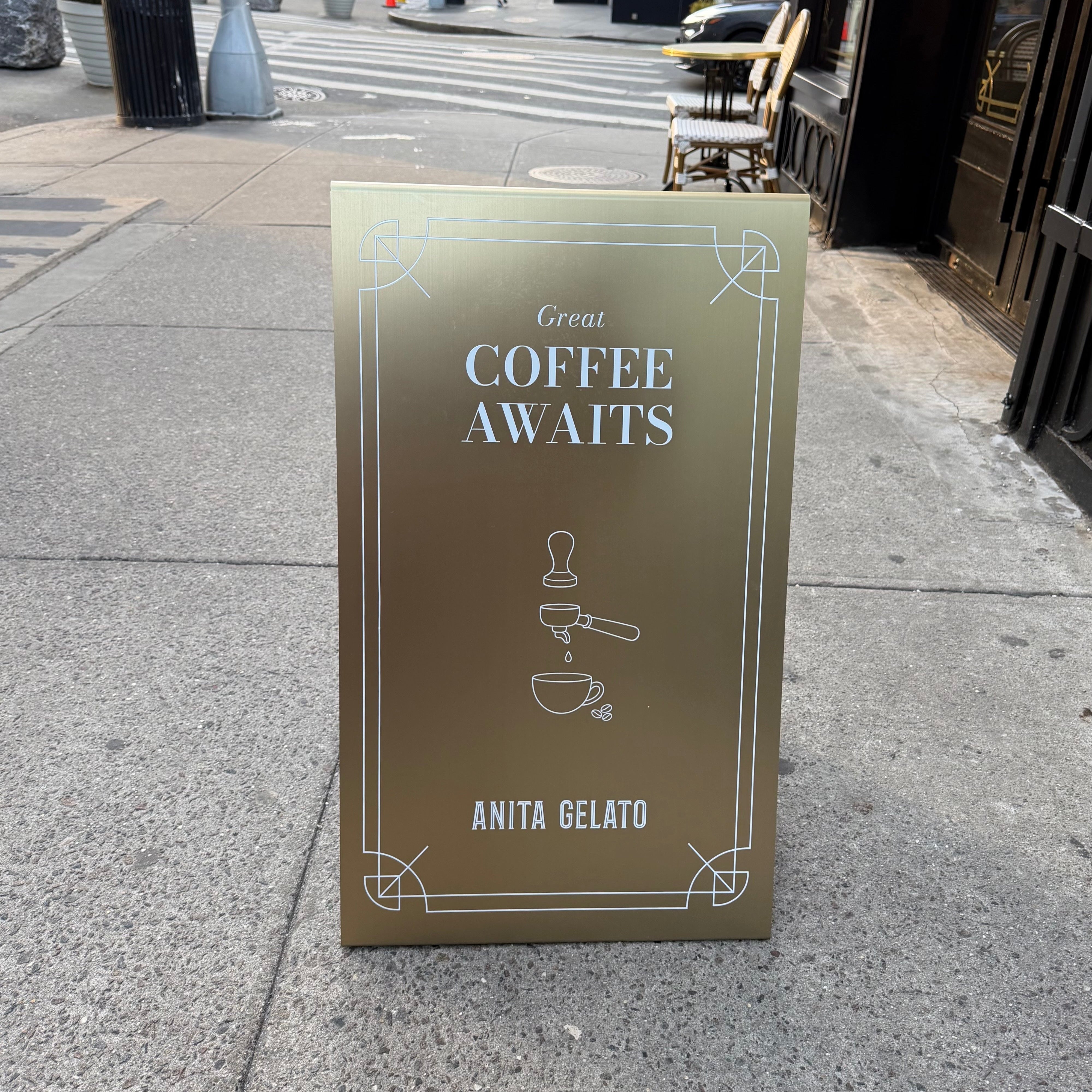
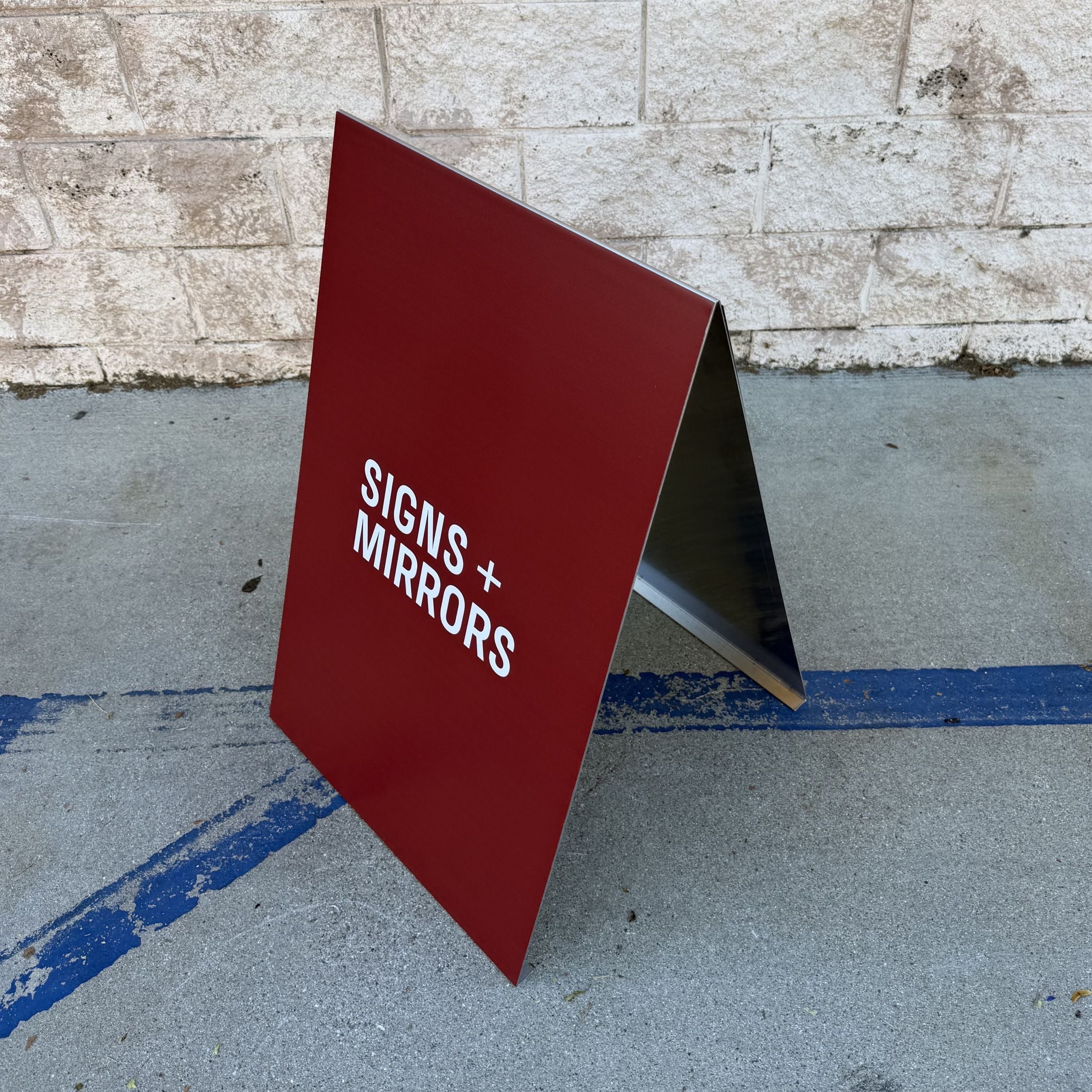
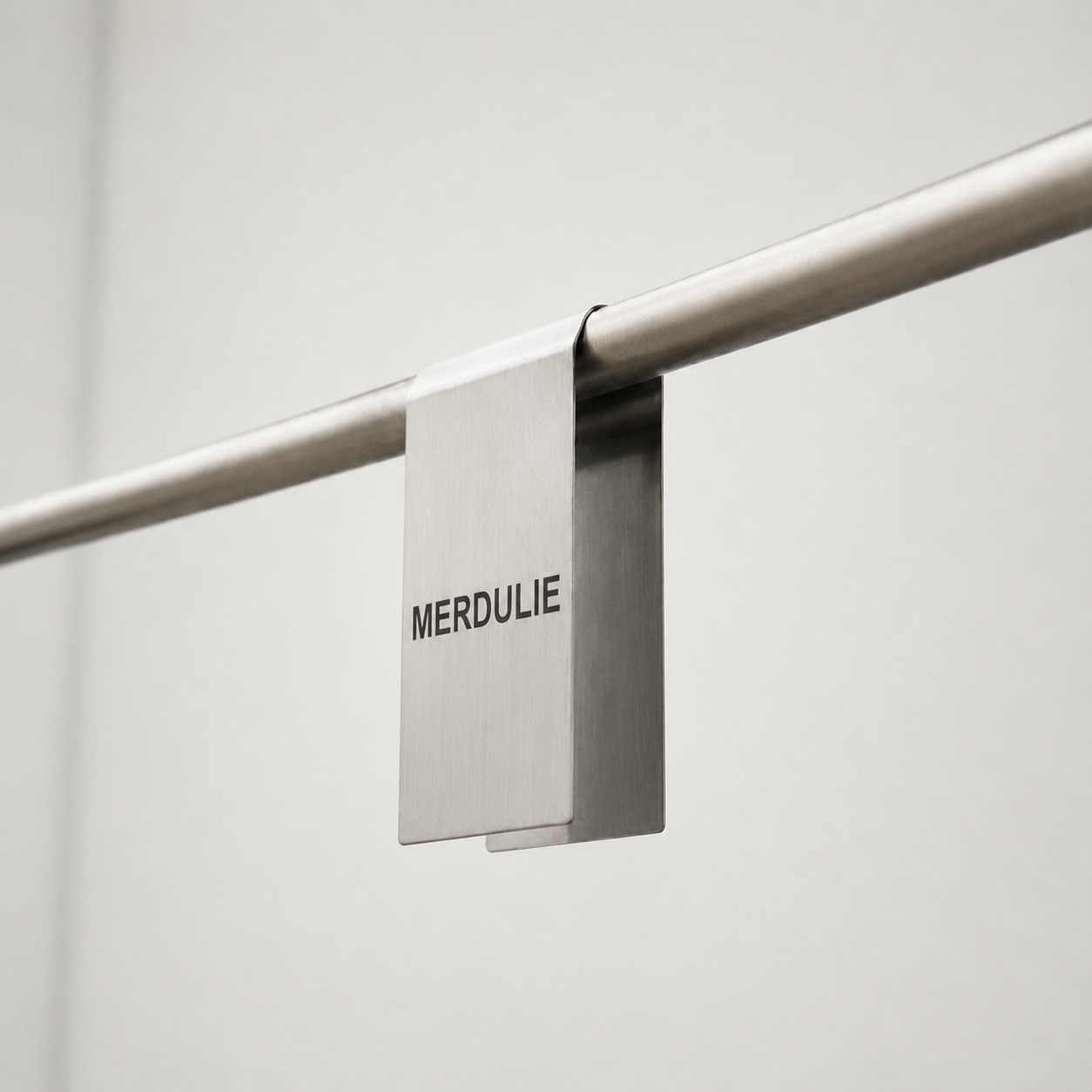
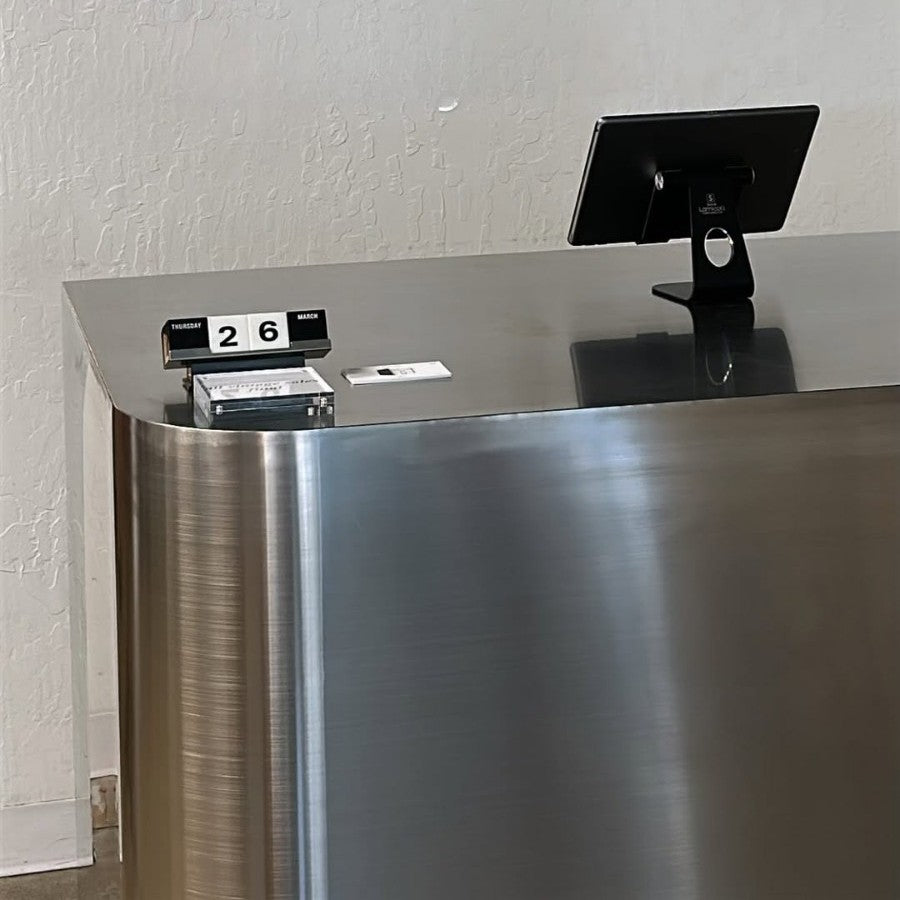
Signs and Mirrors makes signage that feels like part of the space. We started by designing a mirrored A-frame for our own photo studio - not for attention, but to reflect light, people, and movement in a way that felt natural. Now, our collection includes brushed and mirrored stainless steel signs, textured inserts, and standing formats that help restaurants set a tone before anyone even steps inside.
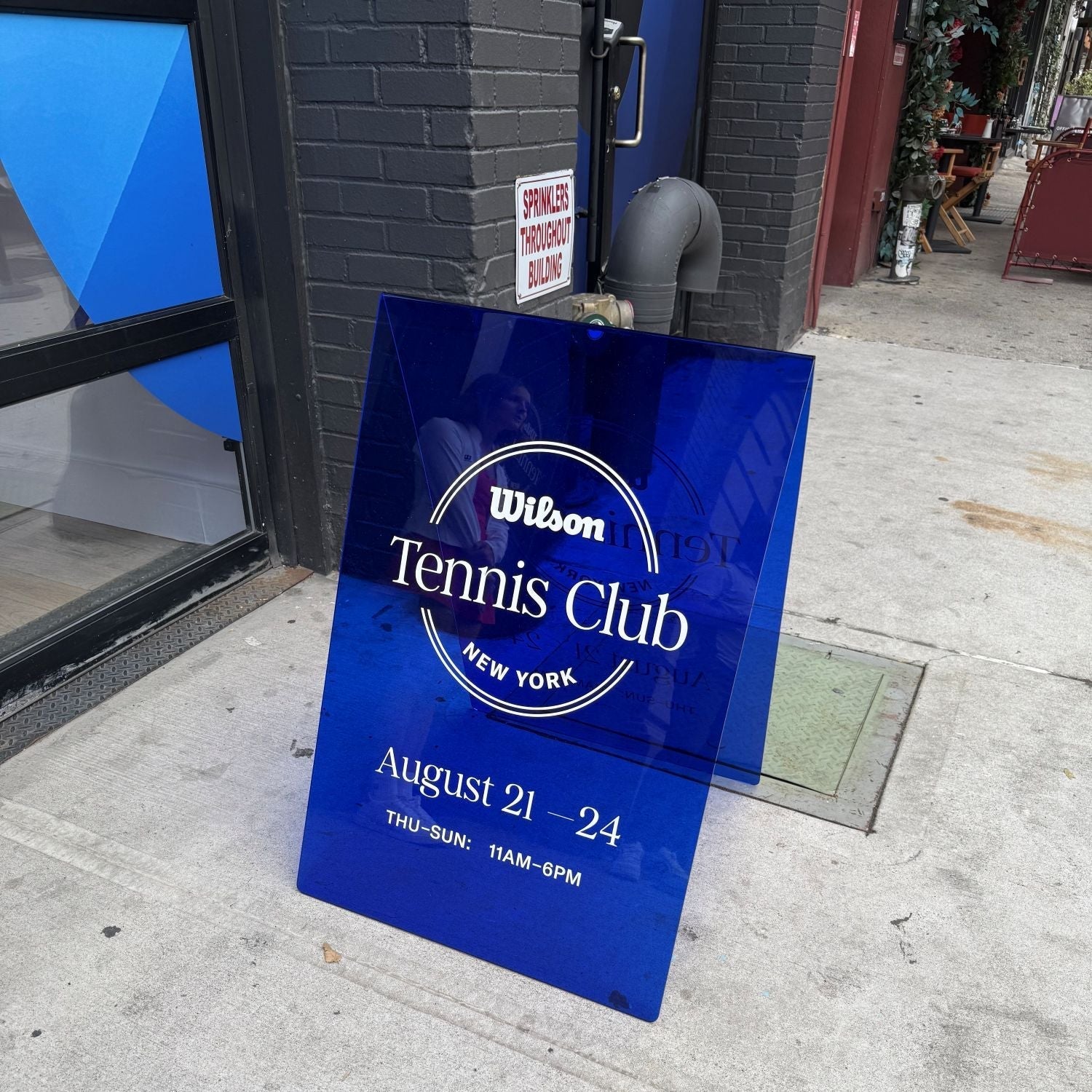
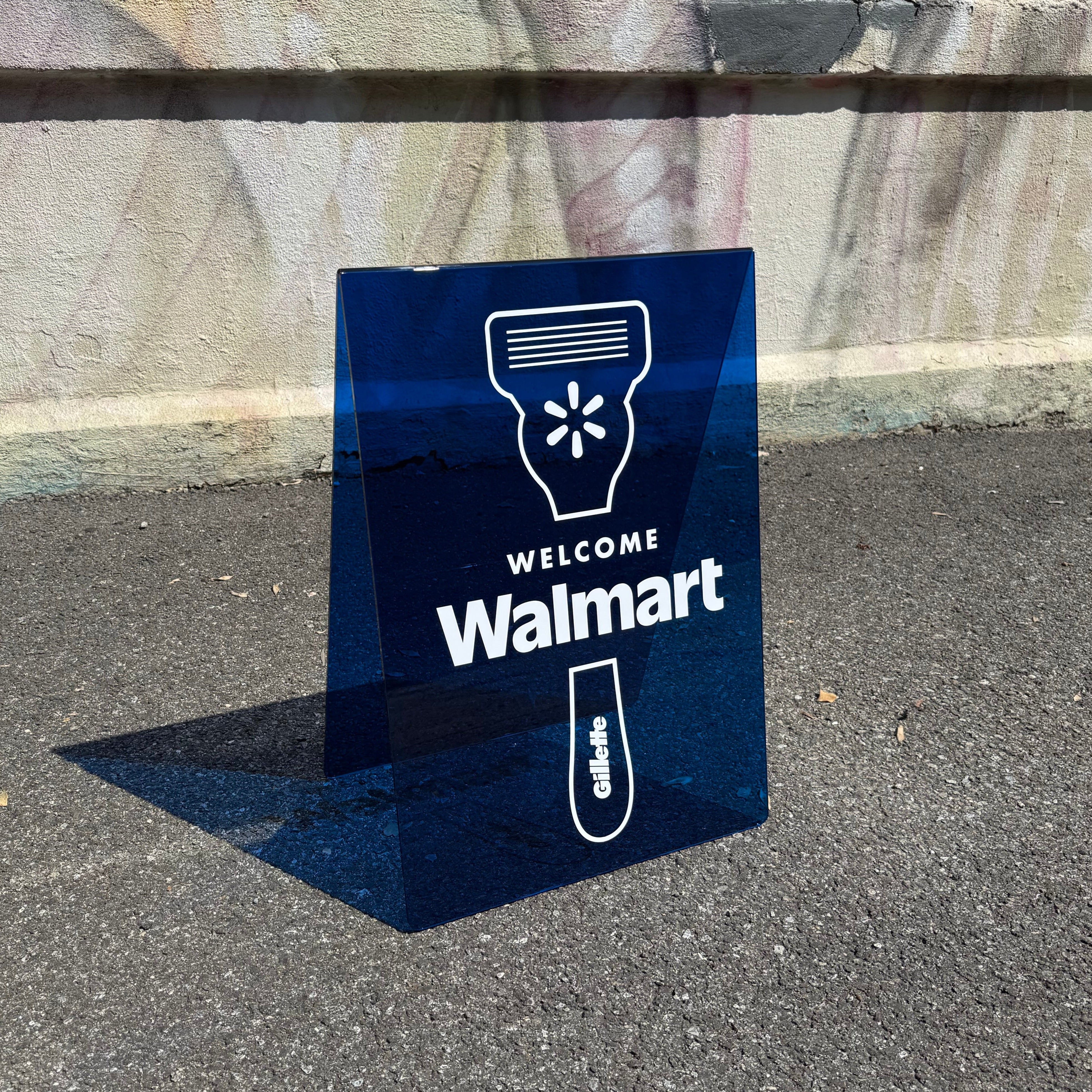
Our signs can be used for menus, branding, or simple wayfinding. Some sit near entrances, others stand along the sidewalk. What matters is that they hold up, stay visible, and feel intentional in daily use. For restaurants, that kind of clarity becomes part of how people connect with the space.
Types of Signs You Can Purchase from Signs and Mirrors
We create signage that works quietly but clearly in real spaces. Our signs are designed for branding, menus, and wayfinding, using stainless steel and acrylic forms that suit everyday restaurant use. Below are several options from our collection.

1. Round Dimensional Wall Sign
The Round Dimensional Wall Sign is a circular stainless steel wall sign designed to add depth without visual noise. It works well for logos or simple exterior branding.
- Made from durable stainless steel
- Dimensional, sculptural wall-mounted form
- Suitable for blank or custom-printed designs
- Designed for exterior wall use

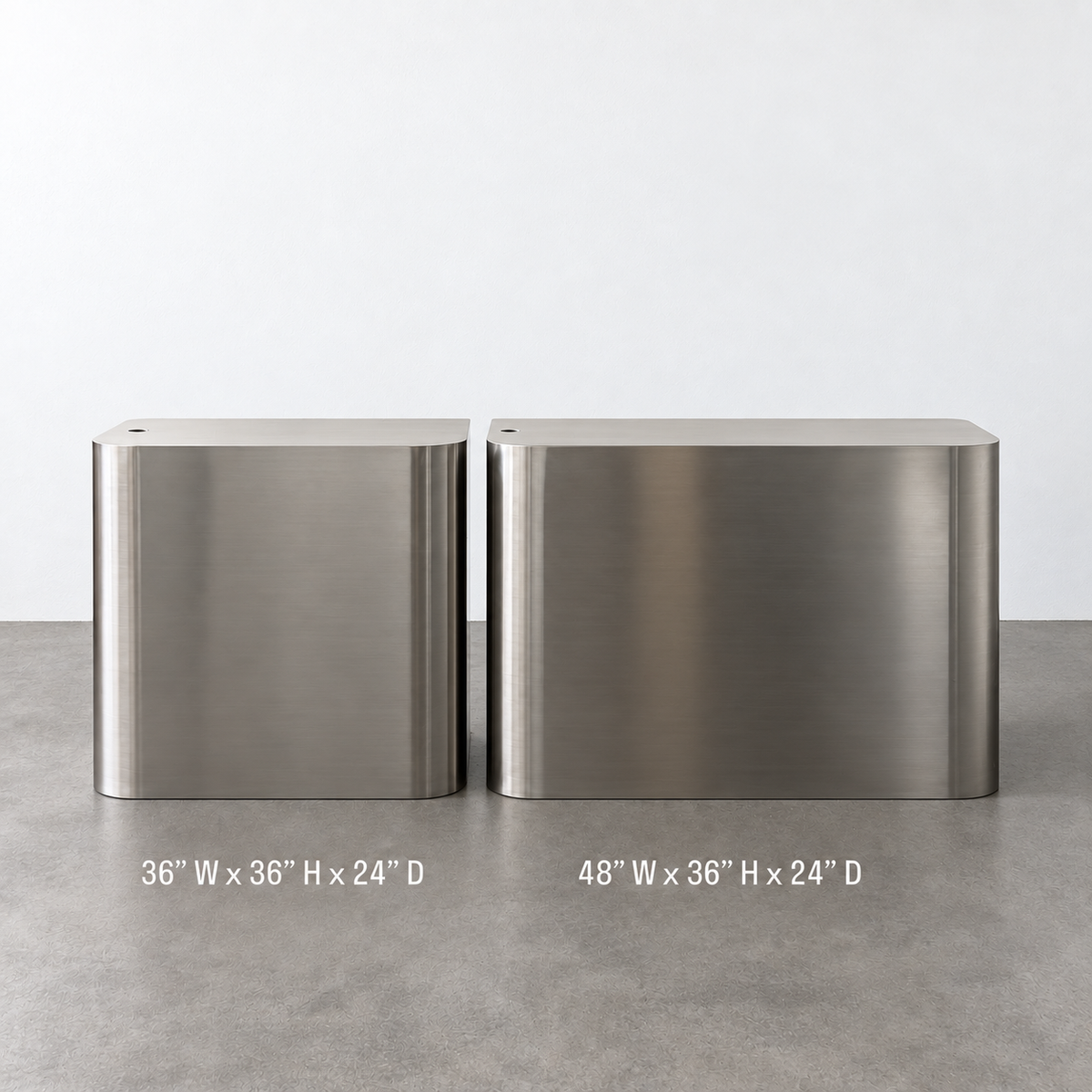
2. Mini Brushed Stainless Steel Floor Sign
The Mini Brushed Stainless Steel Floor Sign is a compact floor-standing sign built from a single sheet of stainless steel. It fits well in tight spaces indoors or outdoors.
- Solid stainless steel construction
- Small, easy-to-move floor format
- Stable design for low-wind areas
- Available blank or with custom print

3. Rounded Cream Stainless Steel Standing Sign
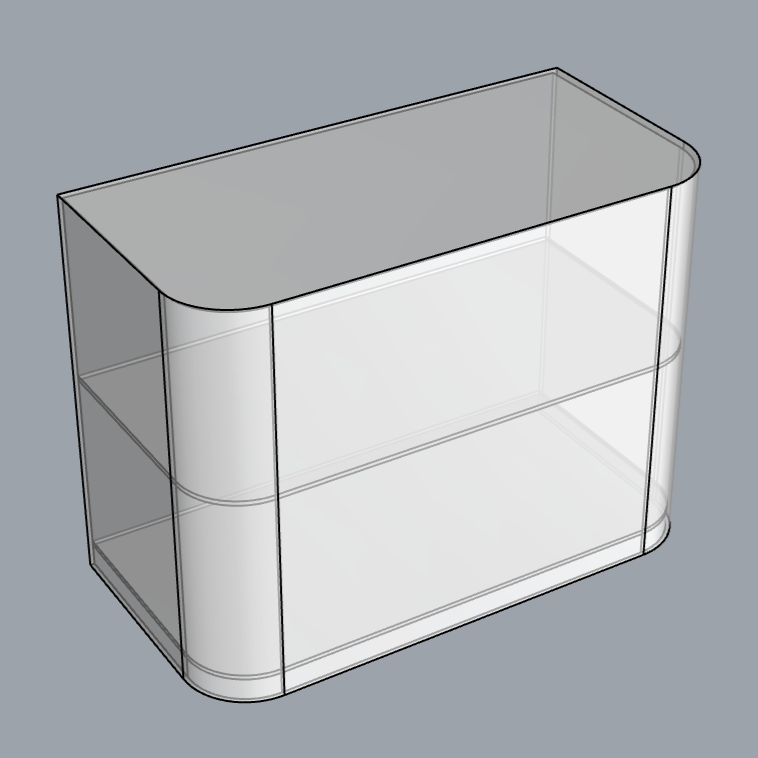
The Rounded Cream Stainless Steel Standing Sign features a curved shape and powder-coated finish. It’s lightweight but stable, making it practical for frequent repositioning.
- Curved stainless steel body with powder coat
- Lightweight and easy to move
- Suitable for indoor and sidewalk use
- Can be ordered blank or printed

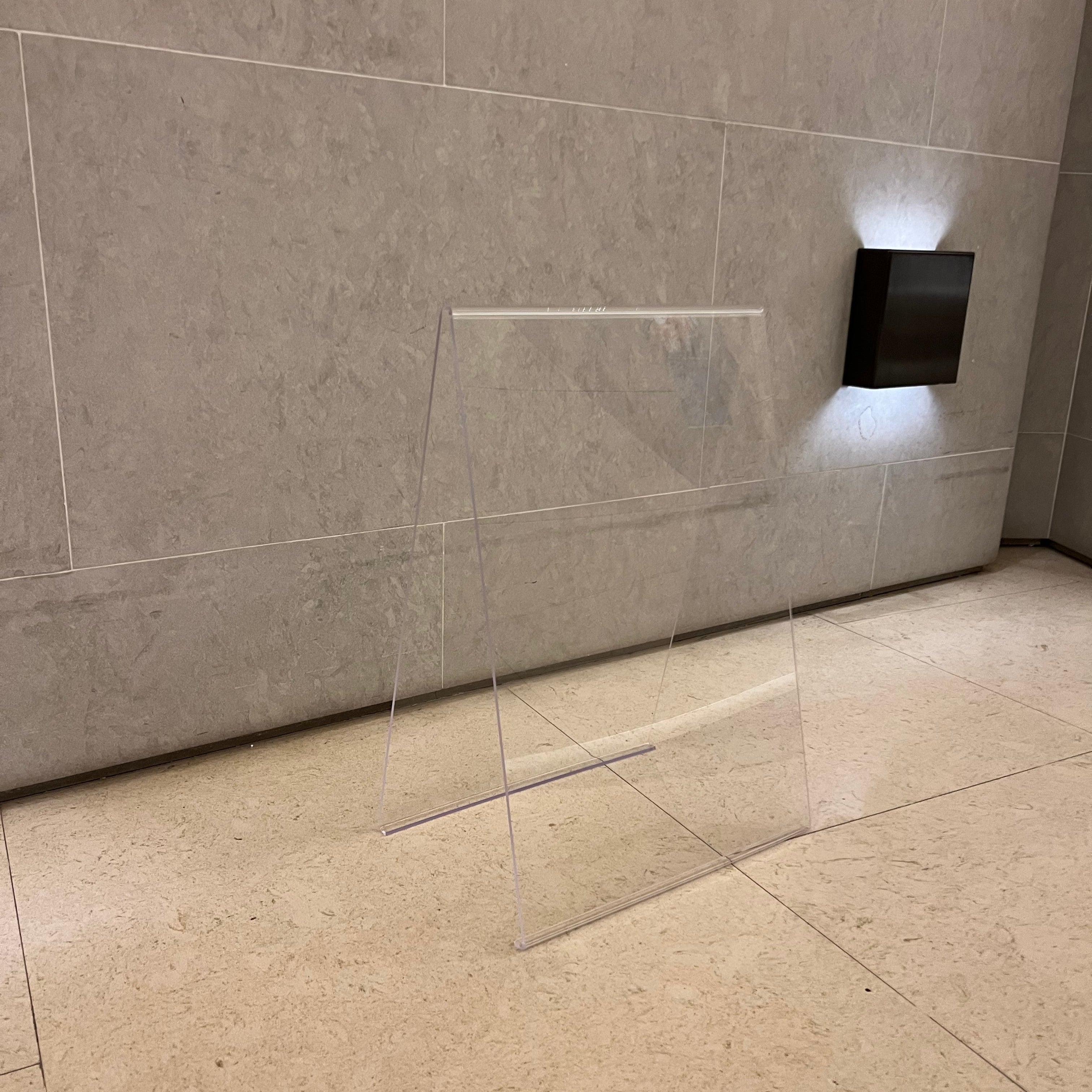
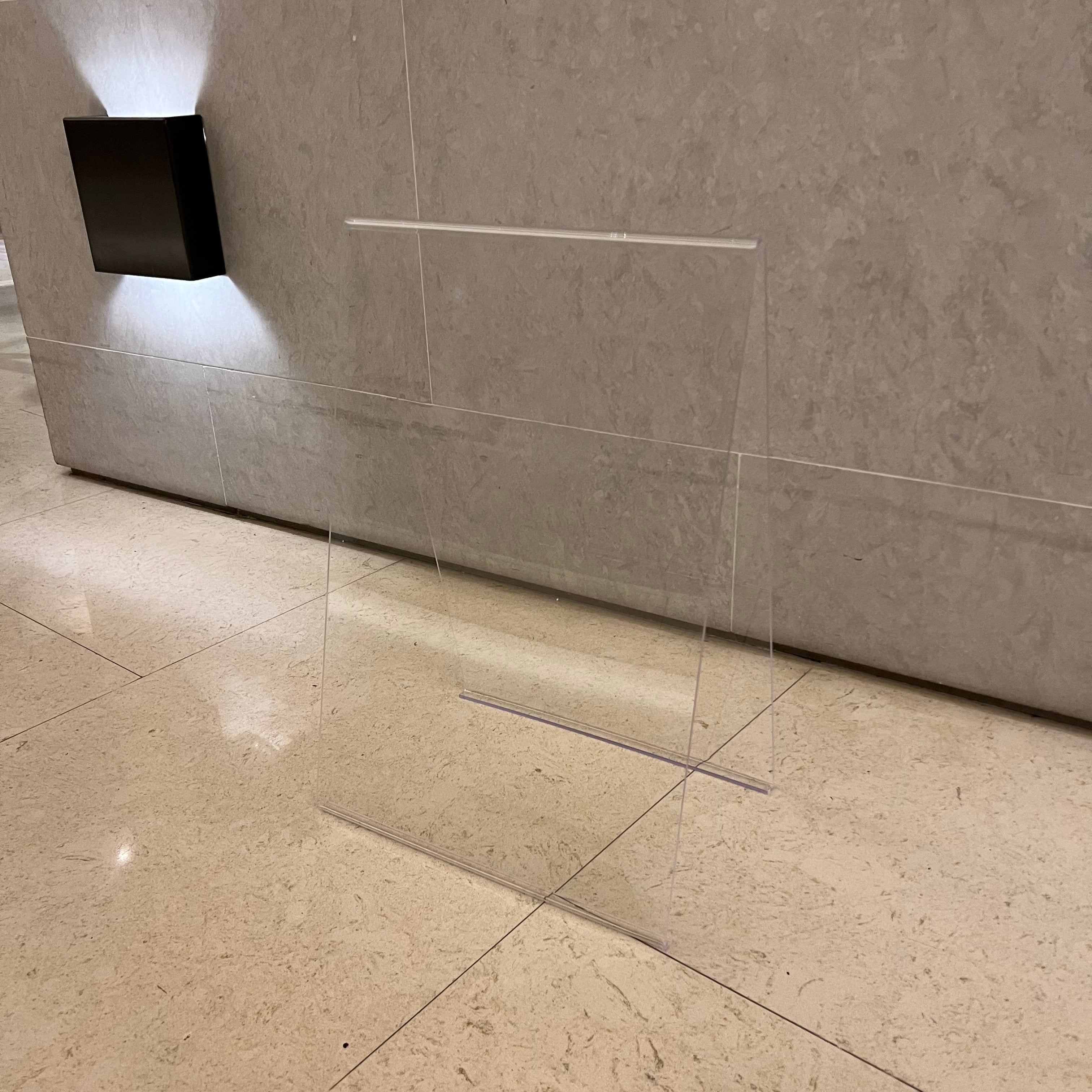
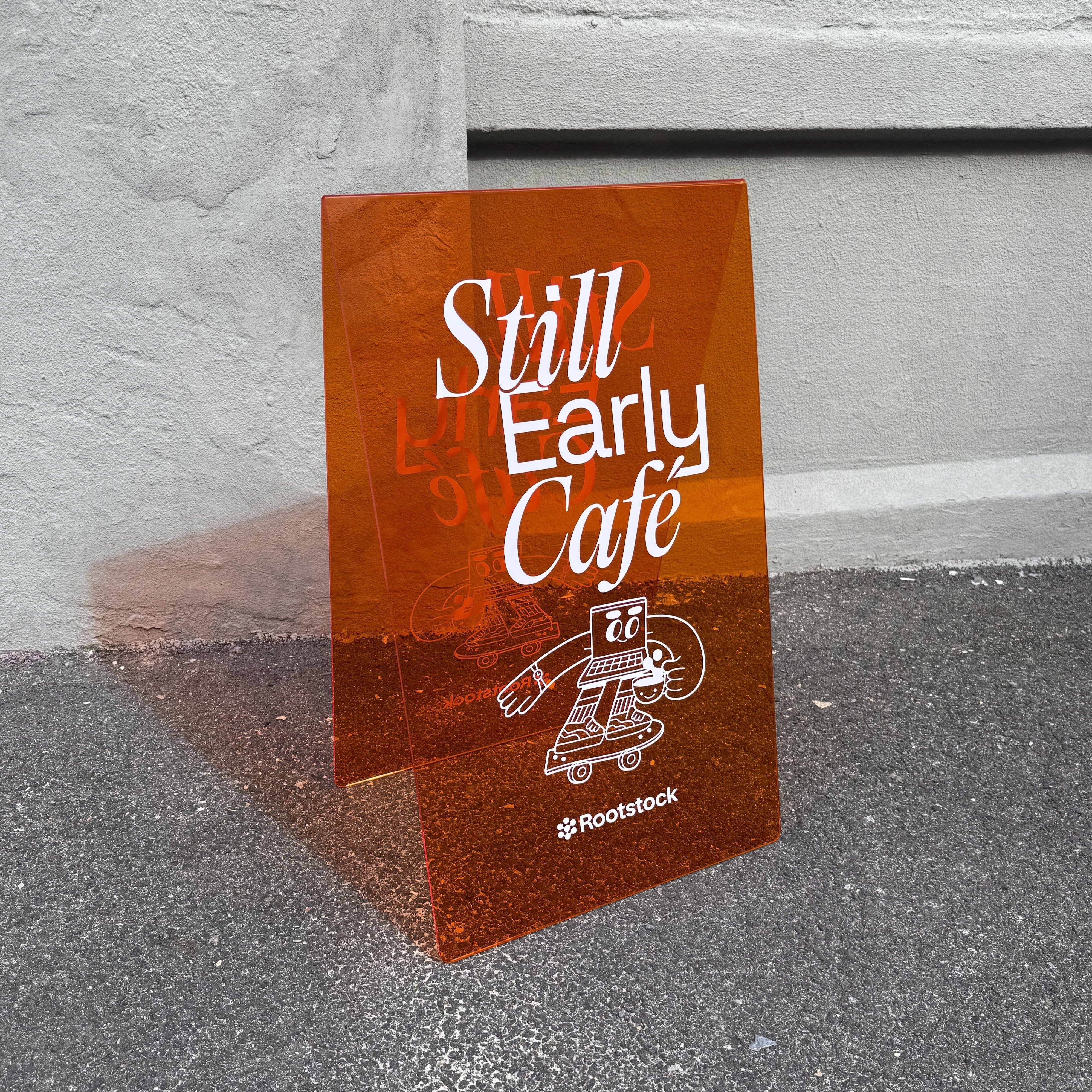
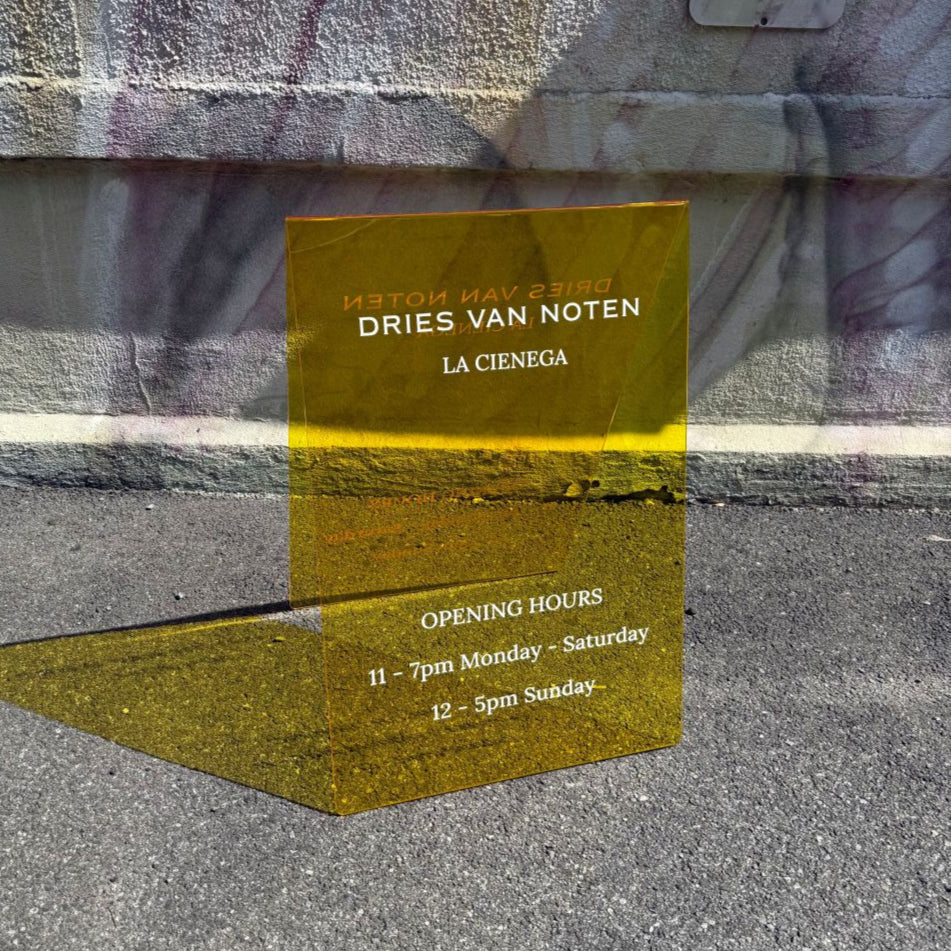
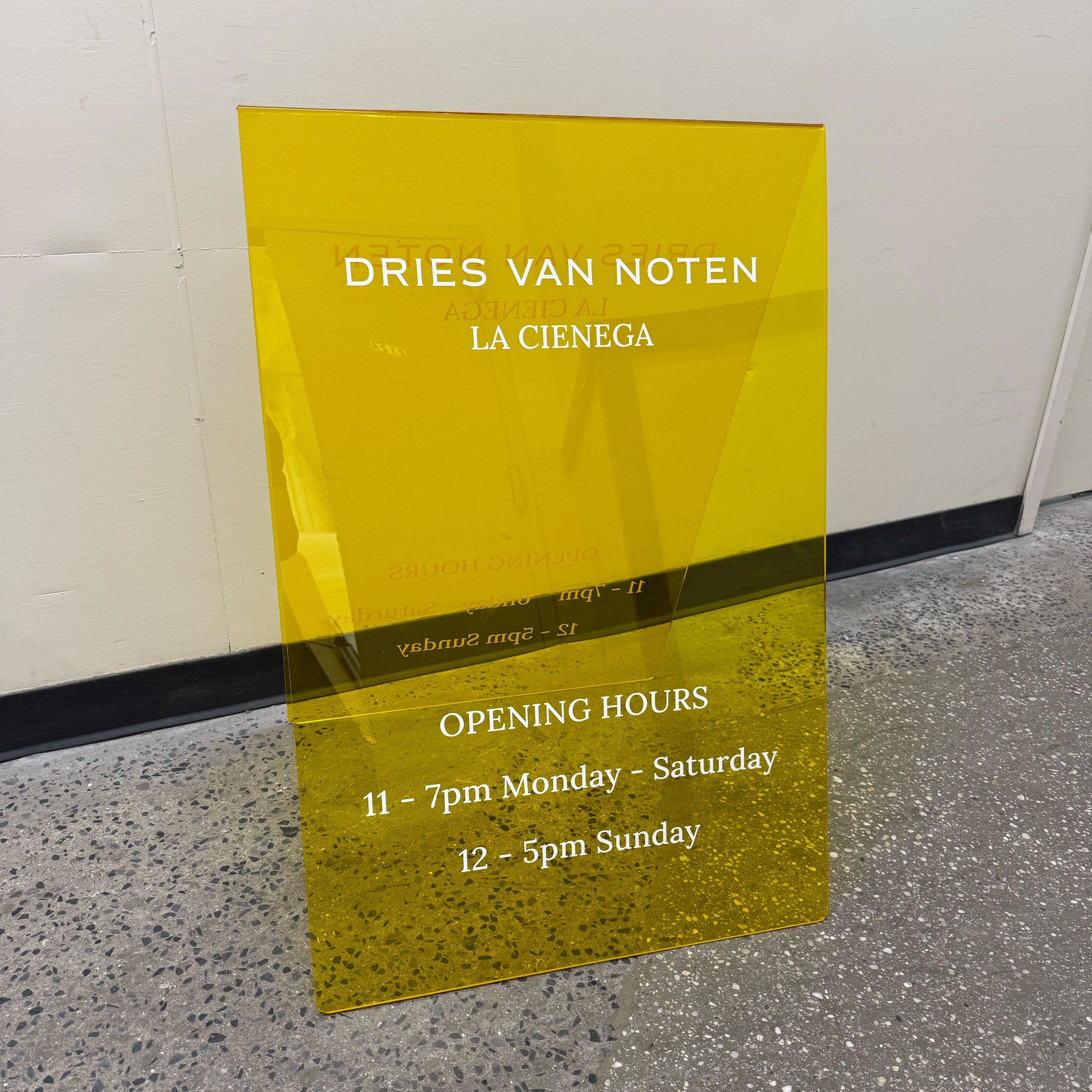
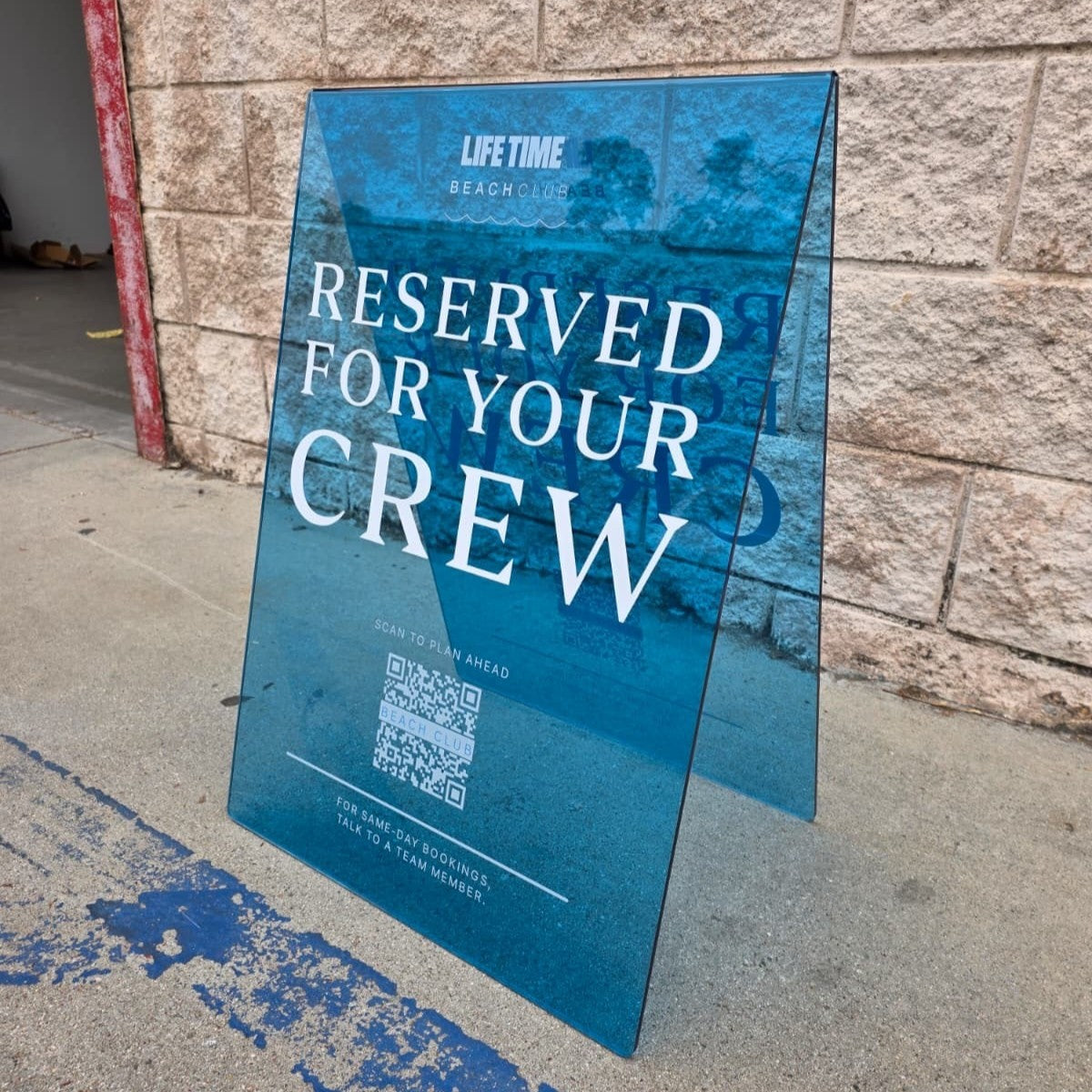
4. Opaque Acrylic A-Frame Sidewalk Sign
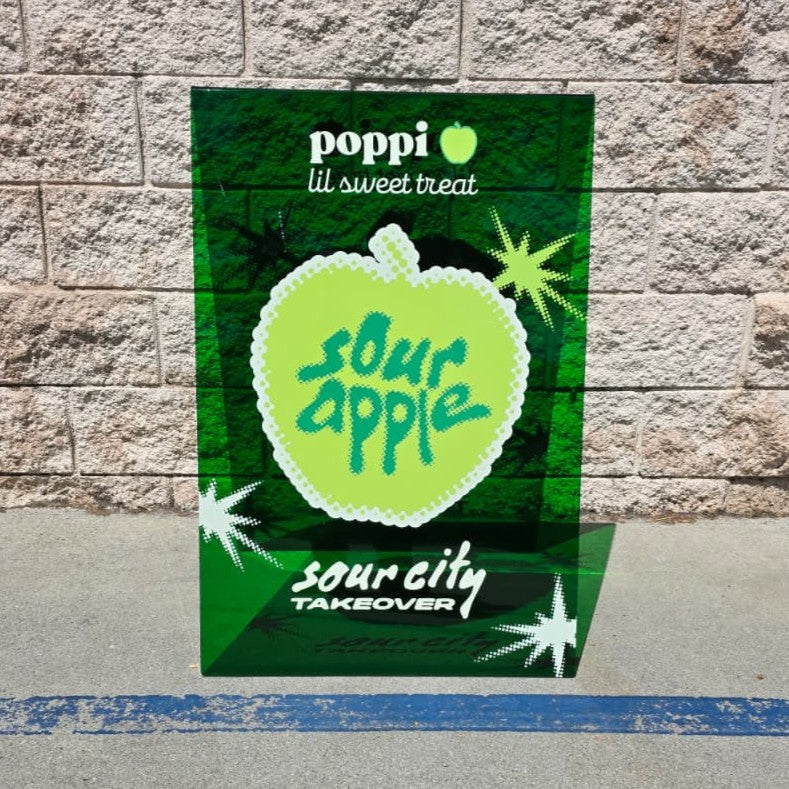
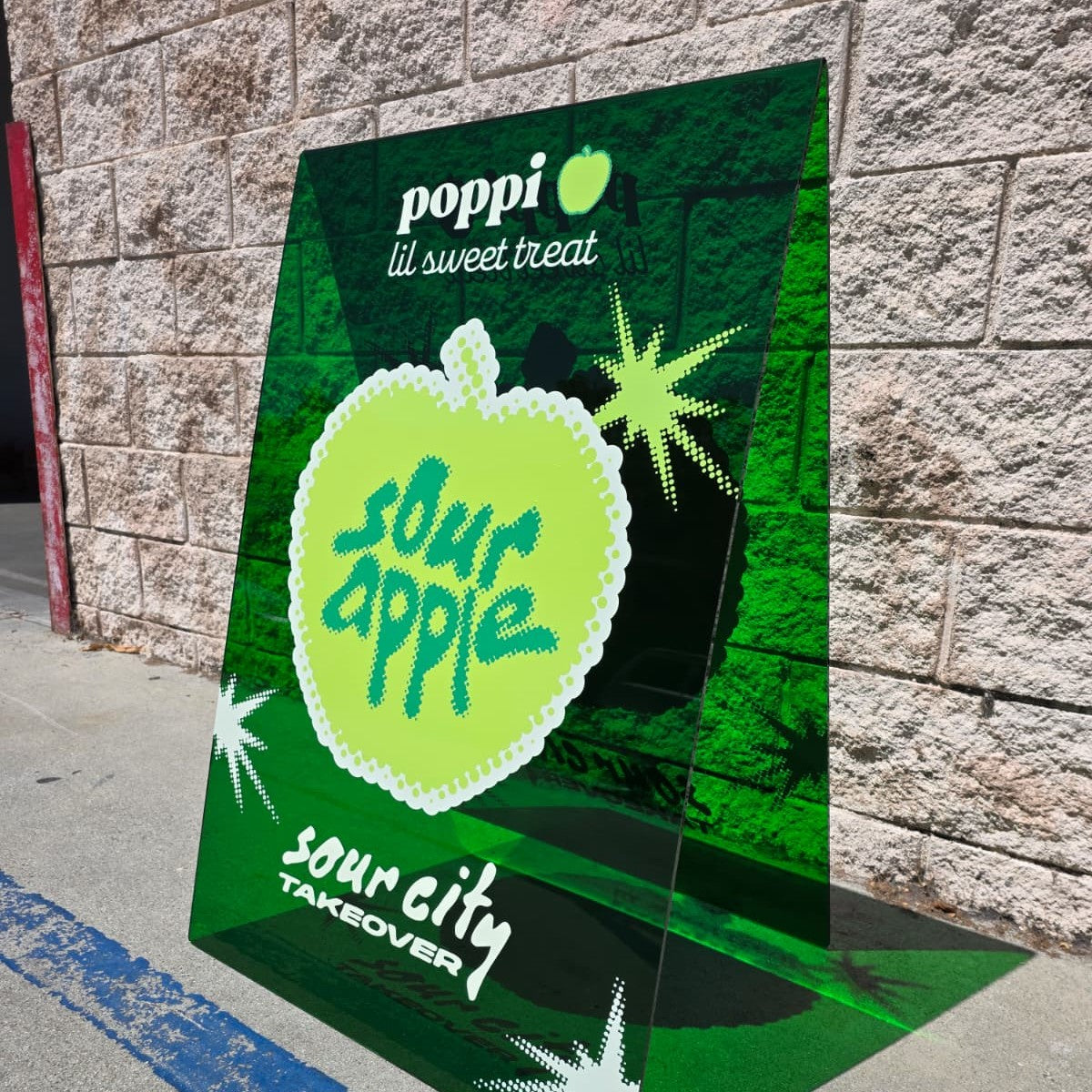
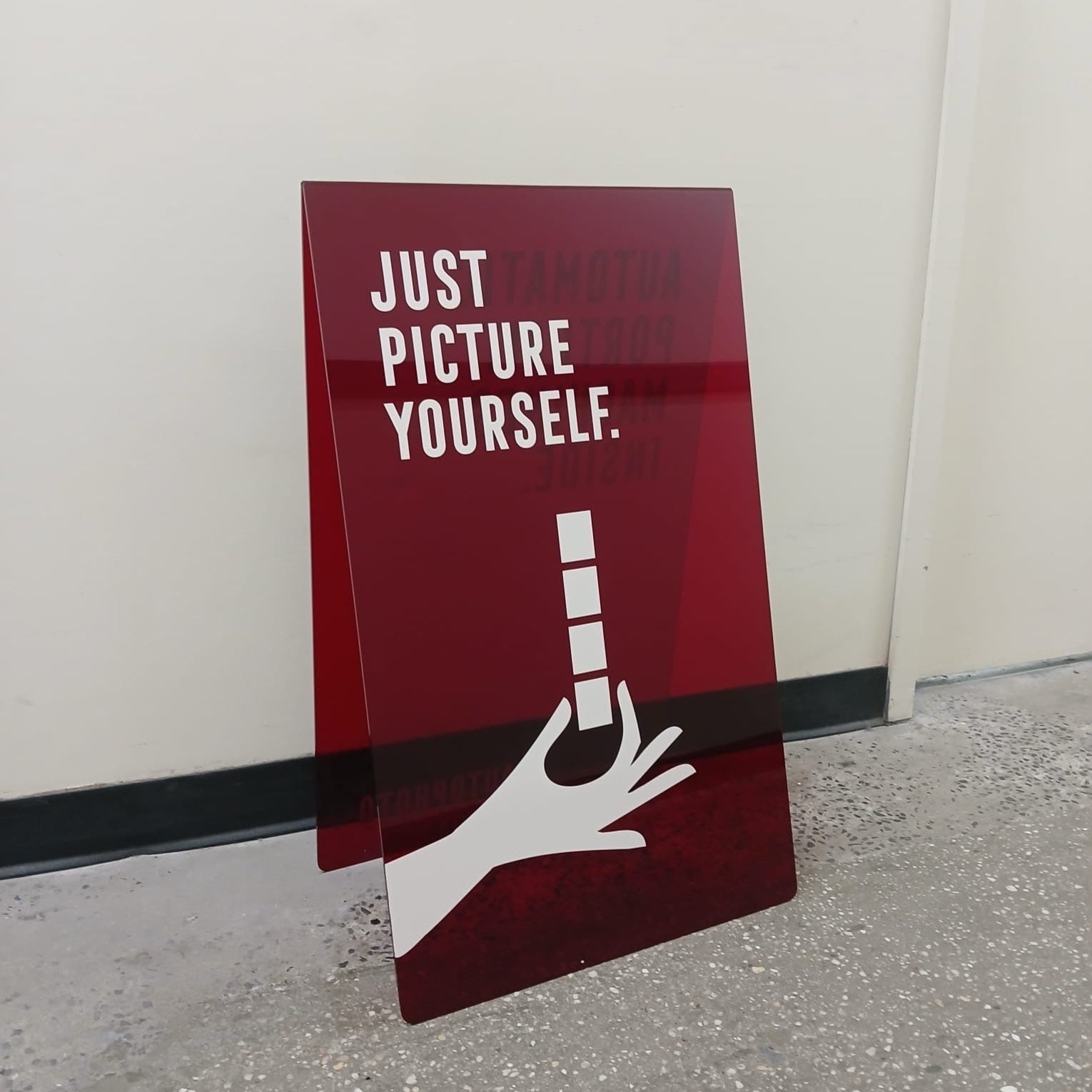
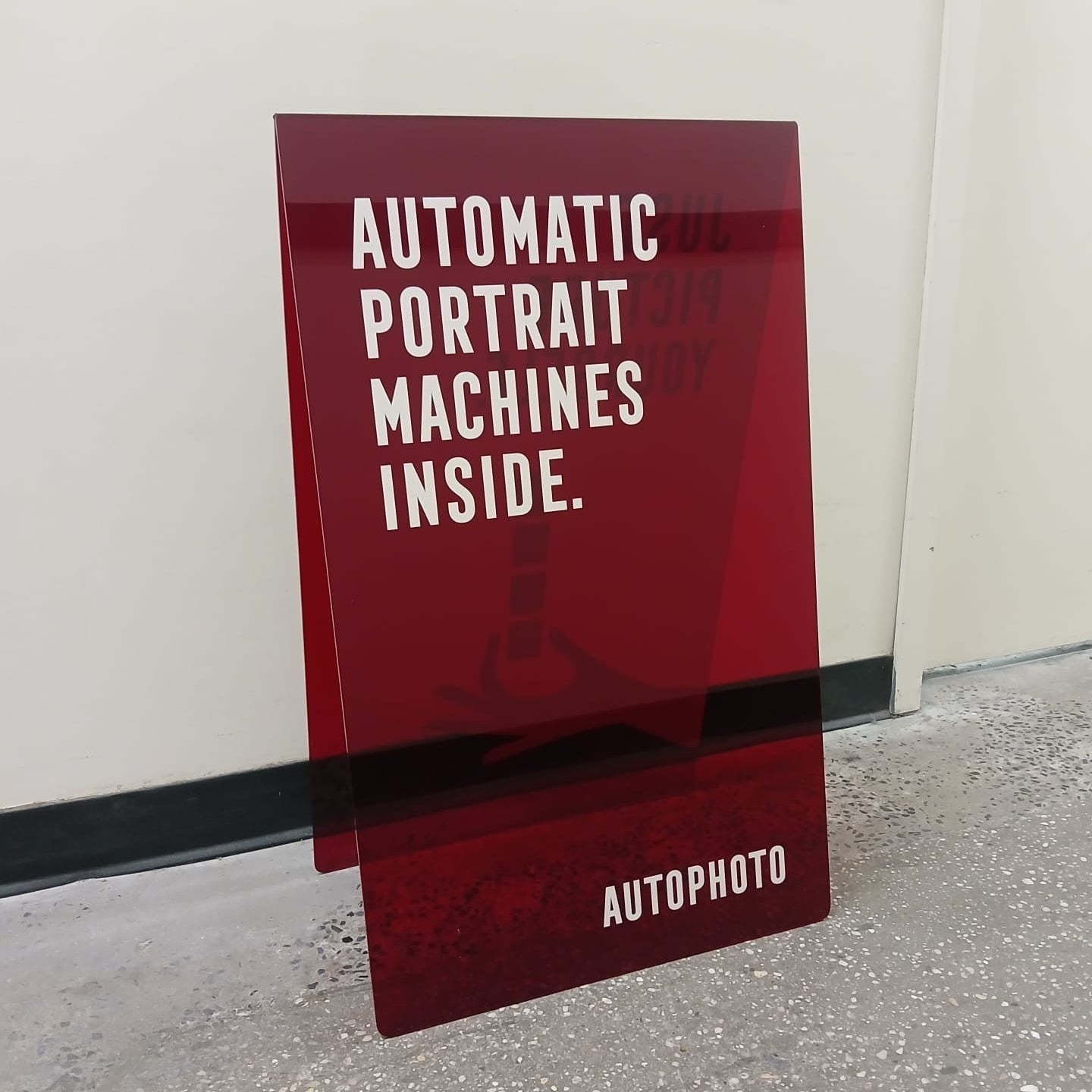
The Opaque Acrylic A-Frame Sidewalk Sign is made from high-quality acrylic with a glossy surface. It’s designed for bold visuals and clear messaging.
- Durable, lightweight acrylic material
- Opaque surface for clear readability
- Glossy finish in multiple color options
- Blank or custom-printed configuration

5. Square Blade Wall Sign
The Square Blade Wall Sign is a wall-mounted stainless steel sign with a clean, square profile. It’s commonly used for storefront visibility and branding.
- Stainless steel blade-style construction
- Square shape with a minimalist profile
- Designed for exterior wall mounting
- Available blank or with custom print
Best Tools to Promote Your Restaurant

1. ChoiceQR
ChoiceQR is used by restaurants that want to keep most of their marketing activity in one place. The platform connects everyday guest interactions - menus, orders, payments - with basic marketing functions that run quietly in the background. Instead of treating marketing as a separate task, it becomes part of how customers already move through the restaurant’s digital touchpoints.
The system focuses on repeat visits and direct communication. Loyalty programs, customer profiles, and simple messaging tools allow restaurants to stay in touch without relying on third-party platforms. For teams that want visibility into guest behavior without spending time building campaigns from scratch, ChoiceQR stays functional and contained.
Key Highlights:
- Built-in loyalty programs tied to real visits and orders
- Customer database with basic CRM functionality
- Push notifications and email newsletters from one dashboard
- SEO-related tools for online visibility
- Analytics focused on customer activity and engagement
Who It’s Best For:
- Restaurants already using QR menus or QR ordering
- Teams that want marketing tools inside daily operations
- Businesses focused on repeat customers rather than ads
- Operators who prefer simple tools over complex setups
Contact Information:
- Website: choiceqr.com
- App Store: apps.apple.com/us/app/choice/id6443879479
- Google Play: play.google.com/store/apps/details?id=app.chooice.choiceqr
- E-mail: supportglobal@choiceqr.com
- LinkedIn: www.linkedin.com/company/choice-qr
- Instagram: www.instagram.com/choice.cz.sk
- Phone: +447700181633

2. TheFork Manager
TheFork Manager sits at the intersection of reservations, visibility, and customer data. Restaurants use it to manage bookings while also being present on a larger dining network. Marketing here is closely tied to availability, timing, and how a restaurant appears when guests are actively deciding where to eat.
Rather than running standalone promotions, the system works through booking exposure, guest history, and controlled reservation flows. Restaurants can adjust availability, track patterns, and build a clearer picture of demand without adding extra tools. For established venues, it acts more as a coordination layer than a traditional marketing platform.
Key Highlights:
- Reservation management with visibility across dining platforms
- Customer database built from booking activity
- Integration with POS systems
- Controls for booking times and table availability
- Performance insights tied to reservations
Who It’s Best For:
- Restaurants that rely heavily on reservations
- Established venues with steady guest flow
- Teams that want marketing tied to booking behavior
- Businesses already active on dining platforms
Contact Information:
- Website: www.theforkmanager.com
- App Store: apps.apple.com/us/app/thefork-restaurant-bookings/id424850908
- Google Play: play.google.com/store/apps/details?id=com.lafourchette.lafourchette

3. GoodBarber
GoodBarber is used by restaurants that want their own ordering and communication channel instead of relying only on delivery marketplaces. The tool allows restaurants to run a branded app where ordering, updates, and customer interaction live in one place. Marketing here is mostly about direct access rather than reach.
The system supports repeat ordering, notifications, and loyalty features through the app itself. Restaurants control menus, time slots, payments, and messages without passing customer relationships to third parties. It works best when the goal is to build a привычный, direct path between the kitchen and regular guests.
Key Highlights:
- Branded restaurant app for iOS, Android, and web
- Click and collect and in-house delivery options
- Push notifications and order reminders
- Loyalty programs and recurring orders
- Customer profiles tied to app usage
Who It’s Best For:
- Restaurants with strong repeat customer bases
- Businesses offering takeaway or direct delivery
- Teams that want ownership of customer communication
- Operators looking to reduce reliance on marketplaces
Contact Information:
- Website: www.goodbarber.com
- Google Play: play.google.com/store/apps/details?id=com.goodbarber.mygoodbarber
- Facebook: www.facebook.com/goodbarber
- Twitter: x.com/goodbarber
- LinkedIn: www.linkedin.com/company/goodbarber
- Instagram: www.instagram.com/goodbarber
- Address: CampusPlex, 95 cours Napoleon, 20000 Ajaccio, Corsica (France)

4. Toast Branded Mobile App
Toast’s branded mobile app gives restaurants a way to stay connected with their guests through a standalone app that reflects their own branding. The app handles reordering, loyalty, messaging, and payments, all tied back into the Toast POS system. Most of the setup runs in the background, so teams don’t have to manage multiple tools to run basic campaigns or track guest activity.
The focus is on repeat visits and guest familiarity. Saved orders and payment details speed up reordering. Loyalty points are earned automatically, and notifications can be timed to match quieter periods. It’s not a tool for outreach so much as a way to keep the restaurant present in the customer’s daily routine.
Key Highlights:
- Custom-branded mobile app tied to POS and online ordering
- Push notifications, loyalty, and targeted offers
- Guest data collection synced across dine-in and digital
- Saved orders and payment methods for quick repeat purchases
- Reordering flows that support upsells and limited-time promos
Who It’s Best For:
- Restaurants already using the Toast ecosystem
- Operators focused on mobile-first ordering and loyalty
- Teams who want branding consistency across physical and digital
- Businesses with steady returning guests who prefer app-based interactions
Contact Information:
- Website: pos.toasttab.com
- App Store: apps.apple.com/us/app/toast-now/id6444586410
- Google Play: play.google.com/store/apps/details?id=com.toasttab.toastoperator
- Facebook: www.facebook.com/ToastTab
- LinkedIn: www.linkedin.com/company/toast-inc
- Instagram: www.instagram.com/toasttab
- Address: 333 Summer Street, Boston, MA 02210
- Phone: (857) 301-6002

5. Superb
Superb combines front-of-house and marketing tools into one platform. It’s not structured like a typical campaign manager - instead, it focuses on guest experiences across reservations, orders, and follow-ups. The marketing tools are part of the same system that handles bookings, payments, and table service, so it keeps everything under one login.
The platform captures guest interactions over time and lets restaurants respond with targeted communication or personalized service. It’s best for teams that don’t want to run isolated promotions but still want to know who’s coming in, how often, and how they interact with the restaurant.
Key Highlights:
- Unified system for POS, reservations, guest data, and payments
- Built-in loyalty, communication, and re-engagement tools
- Guest history tracking across multiple visit types
- No need for external apps or integrations
- Works across dine-in, takeaway, and events
Who It’s Best For:
- Restaurants looking for one platform instead of several tools
- Teams that want guest insight tied to service, not just marketing
- Businesses with limited staff who prefer automation over manual outreach
- Venues that want fewer systems to manage and more time with guests
Contact Information:
- Website: www.superbexperience.com
- App Store: apps.apple.com/us/app/superb-res/id1449157986
- Facebook: www.facebook.com/superbexperience
- LinkedIn: www.linkedin.com/company/superbexperience
- Instagram: www.instagram.com/superbexperience

6. DialMyCalls
DialMyCalls gives restaurants a way to run text-based communication at scale. It’s mostly used for quick updates, promotions, and schedule-based messaging, either through SMS or automated calls. Restaurants build a contact list, create message templates, and use the platform to send out reminders, alerts, or marketing offers without relying on social media or email platforms.
The system also handles two-way messaging, so customers can reply or ask questions directly. There’s segmentation and scheduling available for more control, and opt-out tools are built in. It’s more utilitarian than creative - best suited for teams that want reliable delivery and simple outreach options.
Key Highlights:
- Mass texting with templates and scheduling tools
- Two-way messaging for replies or customer questions
- SMS polls, reminders, and abandoned cart nudges
- Automated opt-in and opt-out processes
- Works on mobile app or desktop
Who It’s Best For:
- Restaurants running time-sensitive promos or last-minute updates
- Teams without time for email campaigns or social content
- Businesses with regular customers open to text-based engagement
- Operators who need a direct, short-format communication channel
Contact Information:
- Website: www.dialmycalls.com
- App Store: apps.apple.com/us/app/dialmycalls-mass-text-voice/id424056135
- Google Play: play.google.com/store/apps/details?id=com.ontimetelecom.dialmycalls
- Facebook: www.facebook.com/massnotification
- Twitter: x.com/DialMyCalls
- LinkedIn: www.linkedin.com/company/dialmycalls
- Instagram: www.instagram.com/dialmycalls
- Address: 5500 N. Military Trail, Suite 22-105, Jupiter, FL 33458
- Phone: (800) 928-2086

7. Servme
Servme brings together marketing and reservations under one platform. Restaurants use it to stay in touch with past guests through automated SMS and email campaigns, tied to guest profiles that build up over time. Most of the outreach runs off of guest tags, booking triggers, and reminders - so teams don’t have to manage each message manually. The system blends into daily operations without needing constant adjustment.
The tools lean on habit-based marketing. If someone hasn’t visited in a while, Servme nudges them. If they booked last year on the same date, the platform can prompt a repeat. There’s also support for special events, like holidays or seasonal promos, along with tracking tools that show where bookings come from. The goal is less about wide reach and more about timely, repeat contact.
Key Highlights:
- Automated SMS and email campaigns based on booking history
- Guest tagging and behavior-based triggers
- Support for events, prepayments, and reservation links
- Tracks booking sources and campaign responses
- Centralized dashboard for both marketing and reservations
Who It’s Best For:
- Restaurants with steady dine-in volume looking to boost retention
- Teams who want to automate guest follow-ups
- Operators running events or set-menu experiences
- Businesses using multiple booking channels (Google, Instagram, etc.)
Contact Information:
- Website: www.servmeco.com
- App Store: apps.apple.com/us/app/servme/id1062818070
- Google Play: play.google.com/store/apps/details?id=com.servmevenue.prod
- E-mail: sales@servmeco.com
- Facebook: www.facebook.com/servme
- LinkedIn: www.linkedin.com/company/servme
- Instagram: www.instagram.com/servme
- Phone: +971 4422 7656

8. Poster POS
Poster POS is a system designed for food trucks and fast-service restaurants, but it includes built-in marketing features that help with small-scale promotions and loyalty. The platform runs on tablets or phones and supports order tracking, menu changes, and basic inventory. It’s made to handle high volume and limited space, so everything stays simple and mobile.
For marketing, Poster allows operators to create and test offers directly through the POS interface, track if they perform, and manage loyalty programs tied to repeat visits. The insights are based on actual orders, not just sign-ups or clicks. That makes it easier for smaller teams to adjust pricing, portioning, or event decisions without guessing.
Key Highlights:
- Mobile-first POS with loyalty tools and promotions
- Tracks orders, costs, and menu performance
- Supports cashless and offline payments
- Easy to adjust offers and monitor impact
- Designed for fast-paced, small-footprint businesses
Who It’s Best For:
- Food trucks, pop-ups, or casual counters
- Teams that need order data to guide small promotions
- Operators looking to streamline without extra apps
- Venues testing new locations or events
Contact Information:
- Website: joinposter.com
- App Store: apps.apple.com/us/app/poster-tablet-pos/id691098784
- Google Play: play.google.com/store/apps/details?id=com.joinposter
- E-mail: contact@joinposter.com
- Facebook: www.facebook.com/joinposter
- Instagram: www.instagram.com/poster.pos
- Phone: +1 718 770-38-70

9. Hootsuite
Hootsuite is used by restaurants managing their presence across multiple social platforms. It focuses on scheduling posts, responding to messages, and tracking what people are saying - all from one dashboard. Teams use it to plan content ahead of time, see how it performs, and adjust without switching between apps.
What makes it useful is how it links content creation with real-time feedback. Operators can monitor comments, mentions, and overall sentiment, then update posts or pause campaigns if needed. There’s also AI built into the system to help with captions, timing, and trend tracking, but most of the work still feels human and reviewable.
Key Highlights:
- Multi-platform post scheduling and analytics
- Unified inbox for replies and DMs
- Social listening tools to track brand mentions
- AI suggestions for content and timing
- Performance reports to guide future posts
Who It’s Best For:
- Restaurants with an active online following
- Teams managing social media in-house
- Operators who want one hub for post planning and feedback
- Businesses tracking online reviews and guest sentiment
Contact Information:
- Website: www.hootsuite.com
- App Store: apps.apple.com/us/app/hootsuite-social-media-tools/id341249709
- Google Play: play.google.com/store/apps/details?id=com.hootsuite.droid.full
- Facebook: www.facebook.com/hootsuite
- Twitter: x.com/hootsuite
- LinkedIn: www.linkedin.com/company/hootsuite
- Instagram: www.instagram.com/hootsuite
- Address: Vancouver, BC, V5T 4L1

10. Yelp for Business
Yelp for Business is mainly used as a reputation and visibility tool rather than a traditional marketing platform. Restaurants use the mobile app to keep an eye on reviews, messages, and profile activity without sitting at a desk. It works quietly in the background, helping teams stay aware of how their place is showing up when people search locally.
The value here comes from responsiveness and consistency. Reviews can be answered in real time, customer questions do not sit unanswered, and basic performance signals are easy to check from a phone. It does not try to run campaigns or automate outreach. Instead, it helps restaurants stay present where many guests already form opinions.
Key Highlights:
- Mobile app for managing reviews and messages
- Notifications for new reviews and customer inquiries
- Basic insights into profile views and engagement
- Direct control over business page updates
- Designed for quick, on-the-go use
Who It’s Best For:
- Restaurants that rely on local discovery
- Teams that want to stay responsive without extra tools
- Operators managing reputation across multiple locations
- Businesses where reviews influence foot traffic
Contact Information:
- Website: business.yelp.com
- App Store: apps.apple.com/us/app/yelp-for-business-app/id936983378
- Google Play: play.google.com/store/apps/details?id=com.yelp.android.biz
- Phone: (877) 767-9357

11. DoorDash Commerce Platform
DoorDash Commerce Platform extends beyond delivery and focuses on direct ordering and guest communication. Restaurants use it to run their own ordering channels while keeping marketing tools close to the transaction itself. Email, text outreach, loyalty features, and guest feedback all sit inside the same system that handles orders.
The platform is structured around repeat behavior. Guests ordering through a website or branded app stay connected to the restaurant, not just the delivery flow. Feedback, follow-ups, and loyalty tracking are centralized, which makes it easier to understand where orders come from and how customers return over time.
Key Highlights:
- Direct online ordering tied to restaurant-owned channels
- Built-in email and text communication tools
- Loyalty features that work across ordering methods
- Guest feedback and review monitoring in one place
- Branded website and mobile app options
Who It’s Best For:
- Restaurants handling both dine-in and delivery orders
- Teams wanting more control over direct customer relationships
- Businesses already using DoorDash logistics
- Operators looking to unify ordering and outreach
Contact Information:
- Website: merchants.doordash.com
- App Store: apps.apple.com/us/app/doordash-food-grocery-more/id719972451
- Google Play: play.google.com/store/apps/details?id=com.dd.doordash
- Facebook: www.facebook.com/DoorDash
- Twitter: x.com/ddformerchants
- LinkedIn: www.linkedin.com/company/doordash
- Instagram: www.instagram.com/doordashformerchants
- Phone: 855-554-5779

12. UpMenu
UpMenu combines online ordering with basic marketing tools designed for everyday use. Restaurants use it to manage direct orders from their website, mobile app, or QR menus, while keeping customer data and communication in one place. Marketing here is closely tied to ordering behavior rather than broad promotion.
The system supports loyalty programs, email campaigns, and simple automation without pulling staff into constant setup. Menus, offers, and messages can be adjusted quickly, which suits restaurants that change often or run short-term specials. Everything stays focused on maintaining a direct line to customers.
Key Highlights:
- Direct online ordering through website and app
- Loyalty programs linked to real orders
- Email marketing and basic CRM tools
- QR menus and order aggregation support
- Central dashboard for orders and promotions
Who It’s Best For:
- Restaurants prioritizing direct online sales
- Teams that want simple, built-in marketing tools
- Operators managing menus and offers frequently
- Businesses reducing reliance on third-party platforms
Contact Information:
- Website: www.upmenu.com
- App Store: apps.apple.com/us/app/upmenu/id1465588605
- Google Play: play.google.com/store/apps/details?id=com.upmenu.admin
- Facebook: www.facebook.com/UpMenuCom
- LinkedIn: www.linkedin.com/company/upmenu
- Instagram: www.instagram.com/upmenucom

13. Stamp Me
Stamp Me brings digital stamp cards into a format that feels familiar but more adaptable. Restaurants use it to replace paper-based loyalty cards with a mobile app that tracks repeat visits. There’s no need for integration with a POS system - customers collect stamps through a small device, QR code, or app scan. It’s a simple swap for businesses that want to reward regulars without overcomplicating the process.
The tool stays focused on one thing: habit-building. Instead of packing in features, it keeps the process tight - collect stamps, earn rewards, return again. Owners can still view loyalty data and send in-app vouchers or emails when it makes sense. But it doesn't try to be more than it is. It’s a light layer on top of the existing routine.
Key Highlights:
- Digital version of traditional stamp cards
- Customers collect stamps via QR code or tap
- No POS or third-party integrations required
- In-app rewards and optional email vouchers
- Dashboard for tracking usage and engagement
Who It’s Best For:
- Cafés and casual restaurants with repeat traffic
- Teams wanting contactless loyalty without tech overhead
- Owners looking for a familiar structure, digitized
- Businesses with multiple locations or growing foot traffic
Contact Information:
- Website: www.stampme.com
- App Store: apps.apple.com/us/app/stamp-me/id485578470
- Google Play: play.google.com/store/apps/details?id=com.stampme.android
- Facebook: www.facebook.com/getstampme
- Twitter: x.com/getstampme
- LinkedIn: www.linkedin.com/company/stamp-loyalty-solutions
- Instagram: www.instagram.com/stampmeloyalty

14. Owner.com
Owner.com bundles together direct online ordering, a branded mobile app, loyalty features, and automated marketing tools into one system. Restaurants use it to reclaim orders that might otherwise flow through third-party platforms. The structure is designed to look and feel like larger brand setups but tailored for independent operators.
The platform also includes a website builder with SEO tools and customer tracking. Restaurants can set up email follow-ups, reward programs, and reorder nudges without managing multiple logins. It’s not focused on customization, but rather on function - removing friction and keeping traffic on owned channels.
Key Highlights:
- Direct ordering through branded website and app
- Built-in loyalty and repeat order tools
- Automated marketing follow-ups
- SEO-focused website builder
- Customer data remains with the restaurant
Who It’s Best For:
- Independent restaurants with frequent takeout orders
- Teams shifting away from third-party platforms
- Operators who want their own mobile app
- Businesses focused on retaining control over guest interactions
Contact Information:
- Website: www.owner.com
- App Store: apps.apple.com/us/app/owner-com/id6743659902
- Google Play: play.google.com/store/apps/details?id=com.owner.restaurant
- E-mail: support@owner.com
- Phone: (510) 630-2397

15. Resmio
Resmio’s marketing tools sit alongside their booking system, with email campaigns designed to bring regulars back in. Restaurants use it to trigger reminders, promote seasonal menus, and stay visible between visits. The platform builds its guest list from reservations and online orders, so there’s no separate CRM work required.
Campaigns can be linked to bookings, order pages, or vouchers, depending on what makes sense at the moment. Templates are basic but usable, with options to personalize and track performance. It’s a quieter system - not designed to scale reach quickly, but to reconnect with the people who already know the space.
Key Highlights:
- Email marketing tied to bookings and orders
- Automated follow-ups for inactive guests
- Custom newsletter templates
- GDPR-compliant data collection
- Contact data stays with the restaurant
Who It’s Best For:
- Restaurants with an existing guest list
- Teams using resmio for reservations or orders
- Owners focused on retention over reach
- Operators wanting direct email tools without platform lock-in
Contact Information:
- Website: www.resmio.com
- App Store: apps.apple.com/us/app/resmio/id1596466021
- Google Play: play.google.com/store/apps/details?id=com.resmio.mobile
- E-mail: support@resmio.com
- Facebook: www.facebook.com/Reservierungssystem
- Twitter: x.com/resmio
- LinkedIn: www.linkedin.com/company/resmio
- Instagram: www.instagram.com/resmio
- Address: Katzwanger Str. 150, 90461 Nuremberg, Germany
- Phone: +49 911 3749 230

16. Mailchimp
Mailchimp gives restaurants a way to manage email and SMS campaigns under one system. It’s often used to send newsletters, promotions, or reminders to guests who’ve opted in, with automation tools available for birthdays, follow-ups, or abandoned carts. The system includes templates, segmentation tools, and predictive analytics, though many teams stick to the basics - schedule a message, track performance, adjust next time.
Where Mailchimp fits best is in long-term guest communication. It doesn't try to run point-of-sale or ordering, but it connects to platforms like Shopify, QuickBooks, and others. Restaurants that already collect emails through a website or reservation tool can use Mailchimp to turn that list into repeat visits and ongoing awareness.
Key Highlights:
- Email and SMS marketing in one platform
- Campaign automation and segmentation tools
- Integrates with common platforms (Shopify, Google, etc.)
- Customizable templates and visual editor
- Predictive segmentation and basic AI support
Who It’s Best For:
- Restaurants with a growing email list
- Operators running seasonal or event-based promotions
- Teams looking for automation without full system change
- Businesses that need platform flexibility through integrations
Contact Information:
- Website: mailchimp.com
- App Store: apps.apple.com/us/app/mailchimp-email-marketing/id366794783
- Google Play: play.google.com/store/apps/details?id=com.mailchimp.mailchimp
- Facebook: www.facebook.com/mailchimp
- Twitter: x.com/Mailchimp
- LinkedIn: www.linkedin.com/company/intuitmailchimp
- Instagram: www.instagram.com/mailchimp
- Address: Intuit Mailchimp 405 N Angier Ave. NE Atlanta, GA 30308 USA
- Phone: +1 (800) 315-5939

17. Square Marketing
Square Marketing is built directly into the Square POS ecosystem, making it a convenient option for restaurants already using their hardware. It includes email and text messaging tools, customer segmentation, automated campaigns, and built-in analytics. Most of the features work off customer behavior - like sending reminders after a visit or following up with birthday offers - without much setup needed.
Since it uses data already collected through the POS, it’s practical for day-to-day outreach. Restaurants can set up campaigns quickly, track redemption, and link promotions directly to transactions. It’s not made to expand into unknown channels but does a decent job helping places stay in touch with their regulars.
Key Highlights:
- Email and SMS tools connected to POS data
- Simple campaign setup and automation
- Built-in CRM with customer profiles
- Google Review requests tied to transactions
- No separate login or system switch required
Who It’s Best For:
- Restaurants already using Square POS
- Owners who want lightweight marketing without switching tools
- Teams with limited time for campaign setup
- Businesses prioritizing local guest retention
Contact Information:
- Website: squareup.com
- App Store: apps.apple.com/us/app/square-retail-point-of-sale/id1200091899
- Google Play: play.google.com/store/apps/details?id=com.squareup
- Facebook: www.facebook.com/square
- Twitter: x.com/Square
- Instagram: www.instagram.com/square
- Phone: 1 (855) 700-6000

18. OpenTable for Restaurants
OpenTable’s marketing features mostly work through visibility and discovery. Restaurants that use OpenTable are listed in a large, filterable directory where guests can find and book tables directly. It’s not a traditional marketing platform in the outbound sense, but it plays a strong role in restaurant discovery, especially for new diners or out-of-town visitors.
Additional features include guest messaging, reservation tracking, and access to review data. Some restaurants use it to fill off-peak hours or promote special dining events, while others rely on it for steady visibility among regulars. It integrates with other tools in the OpenTable ecosystem, but its strength remains rooted in exposure and ease of booking.
Key Highlights:
- Directory-based restaurant discovery
- Integrated booking and reservation management
- Guest communication and confirmation tools
- Event and private dining promotion options
- Review collection and visibility insights
Who It’s Best For:
- Restaurants focused on increasing bookings
- Teams looking to reach new or occasional guests
- Operators promoting experiences like tastings or prix fixe menus
- Venues managing private dining or group events
Contact Information:
- Website: www.opentable.com
- App Store: apps.apple.com/us/app/opentable/id296581815
- Google Play: play.google.com/store/apps/details?id=com.opentable
- Facebook: www.facebook.com/OpenTable
- Twitter: x.com/opentable
- LinkedIn: www.linkedin.com/company/opentable
- Instagram: www.instagram.com/opentable
- Address: OpenTable, Inc. 1 Montgomery St Ste 500, San Francisco CA 94104

19. Eat App
Eat App provides reservation and table management tools for restaurants that want more control over how guests book and move through their space. The platform includes guest profiles, waitlist handling, CRM functionality, and reports, but it mostly focuses on helping teams coordinate their floor and reservation flow with less guesswork. Operators can see which tables are available, track diner preferences, and use data to fine-tune seating decisions over time.
Some use it purely for bookings, others for ongoing guest experience management. The system also includes marketing tools that help restaurants connect with returning diners or run promotions through existing contact lists. It’s not designed to be loud - it’s built to run in the background, giving structure where needed without getting in the way of daily operations.
Key Highlights:
- Table and reservation management
- Guest profiles and basic CRM tools
- Waitlist support with real-time status
- Built-in reports for service trends
- Optional marketing and diner outreach
Who It’s Best For:
- Restaurants with consistent dine-in traffic
- Teams looking to streamline table flow
- Operators who want guest data for future visits
- Venues balancing walk-ins with reservations
Contact Information:
- Website: eatapp.co
- App Store: apps.apple.com/us/app/eat-app-manager/id928136061
- Google Play: play.google.com/store/apps/details?id=com.eatapp.clementine
- Facebook: www.facebook.com/eat.app.restaurant.reservations
- Twitter: x.com/eatappco
- LinkedIn: www.linkedin.com/company/eat-app
- Instagram: www.instagram.com/eatapp

20. ActiveMenus
ActiveMenus centers around online ordering without third-party commission fees. It helps restaurants create branded websites, mobile apps, and digital menus that work across devices. Orders can come in from the website, Google search, or on-site QR codes. The platform is structured to reduce friction - guests order directly, restaurants keep more margin, and the interface stays consistent across platforms.
Aside from ordering, there are tools for promotions, item updates, and delivery support. Restaurants can opt in to dispatch services or let ActiveMenus handle incoming calls and customer service. Most of the system runs quietly once set up, with teams making small adjustments as needed. It’s mainly used by places that want to keep direct control over how orders come in and how guests interact with their brand online.
Key Highlights:
- Website and mobile app ordering
- QR code-based on-premise menus
- Google food ordering integration
- Customizable menu and promotions
- Optional customer service and delivery support
Who It’s Best For:
- Restaurants looking to bypass third-party delivery fees
- Operators who want branded ordering tools
- Venues focused on takeout and pickup
- Teams needing integrated support and dispatch
Contact Information:
- Website: activemenus.com
- App Store: apps.apple.com/us/app/activemenus/id1605495824
- Google Play: play.google.com/store/apps/details?id=com.deliverlogic.ordrfood
- E-mail: hello@activemenus.com
- Address: 3902 Henderson Blvd, Tampa, FL 33629
Conclusion
There isn’t one right setup for restaurant marketing. What works depends on pace, structure, and how much time a team actually has to use the tools they pick. Some places lean on CRM and booking logic, others need clean ordering flows that don’t leak margin. A few just want to fix the basics first - get the site in order, keep the menus current, make sure messages reach the right people.
The tools listed here don’t all aim to do the same thing. That’s part of the point. It’s easier to build a system that fits when the parts stay focused. Choose what solves the immediate bottlenecks. Add from there if it makes the day smoother. And if something stops working, move on. The best tools are the ones that keep the work visible and manageable - nothing louder than it needs to be.